Easily Create A Panning & Zooming Video Animation From A Still Image

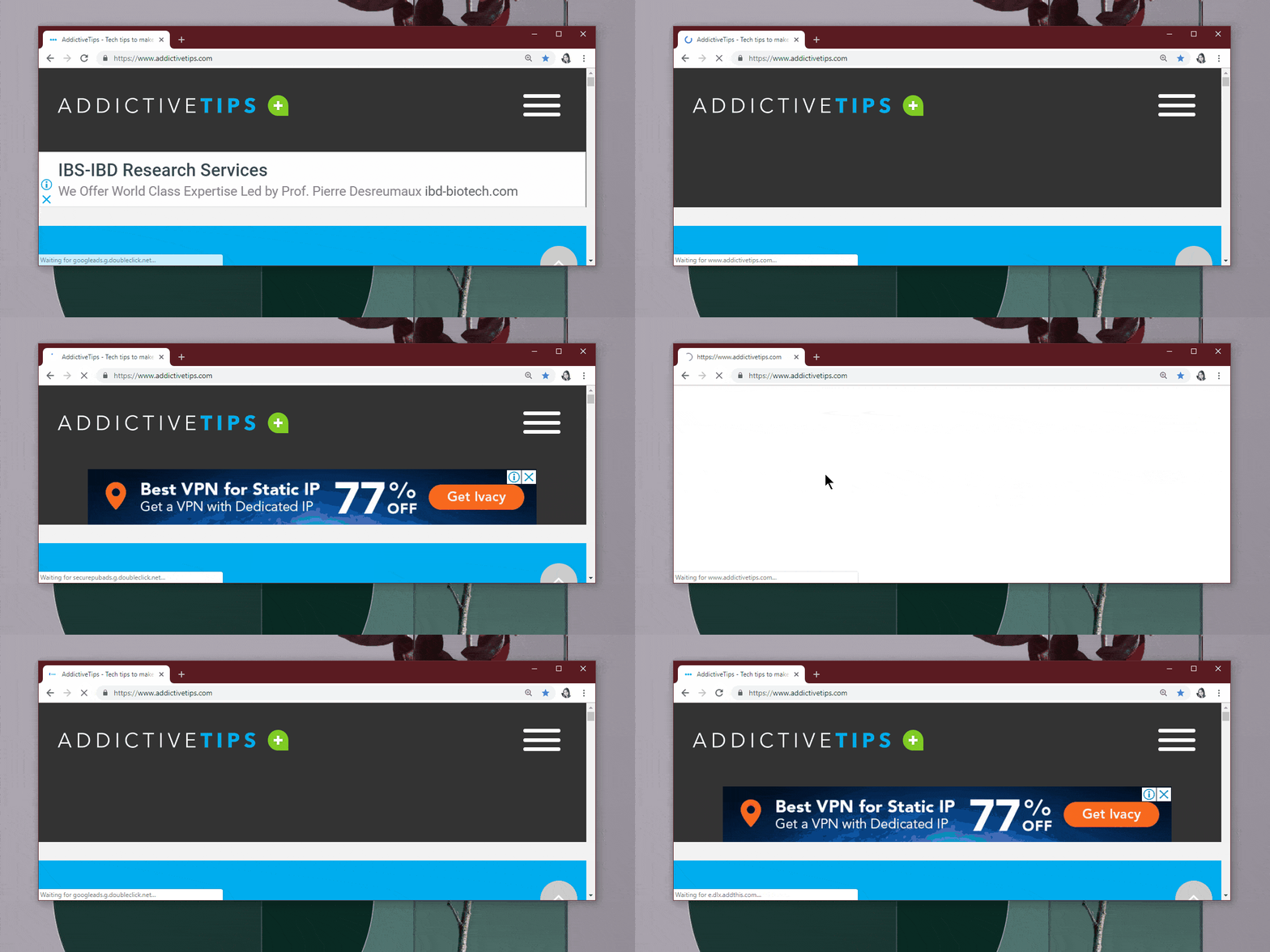
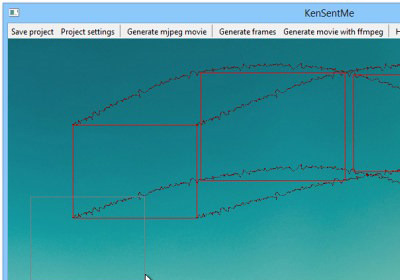
Back in April, we reviewed Motion Time Lapser - a Windows application that allows creating a time lapse video from images in a folder. If you like what Motion Time Lapser has to offer, and are a fan of applications that let you create videos from images, you should give KenSentMe a try. The application lets you apply the Ken Burns Effect to an image of choice, which basically involves the zooming into a particular portion of the image and panning around along a user-defined path. In addition, you can add realistic camera shaking and dynamic exposure to compliment the effect. Read More

LiveWire Adds A Cool New Unlock Animation To The iPhone Lock Screen

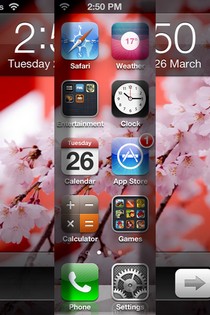
In the past, I have been an avid user of both PaperLock and Unlockize, but within a few weeks, the novelty factor wore off and I came back to the stock iOS lock screen. Another thing that contributed towards my getting bored of these tweaks was the lack of really unique animations. On that front, the newly released LiveWire should struggle (at least in theory) since it only offers one animation, but after using it, I can safely say that the tweak is sure to reside in my iPhone for the next few days at least. The unlocking animation offered by LiveWire is very simple, and does not cause any lag. After some time, you might even forget that it is not a default part of your iDevice. The tweak is extremely simple, requires no configuration and looks awesome in action. Read More

Drawnetic For Android Turns Simple Sketches Into Artistic Animations

Fresh to the Play Store, Drawnetic is a fun-filled and unique sketching app that analyzes your drawing patterns, and then automatically converts your piece of artwork into wonderful kinetic drawings or animations in real time. On the forefront, Drawnetic works just like a conventional drawing tool that provides you with a canvas to sketch and doodle on using a variety of customizable brush types, stroke styles, color combinations, painting tools, background effects, animations and other tools. Once done, you can enjoy seeing your rough sketches transformed into vivid and visually-rich animated graphics, thanks to the app's automatic generative system. Besides sporting plenty of preloaded sketches, Drawnetic features a dedicated online library from where you can download several graphics shared by other users, and share your own masterpieces with the rest. Each animation created via Drawnetic can be saved to local storage or cloud, and replayed as many times as you like. Read More

Draw Your Own Frame-By-Frame Animations With Dink For iPhone

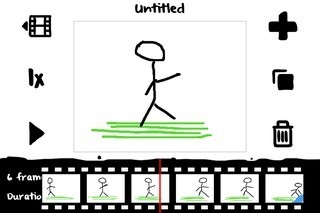
Animations created from photographs have grown in popularity in recent times, owing to the ease with which anyone can make a GIF by stitching a few images together on an iPhone or Android smartphone. There are times however, when what you want to convey can’t be depicted in terms of captured photos, and you are forced to go the old-fashioned way of drawing. Also, a few people are just good at sketching and might want their doodles to come to life by moving them around as animations. While iOS has some decent drawing apps, it may seem almost unthinkable to sketch your own animations on an iPhone. Yet Dink does exactly that by offering a drawing environment where you can sketch each frame separately, before joining them all in the form of a GIF or video. Read More

Ostium Adds An Awesome New Launch Animation & Gesture To iOS Notification Center

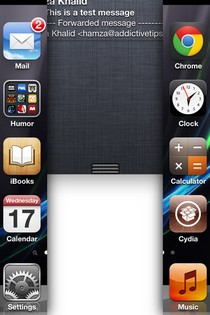
Ever since the release of iOS 5, the Notification Center has engaged the imagination of a lot of Cydia developers. There are several Notification Center widgets in the store, but that’s not all. A significant number of NC-related tweaks alter some basic features or cosmetic aspects of the grey notifications area. While cosmetic tweaks mostly do not offer any useful options, they are still adored by the jailbreak community. There are tweaks that let you change the whole appearance of the bland NC background, but one area that has so far been ignored is the drop-down animation that precedes the Notification Center’s appearance. New to the Cydia store, Ostium is a tweak that allows you to access notifications with a two-finger split gesture, and replaces the familiar drop-down animation with one that splits the screen vertically to reveal the Notification Center. Read More

SwitcherEffect Adds New Animations To App Launch via iOS App Switcher

One of the perks of owning a jailbroken iPhone or iPad is that you can spice up your device without putting in too much of an effort. The Cydia store offers a lot of useful apps and tweaks, but some of the items available in the jailbreak store are there just to let you make your device more beautiful. SwitcherEffect is one such Cydia tweak that might not rank too high in terms of functionality and usefulness, but is pretty good as an option if you are looking to add some extra spice to the App Switcher tray in your iPhone or iPad. The tweak doesn’t add anything new directly to the tray, but just brings some fresh animations to the apps you launch via the App Switcher. There are just 2 animations offered by SwitcherEffect for now, but that number might increase in the future. Read More

DisplayCandy: Change System Animations In Your iPhone

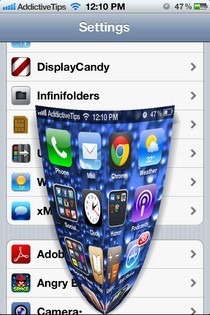
When it comes to smartphones, customization is something that is really popular among the masses these days. Android’s rise to fame is a testament to this, as Google’s mobile operating system lets its users do just about anything they want with their devices. iOS has its positives, but no one can say that it is the most customizable smartphone platform in the world. Admittedly, there are a lot of tweaks and themes available in the Cydia store that allow users to do a lot of cool stuff, but the possibilities are quite limited compared to Android. Fortunately, that doesn’t mean the developers over at the jailbreak store are not trying to make your iPhone even more awesome. Tweaks like DisplayCandy keep reminding jailbreak fans of the true personalization potential iOS can offer. DisplayCandy doesn’t do much in terms of adding new functionalities to your jailbroken iPhone, but if you are looking to revamp your device cosmetically, it is the perfect tweak for you. Thanks to DisplayCandy, you can replace the stock system animations for closing/launching apps with any of the beautiful, new animations offered by the tweak. Read More

AnimateLockscreen: Apply Animated Backgrounds To Your iPhone’s Lock Screen

A lot of people are iOS fans due to its interface and design. The iPhone operating system does have a really refined and polished look, but that doesn’t imply that users can’t get bored of its uniformity. Consider the lockscreen as an example. Although you can set as many new wallpapers as you want, they have got to be static images, and there is no way of using animations on your device’s lockscreen. Fortunately, if you own a jailbroken iPhone or iPod touch, you can now set animations to appear on the lockscreen, thanks to the newly-released Cydia tweak 'AnimateLockscreen'. The best thing about the tweak is the fact that it is compatible with all the boot animations available in the Cydia store, so you can have a new animation on your lockscreen every day! Read More

PaperLock Adds Paper-Themed Lock Screen Animations To Your iPhone [Cydia]

Looks like the Unfold Cydia tweak (reviewed here) has started a really good epidemic. First, there was Unlockize (review), a tweak that borrowed the main concept behind Unfold but with more diversity, and now, PaperLock has arrived in the Cydia store. PaperLock is another collection of unlock animations for iPhone and iPod touch devices, and although it lacks the variety on offer in Unlockize, this new addition to Cydia brings a completely new flavor to lockscreen animations. The tweak has three animations (or themes, as it labels them) and all of them are designed to emulate some sort of paper. You can peel away the lockscreen of your device to reveal the Springboard or passcode screen. Read on for details regarding all the animations available in PaperLock. Read More

Unfold: Fold Away Your iPhone’s Lock Screen Instead Of “Slide To Unlock” [Cydia]

If you think every tweak in the Cydia store is there to add some useful new feature to your iOS device, you clearly haven’t seen enough of the jailbreak store. Cydia is all about customization. There are lots and lots of themes and cosmetic tweaks available there, and the latest to join them is Unfold. Just last week, a concept video made the rounds on the internet proposing an alternative to the familiar “Slide To Unlock” employed by iPhone, iPad and iPod touch. Unfold brings that concept to life, and using this tweak, you can bid a fond farewell to “Slide To Unlock”. If you are using Unfold, you will still have to swipe across the bottom of your device’s lockscreen, but instead of a moving slider, the whole screen will fold away like a paper, revealing the Home screen, passcode lock or any app that was opened when the device was last locked. Read on to know more about Unfold, and to see the tweak’s beautiful animation in our screenshots. Read More

Download & Install Custom Boot Animations To Your Rooted Android Device With AniBoot

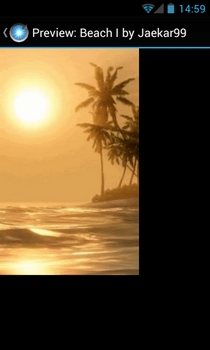
Previously reviewed BootFlash by XDA member, SoCal Devs, allowed Android users to set a custom image of choice as their device’s splash screen – the static screen that shows up immediately after the device (re)boots. What follows the splash screen is the boot animation that normally sports the OEM logo (in case of the stock firmware) or the animated logo/mascot of the custom ROM developer. What if you were to get rid of your device’s monotonous boot animation, and personalize it according to an animation of your own liking? Well, there are a couple of workarounds in this regard: you may either follow all the extensively discussed steps in our detailed guide on changing and creating custom Android boot animations, or you can simply install SoCal Devs’ new app, AniBoot, which features dozens of downloadable boot animations which can be applied to any rooted Android device in no more than a couple of taps. The app supports boot animation in three different screen resolutions – 800x480, 1024x768 & 1280x720 – each comprising at least a dozen various boot animations. Each boot animation can be previewed individually, and if it catches your eye, you can download and apply it to your device in a matter of just a few seconds. Read More

[Giveaway] Turn Your Portraits Into Facial Animations With LiveFace For iPhone

If you are an iPhone user, then you probably would have  come across many apps that let you create animations with relative ease. Usually, you have to perform a few steps before the animation is actually created, and then it mostly has a few shortcomings or flaws. LiveFace for iOS  is a fun app that lets you bring your portraits to life, literally. It lets you easily create animations from face shots, allowing you to export the results as GIF, MP4, SWF or JPG files. You can animate faces in photos in several different ways with no more than a few taps, making your friends wink or appear extatic regardless of what mood they were in when the photo was shot. Read More

Free Video to GIF Converter: Create GIFs From Frames Of Videos

A GIF or Graphics Interchange Format image is one of the few graphics image formats that can be used to create simple animations. It supports a separate palette of 256 colors for each frame, and you can use a GIF animation tool, like AnimateGIF, a portable application that can create flawless GIF images with custom frame delay and option to run the animation once or in a loop, to combine multiple GIF images into a single file for creating a low-end animation. The previously featured GiftedMotion is another easy-to-use animator for GIF images, which lets you create animations from a series of digital images. These tools work flawlessly, but what if you want to create GIF animation out of video clips? Both of these applications lack the option to create GIFs out of video. Today, we came across a tool for creating GIF animations, called Free Video to GIF Converter that enables you to easily create GIFs from video clips. It has a low learning curve and supports a wide range of popular video formats including AVI, WMV, MPEG, MOV, FLV, MP4, 3GP etc. Keep reading after the jump to find out more about the software. Read More

Flixel: Create Animations, Apply Effects & Share With Others [iPhone]

A few days back, we covered an iOS app named Viddy, which allowed users to share videos with their friends and other app users after making desired changes to it. Just like that app is an Instagram for videos, Flixel is an app which lets you do, more or less, the same thing, but with animations. This iPhone app won’t make you snap a lot of photos and then stitch them together in a complex manner to make an animation. All you have to do is to point your iPhone or iPad’s camera in the direction of a moving object, and you will have a fully functional animation, which can be edited and then shared with all your friends and personal network on the app. Read More

MoPic For iPhone/ iPad: Create GIF Animations From Videos & Photos

If you are a fan of GIF animations, then iOS is a pretty good platform to be on, owing to the number of GIF creating apps available for iPhone, iPad and iPod touch. A few months back we covered GifBoom, which allows its users to create GIFs by stitching together as many photos as they want. The output provided by the newly released MoPic is pretty similar, but it comes with the ability to use a video for creating animations, rather than just photos. Most of the times GIF creators are used just for fun, but even if you need an animation for your important presentation, the results delivered by MoPic are good enough. Read More

Easily Create Loop GIF Animations With AnimateGIF

A GIF (Graphics Interchange Format) image consists of an animation created by combining a number of still images. It is one of the earliest digital image formats that was introduced back the 80's. It is a very popular image format on the internet, especially on various web forums, as it enables users to create animations without using any complicated image or video editing application. Head over to websites like neogaf and you'd find countless GIF images, shared by various users. If you have ever wondered how to make your own GIF animations, then you'd be surprised to learn that the whole process is quite easy and requires a simple software and some little use of brain. Among a number of GIF creaters available on the internet, one really caught our attention is AnimateGIF. It is a portable application that can create flawless GIF images within a few clicks, complete with custom frame delay and selecting whether the animation will run once or in a loop. You can add & remove as many images as you like and change the quality of your final GIF image. Keep reading for more on AnimateGIF. Read More

Create Animations And Add Effects To Them With Moquu For iPhone & iPad

Moquu is a free iOS app that hopes to revolutionize the way GIF animations are created. Each GIF animation created with the app is called a Moquu. To create a Moquu, you can make use of up to 10 images from the Camera Roll of your iPhone or iPad or you can start shooting photos from within the app and create an animation out of them. But that's not all there is to the app. Read on to find out what makes Moquu stand out from the rest of its kind. Update: The app is now available for WP7 as well (with pretty similar features and interface), and you can find the Marketplace link at the end of this post. Read More

Enable CRT Animation, SMS And Get Desktop Versions Of Websites On Motorola Xoom

Motorola Xoom, Google’s flagship Honeycomb tablet has just received a mod courtesy of XDA-Developers forum member, sangreal06 that has suddenly taken the device to a new level of awesomeness. Your Xoom can now let you view the desktop version of websites, without needing to redo the “about:debug” trick over and over again. That’s not it, we have SMS and the Gingerbread CRT lock animation as well. For more on this mod and how to get it on your Xoom, read on! Read More