How To Mount Blu-Ray Image As Virtual Drive
In the previous post we discussed about ripping and burning blu-ray disk, this post will focus on mounting and un-mounting blue-ray image. The tool we will use for this process will also be the same(BDDecrypter). There are various emulation tools that now support mounting of blu-ray image, but we will use this tool since it can also rip and burn blu-ray disks. Thus, making all three tasks possible from within one easy-to-use tool.
Mount Blu-Ray Image As Virtual Drive
To mount an image, run this tool, click Emulate, and select Mount Blu-Ray Image as Virtual Drive.
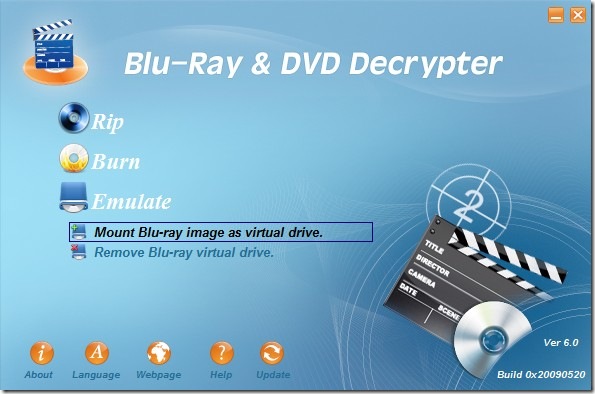
Now select the Blu-Ray image file and click Next. That’s it.
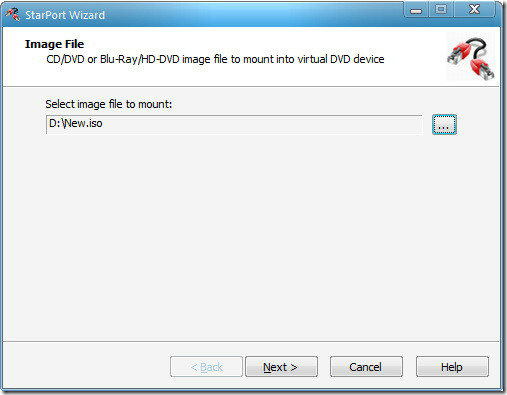
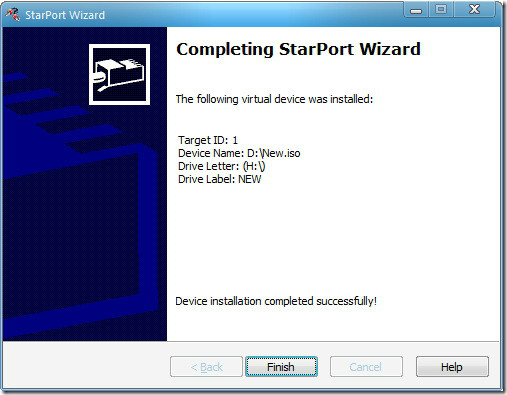
Un-mount/Remove Blu-Ray Virtual Drive
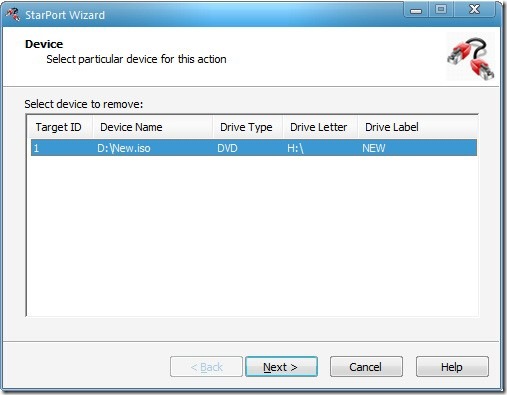
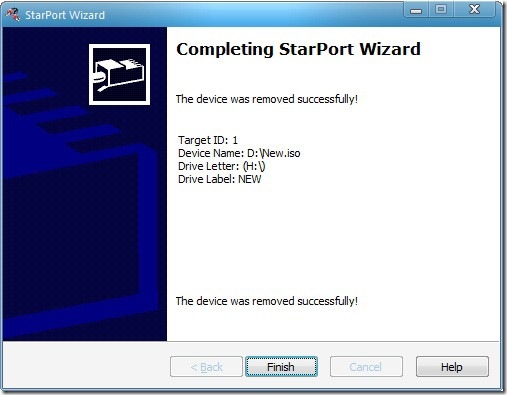
To un-mount/remove the Blu-Ray virtual drive, run this tool, click Emulate, and select Remove Blu-Ray Virtual Drive.
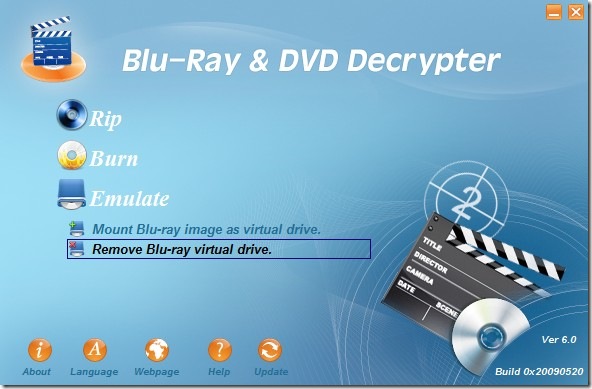
Now select the Virtual Drive that you want to remove and click Next. That’s it.
Note that you can mount as many virtual drives as you want using this tool, there is no limit. This tool works on Windows 2000, XP, Server 2003, Vista, and 7. Both 32-bit and 64-bit OS are supported. Enjoy!

where can I get the bddecrpyter?
Download free
http://bluraydvddecrypter.com/download/BDDecrypterSetup.exe
😉
hi please send blu-ray&dvd decrypter