Split A Large File Into Smaller Pieces & Join It Back Quickly
Cryogenic is a small but powerful portable open source tool, allowing one to split any large file into specified chunks for easier and quicker sharing.
To witness yourself, launch the app and try splitting up huge file (video file) into chunks. The main IDE layout is simple, having all necessary buttons & links for quick split up. For splitting files, enable Split file option and enter number of chunks you need to create of selected file. Click Source to specify location of source file and click Destination to select the output folder. Click Split to let it break the file into specified pieces.
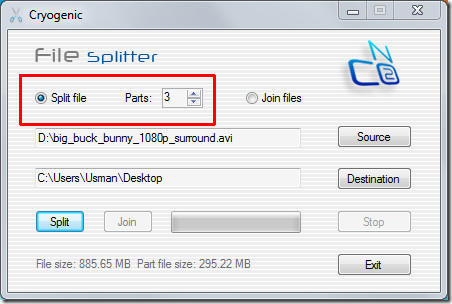
Glance at the file size and size of chunks it is creating.
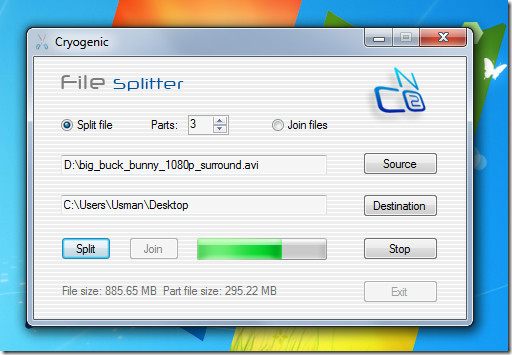
For joining the file, follow the same procedure of specifying source destination & Output folder. If it fails to work, there are always alternative, such as, File Joiner, HJSplit, and VY-Splitter.
It works on Windows XP, Windows Vista, and Windows 7. Testing was done on Windows 7 32-bit OS.
