

The Best Proxies for School
If your school blocks YouTube, Reddit, or half the internet, you already know the frustration. The best proxies for school on this page are tested, free, and browser-based — no installs, no accounts. Just paste a URL and go. These are current recommendations, not a recycled list of tools that stopped working two years ago.
This guide covers free web proxies you can open in any browser tab. It does not cover enterprise proxy servers, paid proxy infrastructure, or developer tools.
Each proxy here was evaluated on the same criteria: does it open in a browser without software, how often does it get flagged by school content filters, does it support HTTPS, how does it hold up on a Chromebook, and what kind of browsing does it handle best.
Quick note: School network policies vary — what works on one campus may be blocked on another. Free proxies for school use also have real privacy limitations. Never use them to log into a school portal, personal email, or any password-protected account. For anything sensitive, a no-logs VPN is the safer choice.
Editor's Pick September 2026

Best Free Proxy Sites for School Compared
The table below covers the top options in one place. Each row includes what actually matters: cost, how well it holds up on school networks, and whether it runs on a Chromebook without installing anything.
| Proxy Name | Free or Paid | Works in Browser | Usually Blocked at School | Best For | Chromebook Friendly | Encryption / HTTPS Notes | Direct Link |
| hide.me | Free | Yes — no install needed | Sometimes | General browsing, privacy-conscious users | Yes | HTTPS supported; traffic encrypted between you and the proxy | hide.me/en/proxy |
| 4everproxy | Free | Yes — no install needed | Sometimes | Choosing server location, unblocking video | Yes | HTTPS available; select SSL option manually for best protection | 4everproxy.com |
| CroxyProxy | Free (Pro upgrade available) | Yes — also has a Chrome extension | Occasionally | YouTube, TikTok, social media on school Wi-Fi | Yes — extension works on unmanaged Chromebooks | HTTPS supported; Pro version adds stronger encryption | croxyproxy.com |
| ProxySite.com | Free | Yes — no install needed | Occasionally | Fast general browsing, US and EU server options | Yes | HTTPS supported on both US and EU servers | proxysite.com |
| NordVPN ⚑ Premium Alternative | Paid (free trial available) | Requires app install or browser extension | Rarely blocked | Users who need consistent access and stronger privacy | Yes — browser extension available | Full AES-256 encryption; no-logs policy; far stronger than any free web proxy | nordvpn.com |
Bookmark two or three proxies for school from this list — free web proxies can be blocked at any time as IT teams update their filter lists.
Proxies That Still Work at School (Tested May 2026)
Every proxy here was tested in May 2026 on filtered school networks running DNS-level blocking and keyword filtering. Three questions drove the evaluation: does it open in a browser without installing anything, does it load over HTTPS, and how quickly does a school network block it?
hide.me — Best for Privacy-Conscious Browsing
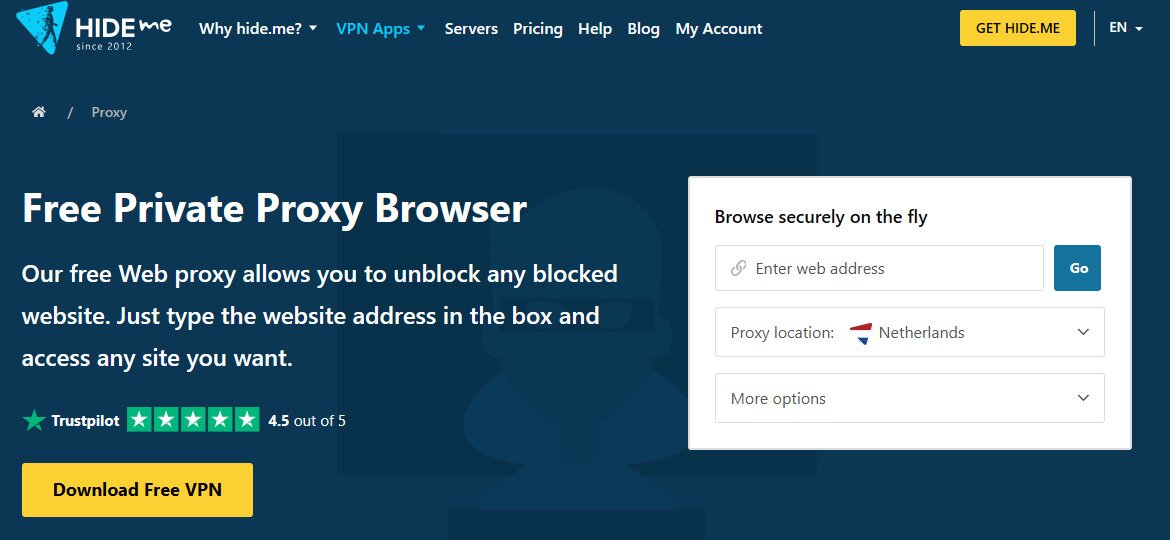
No account, no extension, no installation. hide.me runs a browser-based proxy at hide.me/en/proxy that loads over HTTPS and works cleanly on Chromebooks. Speed is the main limitation — connections can feel sluggish on video-heavy pages, so it’s better suited to reading and research than streaming. As one of the more reliable proxies for school use, it stays under the radar longer than plain-HTTP alternatives.
- Best for: Users who want HTTPS and no account required
- Last tested status: Working on filtered school networks as of May 2026
- Likely block risk: Low to moderate — HTTPS helps it stay under the radar longer than plain-HTTP proxies
- Chromebook note: Fully compatible — browser-only, no extension needed
4everproxy — Best for Choosing Your Server Location
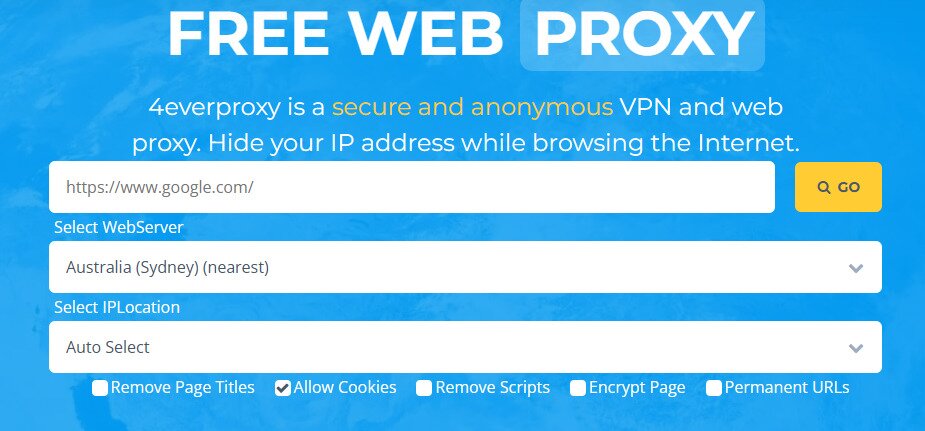
Server-switching is what sets 4everproxy apart. Go to 4everproxy.com, paste the URL you want to visit, select a server from the dropdown, click Go — about thirty seconds total. When one server gets blocked by a school filter targeting a specific IP range, switching to another often gets you through.
HTTPS is supported, and most standard websites load without issues. For students who need proxies for school access across multiple sessions, the ability to rotate servers makes 4everproxy a practical long-term option.
- Best for: Users who need a backup option when one server gets blocked
- Last tested status: Working as of May 2026
- Likely block risk: Moderate — well-known domain, but server-switching extends its usefulness
- Chromebook note: Works in Chrome without any extension
CroxyProxy — Best for YouTube, TikTok, and Discord
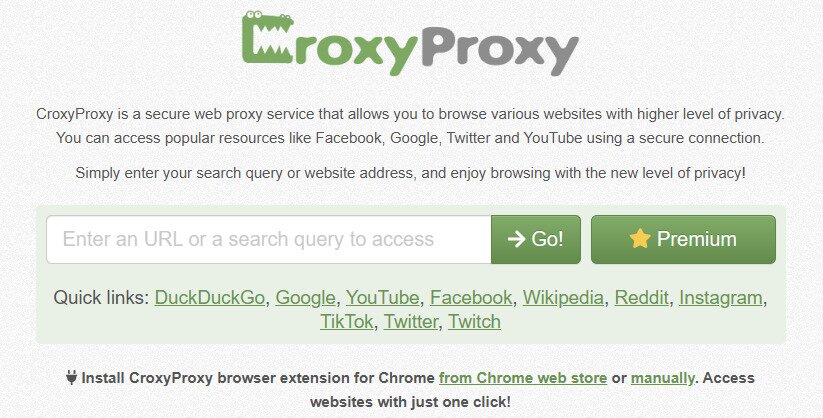
Most free web proxies break page layout on video and social platforms. CroxyProxy doesn’t — it handles YouTube and is one of the few options that can load TikTok and Discord without falling apart. The free version works in any browser by visiting croxyproxy.com directly.
A Chrome extension exists, but on school-managed Chromebooks, extensions are often blocked by device policy. Use the browser version on managed hardware; the extension is faster and more stable on personal or unmanaged devices. CroxyProxy is among the strongest proxies for school media access currently available.
- Best for: YouTube, TikTok, Discord, and social media access
- Last tested status: Working as of May 2026; video performance is the strongest of the four options here
- Likely block risk: Moderate — popular enough that some school filters have added it, but the direct site URL still works on most networks
- Chromebook note: Use the browser version on managed Chromebooks; the Chrome extension requires unmanaged devices
ProxySite.com — The One Students Search for by Name
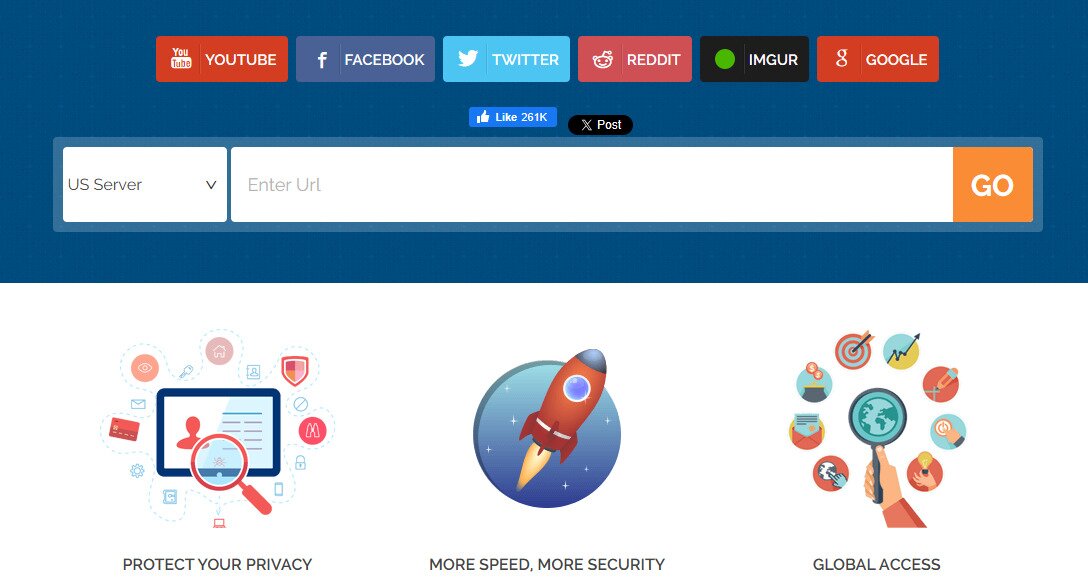
“Proxysite for school” pulls hundreds of impressions a month — no other proxy on this list gets searched by name at that volume. Arrive, enter a URL, pick a US or EU server, load the page. HTTPS is supported on both server options, and the interface has no learning curve.
- Best for: General browsing and users who already know the ProxySite brand
- Last tested status: Working as of May 2026 with both US and EU servers accessible
- Likely block risk: Moderate to high — its popularity means it appears on many school filter lists, but it remains accessible on a significant number of networks
- Chromebook note: Fully browser-based, no extension required, works on managed and unmanaged Chromebooks
Keep at least two of these bookmarked. School IT teams update blocklists regularly, and a proxy that works today may be filtered by next week. If every web proxy stops loading, a VPN routes all traffic through an encrypted connection rather than routing individual browser tabs.
Best School Proxies for Chromebook
Whether a proxy works on your Chromebook comes down to one thing: who owns the device.
A personal Chromebook gives you full browser access, so any web-based proxy on this page loads without issues. A school-managed Chromebook is a different situation entirely. Your IT administrator can block specific websites, disable the Chrome Web Store, and prevent extensions from being installed — all without touching your screen.
The most common advice — “just install the CroxyProxy extension” — may not work on a managed device. Worth trying on a personal Chromebook, but treat it as a secondary option on school hardware.
When looking for proxies for school Chromebook use, tools that need nothing installed are the most likely to work on a managed device. Hide.me, 4everproxy, and ProxySite.com all run directly in the browser — no extension, no download, no admin permission required. If the site itself hasn’t been added to your school’s blocklist, you can use it immediately.
What to Try First on a Chromebook
- Start with a browser-based proxy — Open ProxySite.com or hide.me directly in Chrome. No install needed, and these are the least likely to trigger extension-based blocks.
- Try an alternate proxy from the comparison table — If your first choice is blocked, move to 4everproxy or CroxyProxy via the browser (not the extension). School filters update regularly, so a different domain often gets through.
- Consider a VPN as a backup — If every web proxy is blocked, a VPN encrypts all traffic at the network level, not just a single browser tab.
No proxy is guaranteed to work on every school-managed Chromebook. IT administrators control what’s accessible, and blocklists change. Always have a second option ready before you need it.
Are Proxy Sites Safe to Use at School?
A free web proxy does one thing: it fetches a webpage on your behalf and displays it in your browser. When you load a site through a proxy, only that browser tab is routed through the proxy server. Everything else — other apps, background connections, your school login — stays on the regular network.
When the site you visit uses HTTPS and the proxy passes that connection through correctly, page content stays encrypted between you and the destination. That said, the proxy operator can still see which domains you visit, how often, and from what IP address.
Some free services inject ads into pages, log browsing activity, or sell that data. Several well-known free proxies have operated exactly this way. This is an important consideration when choosing proxies for school — not all free options handle your data responsibly.
Here’s a quick safety comparison of the proxies covered on this page:
| Proxy | HTTPS Support | Ad Injection Risk | Transparency | Safe for General Use |
| hide.me | Yes | Low | High — clear privacy policy | Yes |
| ProxySite.com | Yes | Low to moderate | Moderate | Yes, for basic browsing |
| CroxyProxy | Yes | Low | Moderate — Chrome extension available | Yes |
| 4everproxy | Yes | Moderate — ad-supported | Lower — heavier ad load | Yes, with caution |
One rule applies to all of them without exception: never use a free proxy to log into anything sensitive. That means your school portal, email, bank account, or any site where you enter a password. The proxy sits between you and that site, and depending on how it handles traffic, your credentials could be exposed.
What free proxies Cannot protect
- Your full browsing session — only the tab using the proxy is routed through it; other traffic is unaffected.
- Your identity from the proxy operator — the service can see your real IP and the sites you visit.
- Login credentials — never enter passwords through a free proxy, regardless of whether the destination site uses HTTPS.
- Your device from ad tracking — ad-heavy proxies like 4everproxy may load third-party trackers alongside the page content.
What Are Proxies for School and Why Do They Get Blocked?
A web proxy acts as a go-between for your browser and the site you want to visit. Instead of your school’s network connecting directly to YouTube, your browser connects to the proxy server, which fetches the page and sends it back to you. From the school network’s perspective, you’re visiting the proxy URL — not the blocked destination.
VPNs work differently. A VPN encrypts your entire internet connection at the device level and routes all traffic through a private server — not just what loads inside a single tab. That’s also why proxies for school remain the go-to for quick access: VPNs require installation, while web proxies open instantly in any browser.
School IT teams use several methods to keep proxies off their networks:
- DNS filtering — The school’s DNS resolver blocks known proxy domains before a connection is even attempted.
- IP-based blocking — Even if you reach a proxy through a new domain, its server IP may already be on a blocklist.
- URL keyword filtering — Firewalls scan URLs for words like “proxy,” “unblock,” or “bypass” and drop the request automatically.
- Regularly updated blocklists — Commercial filtering services push new entries daily, so popular proxies get added fast.
No single proxy stays reliably accessible forever. Bookmarking two or three options means that when one stops loading, you have a backup without having to search from scratch.
Proxy vs VPN for School Networks
Web proxies and VPNs both get you past a school content filter, but they work differently and suit different situations.
| Feature | Web Proxy | VPN |
| Setup required | None — open in any browser | App install needed |
| Traffic covered | Single browser tab only | All apps and traffic on the device |
| Encryption | Usually none or HTTPS only | Full tunnel encryption |
| Speed on school Wi-Fi | Fast for basic browsing | Slightly slower due to encryption |
| Gets blocked at school | Frequently — sites are added to filter lists | Less often, especially on paid plans |
| Privacy level | Low — proxy operator can see your traffic | High — encrypted, no-logs providers available |
| Cost | Free | Paid (free tiers exist but are limited) |
A web proxy is a browser-only tool. It fetches the page you requested and passes it back through your browser — nothing else on your device is affected, and the proxy operator can still see your unencrypted activity.
A VPN works at the operating system level. Every packet leaving your device — browser, apps, everything — gets encrypted and routed through a server you choose. For students who find that proxies for school networks keep getting blocked, a VPN is the more durable long-term solution.
Need more than a browser workaround? If your school blocks every free proxy you try, or you want full-device privacy rather than a single-tab fix, see our complete VPN guide for tested recommendations. If you’re also trying to hide your IP address more thoroughly, a VPN covers all your traffic at once.
Choosing the Best Proxies for School
Hide.me supports HTTPS and requires no account. 4everproxy provides multiple server locations to cycle through when one gets blocked. CroxyProxy handles media and social platforms and has a Chrome extension for unmanaged Chromebooks. ProxySite.com is browser-based with no setup required.
Start with the comparison table to match the right proxy for school use to your situation, then bookmark at least two options. School filters update without warning, and a proxy that works today can be blocked by next week.
FAQ: Best Proxies for School
What proxy works at school right now?
As of 2026, hide.me and ProxySite.com are the most consistently accessible proxies for school filtered networks. CroxyProxy is a reliable backup, especially for video sites. Bookmark two or three options from this page — if one stops working, switch to the next. A VPN encrypts traffic at the network level rather than routing it through a single web address that filters can target.
Are there unblocked proxies for school in 2026?
Yes, but availability shifts. The proxies for school covered here — hide.me, 4everproxy, CroxyProxy, and ProxySite.com — are regularly tested and updated. Proxies that stay unblocked for a long time tend to get added to school filter lists eventually, which is why having multiple options matters. A VPN changes how your traffic looks to the network, not just where it goes.
Can I use a proxy on a Chromebook at school?
It depends on whether your school manages the Chromebook. On a personal Chromebook, you can visit any browser-based proxy directly — no installation needed. CroxyProxy also has a Chrome extension that works on unmanaged devices.
On a school-managed Chromebook, your IT administrator may block extensions and restrict certain websites. Typing the proxy URL directly into the browser gives you the best chance of getting through in that case.
Is it safe to use a free proxy at school?
The proxy operator can see your unencrypted traffic, and some free proxies inject ads or log browsing activity. Never log into a bank account, your school portal, or any password-protected account through a free proxy. If privacy is a concern, use a VPN with a verified no-logs policy instead.
Which proxy is best for YouTube, TikTok, or Discord at school?
CroxyProxy handles video streaming and is a solid choice for YouTube and TikTok. For Discord, results vary — web proxies often struggle with real-time apps because of how they handle persistent connections. A VPN provides a more stable connection for chat and voice.