Top 10 Proxy Browsers for Secure and Private Surfing
Proxy browsers route your traffic through a middleman server before it reaches any site you visit. A proxy web browser hides your real IP address, so the site sees the proxy’s address instead of yours. These tools range from dedicated downloadable browsers to simple web-based services you can use without installing anything.
Quick definition: A proxy web browser hides your IP by sending your requests through a separate server. The site you visit sees that server’s address, not yours.
Two common examples show how different these tools can be.
Tor Browser is a dedicated privacy browser you download and install. It bounces your traffic through multiple volunteer-run servers worldwide, making it very hard to trace back to you. CroxyProxy, by contrast, runs entirely in your existing browser with no install needed. You paste a URL, and CroxyProxy fetches the page for you.
One key point to keep in mind: proxy browsers only cover traffic inside the browser itself. Your email client, streaming apps, and system updates still connect directly to the internet. This is different from a VPN, which protects traffic from your whole device. That difference matters a lot when choosing the right tool, and we cover it in detail later.
Most people reach for these tools for a few everyday reasons:
- Basic privacy while browsing – hiding your IP from sites you visit without any complex setup.
- Accessing a blocked site – getting around regional blocks or network filters at school or work.
- Checking how a page looks from another location – useful for travelers or anyone testing geo-specific content.
How Proxy Browsers Work and How We Picked These Options
When you use a proxy web browser, your request does not go straight to the site. Instead, it travels to a proxy server first. That server contacts the site on your behalf, then sends the response back to you. Your real location stays hidden from the destination.
That is what proxy browsers do well. However, they do not encrypt your traffic end-to-end. They also do not protect apps running outside the browser. Most of these tools, especially free web-based ones, only route your browser sessions. Everything else on your device connects normally. If you need full-device protection, a VPN is the more reliable choice.
Not everything in this roundup is a traditional browser. Some entries are web proxies you access through your existing browser without installing anything. Others are advanced proxy tools built for users who manage multiple profiles or IP sessions at once. We have labeled each one clearly so you know what you are getting.
How we chose what made the list
- Privacy defaults – Does the tool avoid logging your traffic by default? Is that policy clearly documented?
- Ease of use – Can an everyday user get started without reading technical docs?
- Free availability – Is there a genuinely usable free tier, not just a short trial?
- Windows compatibility – Does it work reliably on Windows without workarounds?
- Transparency – Does the provider publish a clear logging and data policy?
The list is ordered with everyday users in mind. Consumer-friendly proxy browsers come first. Advanced proxy tools appear later. They are useful for specific workflows, but not the right starting point for most people.
Quick Comparison: Best Proxy Browsers at a Glance
Not sure which proxy web browser fits your needs? The table below cuts straight to the key differences. You can compare free vs. paid, built-in privacy vs. manual setup, and everyday browser vs. web-based proxy tool.
| Browser / Tool | Best For | Free Option | Built-In Proxy or Privacy Feature | Platform | Main Limitation |
| Tor Browser Best Overall | Maximum anonymity, free private browsing | Yes, fully free | Yes, multi-layer routing built in | Windows, Mac, Linux | Noticeably slower speeds |
| CroxyProxy Best Free | Quick, no-install web proxy access | Yes, free tier available | Yes, browser-based proxy, no setup needed | Any browser (web-based) | Limited to web use; no full-device coverage |
| Opera Browser Best for Windows | Everyday browsing with built-in VPN/proxy | Yes, built-in free VPN | Yes, native VPN proxy toggle | Windows, Mac, Android, iOS | VPN covers browser traffic only |
| Decodo X Browser Best for Advanced Proxy Control | Multi-profile proxy management | No, requires subscription | No, relies on external proxy service | Windows | Overkill for casual users; paid only |
| Bright Data Web Proxy | Business and data-gathering use cases | Limited trial | No, external proxy network required | Web-based / Windows | Expensive; not designed for everyday browsing |
| Dolphin Anty | Anti-detect browsing, multiple profiles | Free plan (limited profiles) | No, requires separate proxy setup | Windows, Mac | Steep learning curve; developer-focused |
Just want private browsing through a proxy? Start with Tor Browser (free, built-in) or CroxyProxy (no install required). The other options on this list serve more specialized use cases.
Best Proxy Browsers for Private Browsing
Not every tool here is a browser in the traditional sense. Some are built for everyday private browsing. Others are specialist platforms designed for developers, scrapers, or multi-account workflows. The picks below are ordered by how well they match what most people actually need. We start with the strongest options for typical users and end with the tools that belong in a professional’s toolkit.
1. Tor Browser – Best Overall Proxy Web Browser for Privacy
Best for: Privacy-focused users who want strong anonymity without paying anything. Tor Browser routes your traffic through at least three encrypted relays before it reaches its destination. This makes it the most robust free option for genuine private browsing. It blocks trackers and fingerprinting by default, requires no account, and is available as a direct Windows download.
- Free or paid: Completely free and open-source
- Standout feature: Multi-layer onion routing that hides your IP from both the destination site and your internet provider
- Biggest drawback: Noticeably slower than a standard browser. The extra relay hops add real latency, so streaming or large downloads can be frustrating.
2. CroxyProxy – Best No-Install Option for Beginners

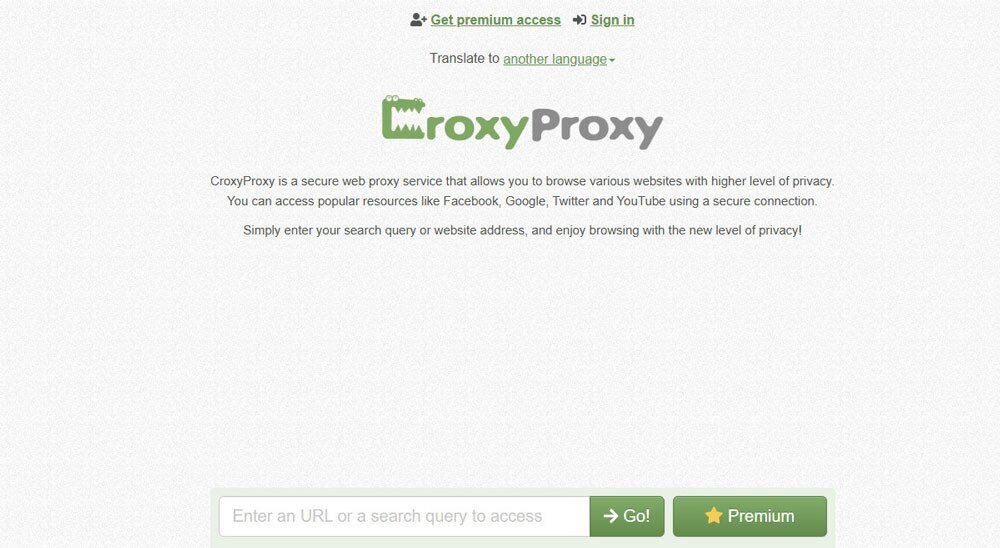
Best for: Anyone who wants to use a web proxy without downloading software. CroxyProxy runs entirely in your existing browser. Paste a URL, and it fetches the page through its proxy servers. There is nothing to configure and no account required for basic use.
- Free or paid: Free tier available; premium plan removes ads and adds faster speeds
- Standout feature: Works on any device with a browser, including Chromebooks and locked-down school or work machines
- Biggest drawback: The free version is ad-heavy and does not encrypt your connection. It hides your IP from the target site but offers no protection against your own network or the proxy provider itself.
3. Decodo X Browser – Best for Advanced Multi-Profile Proxy Management
Best for: Advanced users who need to manage multiple browser profiles, each with a separate proxy identity. Decodo X Browser is one of the more specialized proxy browsers — an anti-detect tool built to work alongside Decodo’s residential and datacenter proxy network. It is not designed for everyday browsing and requires an active Decodo subscription to get full value from it.
- Free or paid: Paid, requires a Decodo proxy subscription
- Standout feature: Each browser profile gets its own isolated fingerprint and proxy assignment. This is useful for managing multiple accounts without cross-contamination.
- Biggest drawback: Steep learning curve and overkill for anyone who just wants private browsing. The interface assumes you already understand proxy rotation and browser fingerprinting.
4. Bright Data Web Proxy – Specialist Tool for Scraping and Automation
Best for: Developers and data teams running web scraping pipelines or automated data collection at scale. Bright Data is a proxy infrastructure provider, not a consumer browser. Its browser-based tools are designed to integrate with scraping workflows, not to replace your daily driver.
- Free or paid: Paid, with enterprise pricing. Not a realistic free option for individuals.
- Standout feature: Access to one of the largest residential proxy networks available, with precise geo-targeting down to city level
- Biggest drawback: Completely wrong tool for typical readers searching for proxy browsers for personal use. The pricing, complexity, and use-case focus are aimed at business and developer teams.
5. Dolphin Anty – Specialist Tool for Multi-Account Workflows
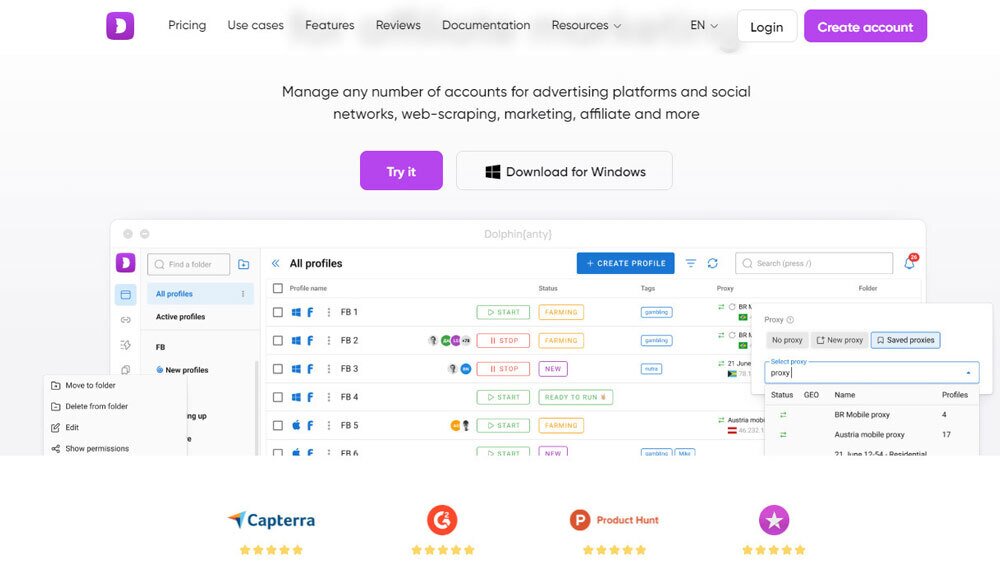
Best for: Affiliate marketers, social media managers, and e-commerce operators who run multiple accounts at once. Each account needs to appear as a distinct browser identity. Like Decodo X Browser, Dolphin Anty is an anti-detect browser built around proxy assignment and fingerprint isolation, not general privacy browsing.
- Free or paid: Free plan available for up to 10 profiles; paid plans scale from there
- Standout feature: Team features that let multiple users share and manage browser profiles with assigned proxies
- Biggest drawback: Not a privacy tool for everyday users. If you are searching for proxy browsers to browse privately, this is not what you need.
Quick note on Bright Data and Dolphin Anty: Both are legitimate, well-regarded platforms. However, they are built for automation, scraping, and multi-account management. If you landed here looking for tools that protect your privacy while you browse normally, start with Tor Browser or CroxyProxy instead. The specialist tools are listed here for completeness, not as first recommendations for typical readers.
Browsers With Built-In Proxy or Privacy Features
Some browsers handle proxy or privacy routing without requiring a separate extension or manual server setup. The feature is simply there when you open the right window or toggle the right setting. Three options come up most often: Tor Browser, Opera’s built-in VPN, and Brave’s Private Window with Tor.
Tor Browser routes all traffic through the Tor network. This is a series of volunteer-run relays that strip identifying info at each hop. It offers the strongest anonymity of any mainstream browser option. However, that routing adds noticeable latency. It is free, open-source, and available for Windows, Mac, and Linux.
Opera’s built-in VPN is more accurately described as a proxy than a true VPN. It reroutes browser traffic through Opera’s own servers and masks your IP. But it does not encrypt all device traffic and should not be treated as equivalent to Tor-level anonymity. It is, however, the easiest option here: one toggle in the settings menu, no account required.
Brave’s Private Window with Tor sits between the two. It integrates Tor routing into a specific window type within Brave. So your regular browsing stays fast while the Tor window handles sensitive sessions. Protection applies only to that window, not your standard tabs.
Built-in proxy browsers: feature comparison
| Browser | Easiest to Use | Anonymity Strength | Speed Impact | Protection Scope |
| Opera (built-in VPN) | Easiest | Low to moderate (proxy-level) | Minimal | All browser traffic |
| Brave (Private Window with Tor) | Moderate | Moderate to high | Noticeable in Tor window | Tor window only |
| Tor Browser | Least setup friction, but slowest | Highest | Significant | All traffic in browser |
If you want the most mainstream experience with minimal setup, Opera works out of the box. If anonymity is the priority and you can accept slower page loads, Tor Browser is the stronger choice. Brave’s Tor window is a practical middle ground for users who want occasional private routing without switching tools entirely.
Best Free Proxy Browsers for Private Browsing
Free tools can handle casual browsing needs. However, the gap between a trustworthy free option and a risky one is wider than most people expect. There are really only a handful of free proxy browsers worth recommending without caveats.
- Tor Browser – The most credible free option. It routes traffic through multiple encrypted relays, logs nothing, and costs nothing. The tradeoff is speed: pages load noticeably slower, and some sites actively block Tor exit nodes. It is best suited for privacy-focused browsing rather than streaming or casual everyday use.
- CroxyProxy (free tier) – Works directly in your existing browser with no download required. The free version is limited to basic sites, runs ads, and does not cover all traffic outside the browser tab. It is a reasonable choice for quickly accessing a blocked page, but not for sustained private browsing sessions.
- Windscribe browser extension (free tier) – Offers 10 GB of monthly data on the free plan with a clear, publicly available privacy policy. It protects browser traffic only, not your full device. Free users get access to a limited number of server locations.
Red flags to watch for in free proxy browsers
Before using any free proxy site you found through a search, check for these warning signs:
- No privacy policy
- A forced download before you can use the service
- Permission requests that go beyond what the tool needs
- Vague language about whether your browsing data is stored or sold
Free proxy browsers work well for one-off tasks like checking a geo-blocked page or browsing without logging into an account. For anything involving sensitive data, regular daily use, or full-device protection, a paid VPN is the more reliable long-term choice.
Best Proxy Browsers for Windows PC and Basic Setup Tips
Windows users searching for proxy browsers have three realistic options. Most people fall into one of two camps: they want privacy without installing anything new, or they want a dedicated browser with strong anonymity defaults. A third, smaller group needs multi-profile proxy management for more advanced tasks.
- Tor Browser – The strongest free option for Windows users who want genuine anonymity. It routes traffic through multiple encrypted relays, requires no subscription, and is a direct Windows download from the official Tor Project site. Best for: maximum privacy at no cost.
- CroxyProxy – Works inside your existing Chrome or Edge window with no installation required. You visit the site, enter a URL, and browse through the proxy right away. Best for: quick, no-install access when you need a proxy occasionally.
- Decodo X Browser – Designed for users who manage multiple proxy profiles at once. It requires an active Decodo subscription and is better suited to advanced or professional use cases than everyday private browsing.
Four things to confirm before you start
Before using any of these, check these four things. First, always download from the official source. Get Tor Browser from torproject.org, not a third-party mirror. Second, check whether you need browser-only protection or system-wide coverage. Proxy browsers only mask traffic from that browser, not from other apps on your PC. Third, test for DNS leaks using a free tool like dnsleaktest.com. Some proxy setups still expose your real DNS requests. Fourth, review the proxy provider’s privacy policy to confirm whether they log your activity.
How to configure a proxy in Chrome or Edge on Windows
- Open Settings and search for proxy.
- Click Open your computer’s proxy settings. This takes you to Windows network settings.
- Under Manual proxy setup, toggle Use a proxy server on.
- Enter the proxy server address and port provided by your proxy service.
- Save and relaunch the browser to apply the changes.
For Firefox, the process is handled inside the browser itself. Go to Settings > General > Network Settings > Manual proxy configuration, then enter your proxy address and port. Firefox applies this independently of your Windows system settings. This makes it useful if you want proxy routing in Firefox only while other browsers connect directly.
For a full walkthrough, see our guide on how to configure a proxy on Windows. If you use a Mac alongside your PC, we also cover how to set up a proxy on Mac. If you need to explore different proxy access options for restricted networks, we have a dedicated guide for that as well.
Proxy browsers only protect traffic from that browser. If you need your entire Windows connection covered, including apps, games, and background services, a VPN is the more reliable choice.
Are Proxy Browsers Safe?
Whether proxy browsers are safe depends on three things: who runs them, what they log, and whether your connection is encrypted. A well-maintained tool with a clear no-logs policy and HTTPS support is very different from a random free web proxy with no privacy policy in sight.
That distinction matters because the risks vary widely. Here is what to watch for:
- Traffic logging: Many free proxy services record your browsing activity. That data can be sold, subpoenaed, or exposed in a breach.
- Injected ads and scripts: Some free web proxies insert their own ad code into the pages you visit. In worse cases, that code includes tracking scripts or malware.
- Malicious free proxies: A small number of free proxy services exist to intercept credentials or redirect users to fake download pages. If a free tool has no verifiable owner, treat it as a risk.
- Browser-only protection: Most proxy browsers only route traffic from the browser itself. Any other app on your device sends data outside the proxy entirely.
Checklist: before you trust any proxy browser
Use this checklist before using any proxy browser for real browsing activity:
- HTTPS connections only: Confirm the proxy connects to sites over HTTPS. Without encryption, anyone between you and the proxy server can read your traffic.
- Transparent privacy policy: The provider should state clearly what is logged, for how long, and under what conditions it is shared. No policy means no accountability.
- Minimal permissions: Browser extensions that act as proxies should not require access to data unrelated to routing your traffic. Excessive permissions are a red flag.