10 Best File Managers For Android
One of the sweetest advantages I find in Android over iOS and Windows Phone, is the ability to use an Android device as a USB mass storage medium without any strings attached, and with that, the ability to go through all these contents right on your mobile phone or tablet. Delete, copy, move, rename are all very powerful options that otherwise, are way more restricted on an iPhone and a Windows Phone device. Not surprisingly, the Android market is flooded with file management apps, and a new user is left bewildered with the choices at their disposal. Which one would you pick if you were new to Android and why? It is to answer this question we have grouped together, what we believe, are the 10 most brilliant file explorers for Android out there today.
Root Explorer
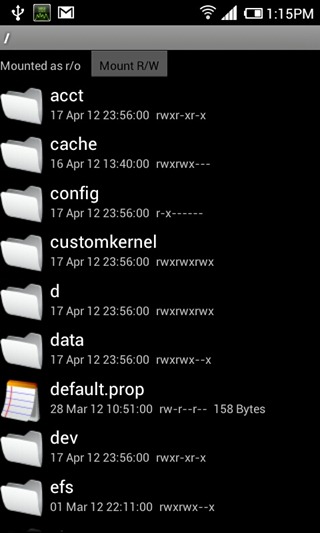
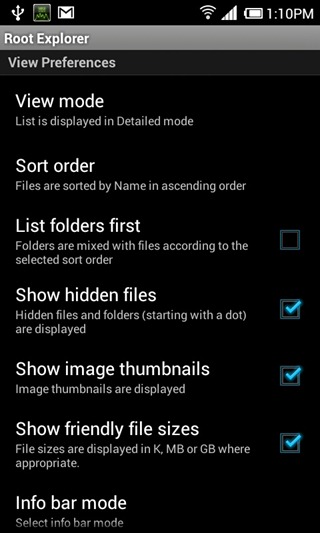
Easily the most popular and most needed app out there today. This app, despite being a paid one, appeals through it’s core functions, that are to access system files on an Android device and gives you read/write access within those folders as well. To say the least, any Android device that has root access, deserves to be running Root Explorer, for you will find yourself in need of it almost every time.
File Expert
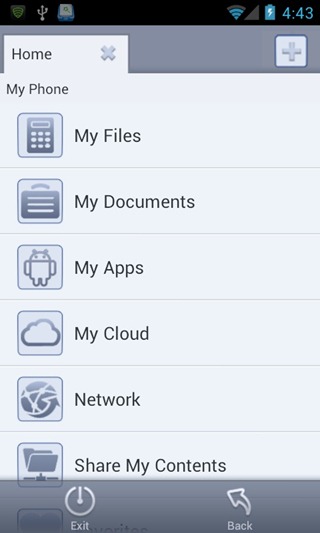
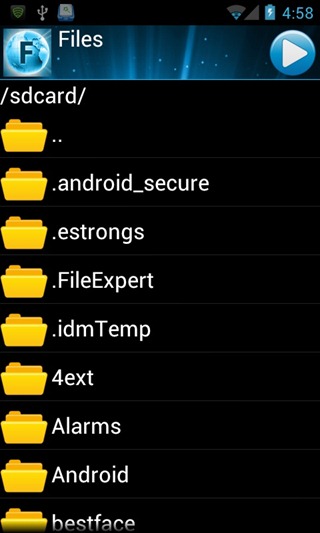
The UI on this app is extremely user-friendly, and the app will see all your file exploring needs satisfied. Accessing your files is a given, but the app lets you connect to cloud storage services such as Dropbox, Baidu Cloud, Box.net and a few others, access FTP servers, share content over Bluetooth, Web and more as well. To add some eye-candy, the UI can be overhauled with some themes as well. You can get this app for free of the Play Store; however, if you want root access for system files, you will have to purchase the Pro version.
ES File Explorer
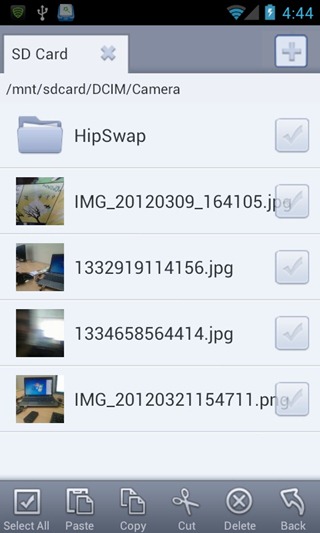
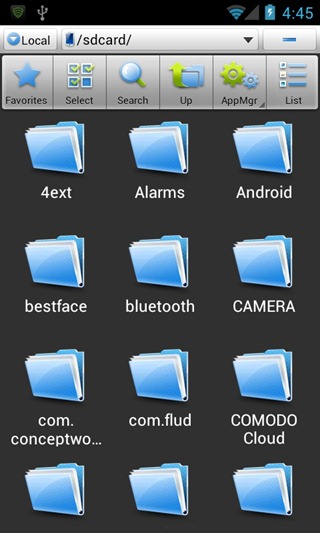
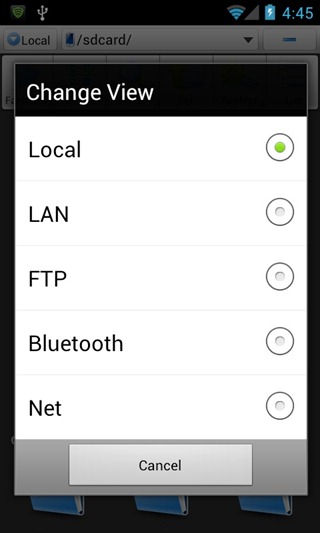
Boasting what is easily one of the finest user interfaces an Android file explorer can offer, ES File Explorer has a plethora of features to offer, including root access, for free. Access files over LAN, FTP, Bluetooth, Internet (box.net, Dropbox & Sugarsync), manage your apps or use it as a task manager, you name it, ES has got it! Oh, on a side note, you can theme up a few things in the UI as well.
MIUI File Explorer
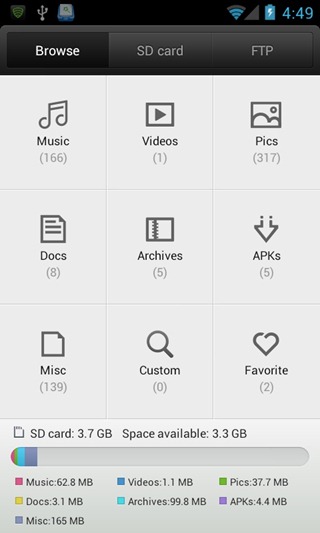
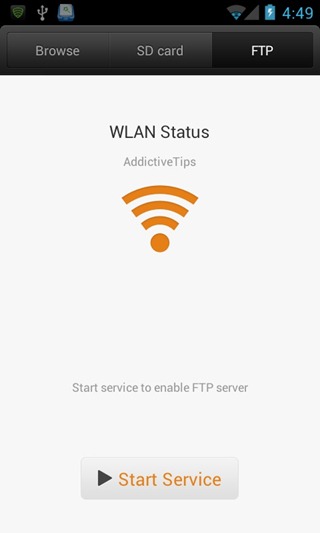
When I first used the MIUI ROM on my Desire HD, the one thing that really caught my attention – apart from iPhone like UI – was the inclusion of a native File Explorer. With a very well and neatly laid out interface, the app can filter content based on music, videos, zip files, pictures etc. Moreover, you can also access content over FTP, which is set up in a single tap and you’re good to go. Earlier only available for MIUI ROMs (bundled with them), the app has now been released for the public owing to the popularity it received. MIUI File Explorer is a to the point, simple, no-nonsense file explorer app for Android. Click here to read our detailed review on MIUI File Explorer.
File Manager ES
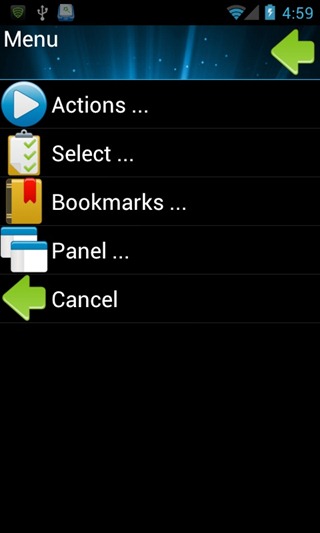
Dual-pane, you say? File Manager ES takes that concept a step further, letting you open as many different file browser panels on a single screen as required. You can move files from one directory to another by simply dragging and dropping them on the desired directory. Much like a history function, the app lets you bookmark important directories that you navigate through often. It supports swipe gestures to help you navigate through the various file explorer panels easily. To add icing to the cake, the app gives you root access to complete system files as well, for free! Click here to read our review on File Manager ES.
FileSlick
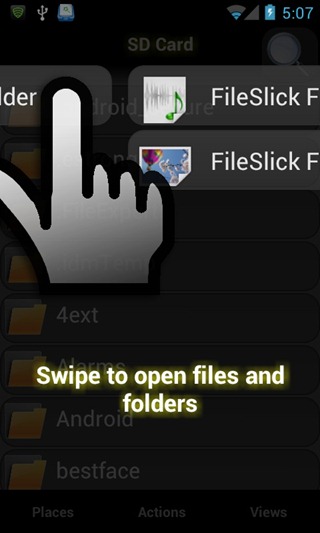
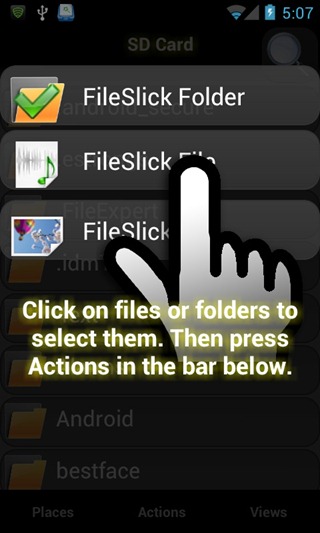
FileSlick is yet another file explorer app that uses swipe gestures as part of its navigation functions in and out of folders, as well as boasting some pretty slick aesthetics. The app goes on to offer some complex functions as well, such as toggling read/write permissions for various mount points, modifying user permissions for root mode and Server Message Block (SMB). With a lot more to offer than the points made here, click here to see our review of FileSlick for Android.
Total Commander
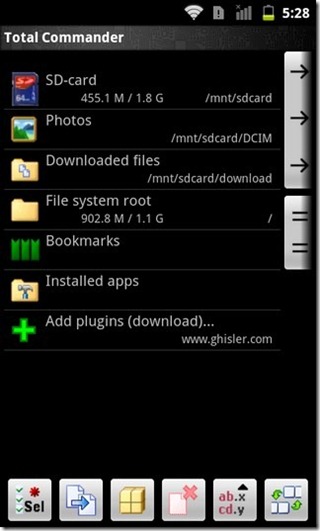
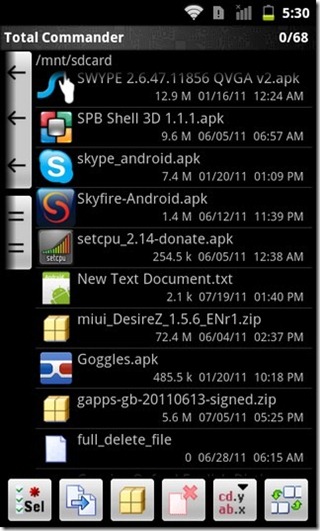
Not released to the Play Store even after all this while, the app certainly deserves some attention. Sporting Dual Panes, “file selection in Total Commander is even easier. Tap on the icon/thumbnail of a file to select it. You can select multiple files at once in this manner. To open a file, just click on its filename.” The app supports a built in text editor, along with the ability to handle encrypted ZIP and RAR archives. For more on this app, click here to read our full review.
Ghost Commander
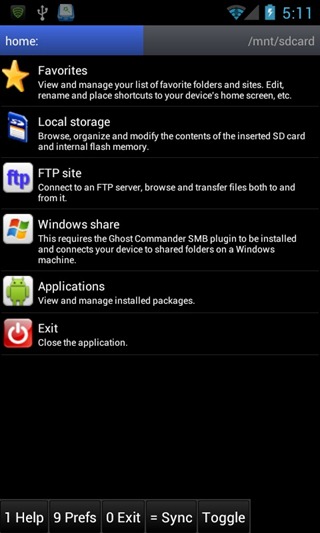
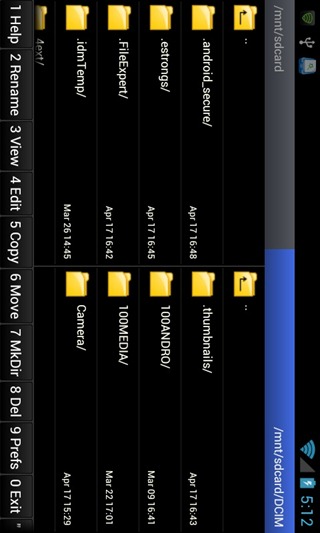
They say, Total Commander got it’s que from Ghost Commander, and well, all we know is that Ghost Commander was the first on the scene with a dual pane for exploring files. In addition to the features offered by Total Commander, you have thumbnail views, favorite folders and a built in text editor. That said, the UI isn’t exactly the most pleasing we’ve seen so far.
Super Manager
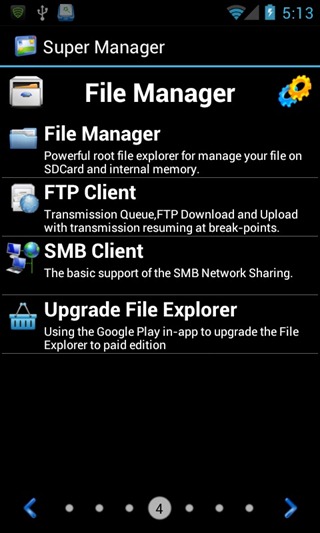
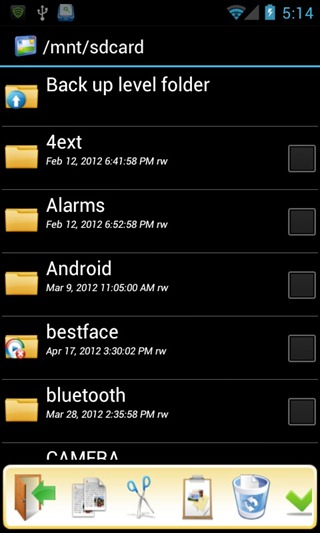
One of the most comprehensive file managers out there, and well, to be honest, it’s more than just a file manager. It is a Task Manager, APK Manager, App protector, File Manager, Backup & Restore tool, Auto Scheduler, all built into one package. Super Manager allows you access to root level files as well, and lets you extract APKs from installed apps and much much more. You have to actually try this app out to understand the plethora of functions it offers.
Android Commander
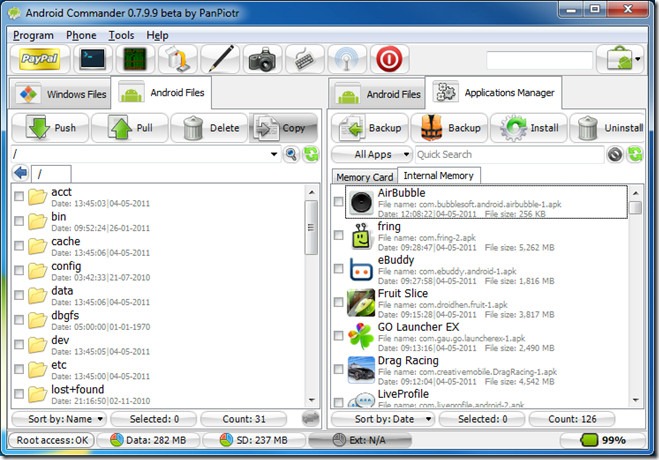
Aptly titled as a Swiss knife for Android devices in our review, Android Commander is a lot more than your average file explorer. With a desktop client for interfacing with your Android device (of course, you’ll want root access), Android Commander is your one stop shop for exploring all the the content in your device, installing apps straight from the PC, installing and copying stuff into root level folders and a lot more. With well laid out graphics and information, the application is actually much easier to use than what it may appear from reading this. Our comprehensive review of Android Commander is linked above.
This concludes our list of what we believe to be some of the most important and effective file explorer apps out there for the Android devices.
Honorary Mention: ASTRO File Manager
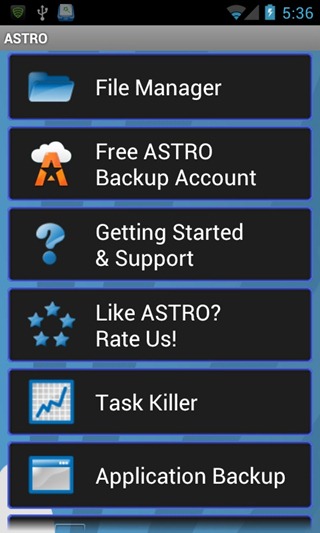
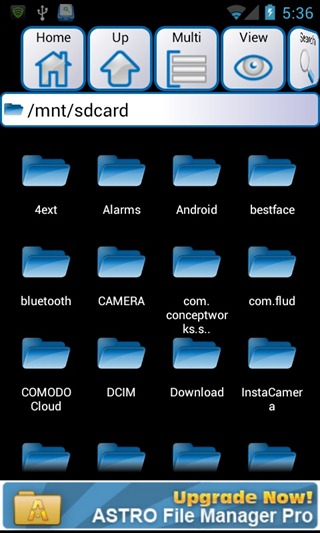
Oh wait, we missed out ASTRO File Manager! One of the oldest file manager apps out there, the app is still kicking and has some awesome features out there to offer. App backup, built in image viewer, text editor, download manager etc. This is an honorary mention for a true veteran! The app has pretty much those functions to offer that most other File Explorers offer as well, and this by no means suggests that Astro File Manager fails in comparison to those apps. Alongside an SMB and Bluetooth plugin to add OBEX FTP support for browsing devices and sending/receiving files using Bluetooth networking, the app goes on to offer a totally free ASTRO Backup, a cloud service of its own.
Do you have a favorite? Did we miss out on an app you’re crazy about, and feel we should have featured here? Do share your thoughts and suggestions with us in the comments section below.

file explorer apps forandroid – Coolmuster software is good choice.
Tried many but I feel like Solid Explorer is above the rest.
I’m posting more than a year after this article first ran. Of course, after any article like this, everyone chimes-in with his/her favorite that wasn’t covered in the article; some of them good, some of them not so much.
I see that at least one other person, below, mentioned what I’m about to mention…
X-plore | http://bit.ly/11JL2lC
…regarding which, I’m sorry, it’s difficult to understand why it wasn’t listed in this article. The only thing I can think of is that most of those which made it onto the list, here, were big on eye-candy. X-plore, for all its virtues, isn’t necessarily graphically appealing. But what it lacks eye-candy-wise, it more-than-makes-up-for in pure, raw capability.
Don’t get me wrong, most of the ones listed in the article, above, are quite potent, too; PLUS they’re, most of them, eye-candy-rich. So maybe that’s the requirement, I dunno: that to make it to this website’s list of the top 10 file explorers, the app must be not only capable, but beautiful, too. If so, then I guess I understand why X-plore didn’t make it.
But users need to be aware of it. I love some of the apps listed in the article! But I just can’t quit X-plore… I just can’t make myself do it: it’s that good.
For whatever that’s worth.
Thanks for the terrific article, though… still relevant, even more than a year later!
Gregg DesElms
Napa, California USA
gregg at greggdeselms dot com
Tested most of these and FX FILE Explorer is by far the best. Can’t see why people like root Explorer. it’s really outdated….
I want a file explorer that can help me store my downloaded music n videos
I also want to suggest a file explorer with an unique feature “Jump Scroll” – https://play.google.com/store/apps/details?id=com.probcomp.filexplorer
How do you not mention Tetra? Best ever! lol 🙂
That’s the “Mi File Explorer”, not “Miui File Explorer”, similar UI
FX file explorer and Solid explorer beta are too good …….
Wow Superb Collection 🙂
Fo File Manager by dataegg is currently my favourite, it needs no permissions but ‘storage: read/write’ and has a file size of 340kB.
nothing beats the simplicity of touchwiz’s ‘my files’
Where’s Xplore? The list can’t be complete without it.
Agreed. I’ve used a lot of these file managers and X-plore is hands down the best.
Thanks! Just checked that app out, it’s awesome!
Seems like a great app. Thanks for the feedback, Hardeep!
I was using ES File Explorer but since I upgraded to ICS I’ve been hunting down Holo themed apps.
I found a really beautiful Holo themed File Explorer with everything I need called File Explorer (super un-creative name). Give it a try. 🙂
You would think this is something that should not require an app to do
It doesn’t, these are just alternatives. There already is a file manager in android.
I’ve tried several of these but I always end up going back to root explorer. It does the job, even though I have a love/hate relationship with its text editor.
I don’t know where you got these Top 10 from but you missed FX File Explorer – which is far better then a number of those listed above.
File Expert used to my top choice until they pulled the shady move of removing features from their free version & putting it on their new pro version. i even donated to them when they were “donate only” type of people so I have a right to express my opinion about it. I’m on Root Explorer now, but it’s too bad File Expert left a sour taste with this user, since it was one of the best IMO.
A good reason to not let you’re apps auto update!!
File Manager by Rhythm Software
and File Manager HD (for tablets)
You missed FX [File Explorer]. It’s currently in beta, but very good.
https://play.google.com/store/apps/details?id=nextapp.fx&feature=nav_result#?t=W251bGwsMSwxLDMsIm5leHRhcHAuZngiXQ..
That’s a good find, Steve. Thanks for the feedback!