Logotype Creator: Generate & Customize Unique Logo Designs Online [Web]
Well-designed and attractive logos represent companies, brands or websites, and help them in conveying their unique messages clearly. Creating professional logos can not only be time consuming, but may also require you to hire a professional designer. However, what if you can’t afford one, or that isn’t a top priority at the moment? This is where a web application, LogotypeCreator, comes to the rescue. It is a (partially) free online logo generator that you can use to represent your brand. LogotypeCreator comes with an intuitive interface that offers you a rich collection of artwork and typefaces, which can all be used to create attractive logos. The app generates a large collection of logos randomly, so all you have to do is hit the Generate logo Now! button to view or edit them. Once you’ve created your desired logo, you can use the Download logo option to save them in high quality to your local system, all for free!
To start off, all you need to do is enter your company’s name, and hit the Generate Logo Now button. LogotypeCreator will instantly generate nine logo designs for you, which are fully customizable. Of these nine designs, you will notice that three are free while the other six are ‘Unique’. Unique logos are the ones that you have to buy and these will never be generated for other users.
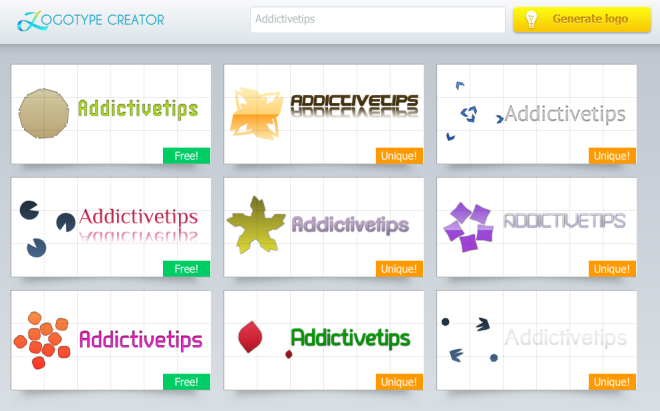
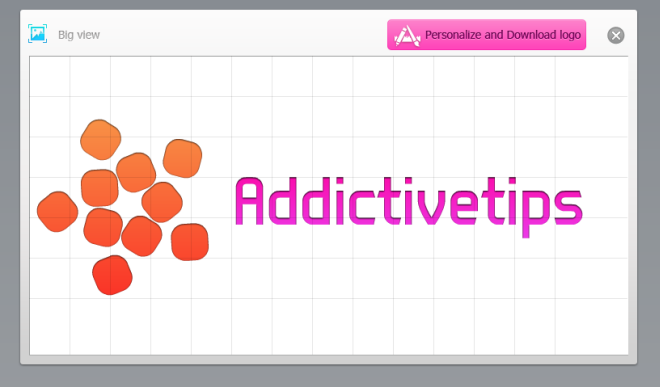
Click a logo to view a larger image of it. In the logo preview, window, there is a Personalize and Download button at the top right which opens the logo editor. Next, you can click a logo of your choice in order to view it in a larger size, or click the Personalize and Download logo button to customize it as per your needs.
With LogotypeCreator editor you can personalize your logo by changing the color gradients, fonts, shapes, sizes and play with position or effects. Additionally, you can add or remove text, change it and add effects to it. Also note that you can either select individual colors for the gradient, or simply click the Random color buttons to check how different colors look. The logo image can be rotated or moved to a different position on the image. Both text and image colors can be customized.
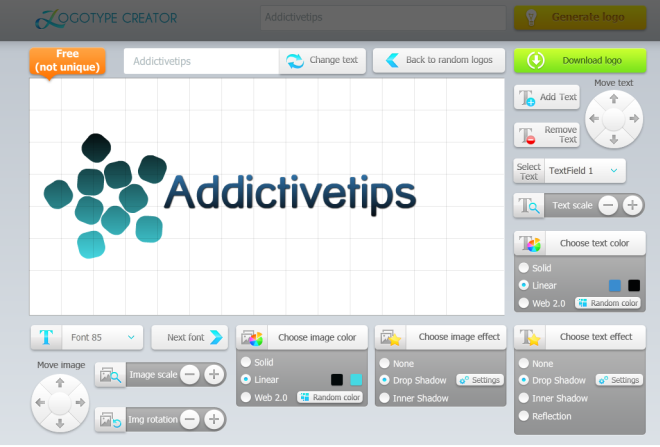
Once you’ve created the perfect logo, you can click the Download Logo button, adjust the logo dimensions and then save it to your local system. Logos are saved in PNG format, which makes its usage even more flexible and versatile. Overall, LogotypeCreator is an easy-to-use and innovative logo designing tool that lets you create amazing logos. You can keep clicking Generate Logo and new sets will continue to appear.
Liked this app? You might also want to look through our showcase of web applications reviewed so far.
