Back Up Or Clone Windows 7 With EASEUS Todo Backup
EASEUS Todo Backup is a free backup utility that saves all the data including your operating system, programs, settings, etc. So you are safe in the case of any unexpected damage or loss. It provides features like backup, restore, and disk-clone, and it proves to be very useful if you want to replace the older hard disk of your computer by a newer larger hard disk without reinstalling the operating system and applications once again.
Installation is quite straight-forward, simply download it and run the installer and follow the on-screen steps. You will need to reboot your system once you have completed the installation. Launch it from the desktop icon or from Start > All Programs > EASEUS Todo Backup.
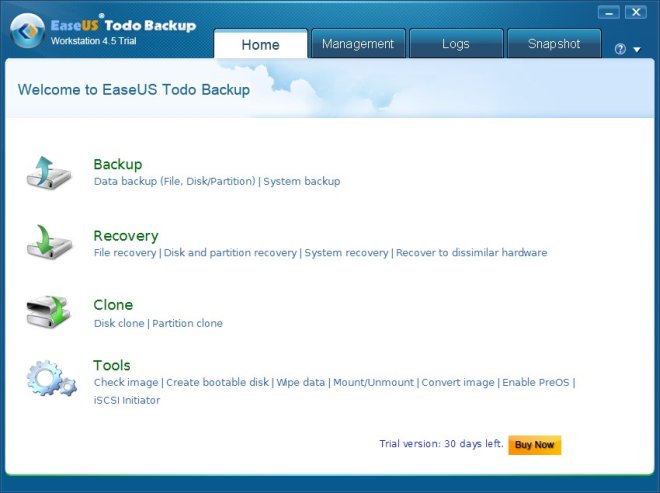
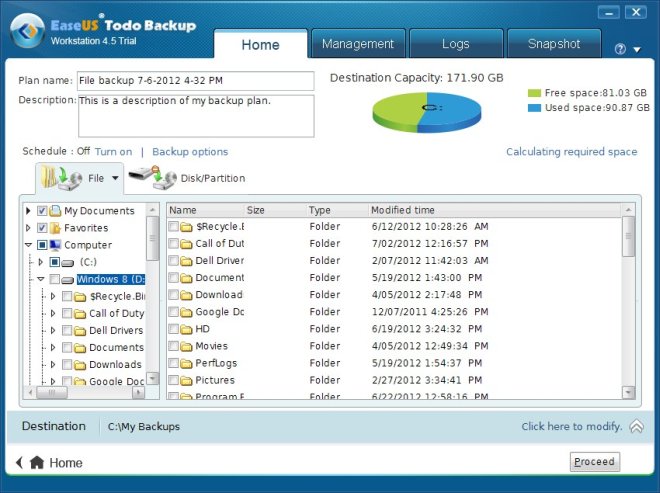
Now, let see how we can create a backup with it, choose the Backup option and the Backup Wizard will start. At the first step choose the hard drive and the partition to backup.
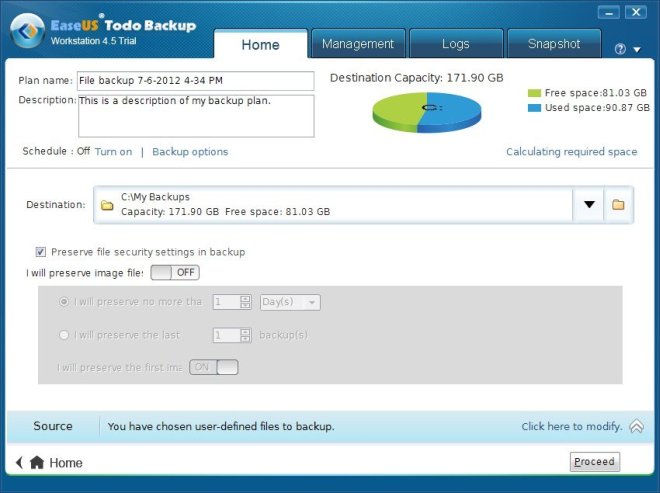
On the next step, choose the backup image location.
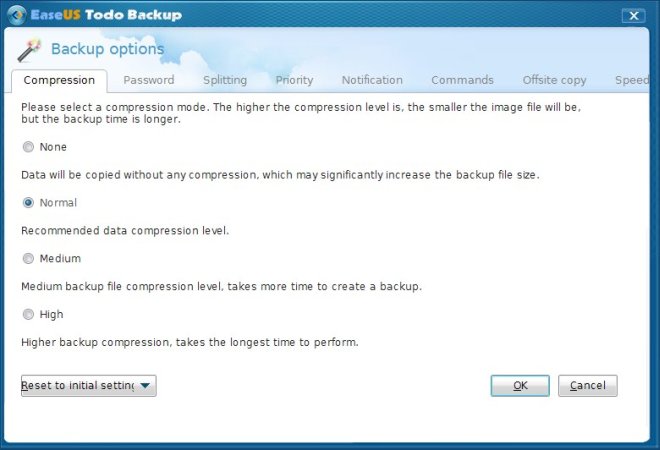
Then you will need to choose the backup option. You will need to select either default or Set the option manually.
Verify your backup settings and click Procced to create the backup image. Thats all, you will be able to see the progress of the backup from the progress bar.
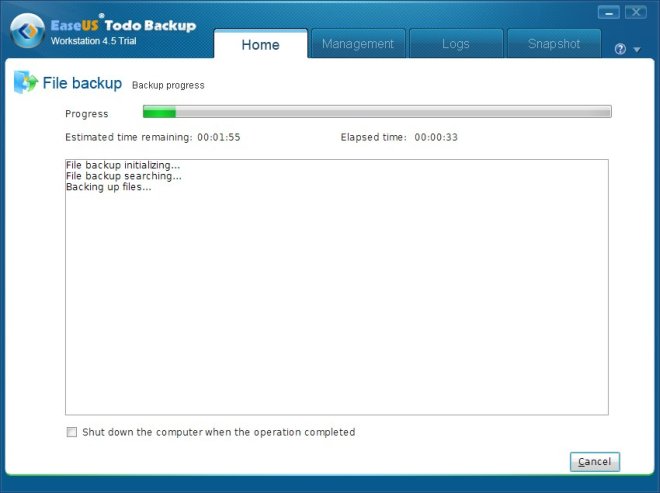
It will save the backup image on your specified location and you can easily restore it when needed from Restore option of EASEU. Did I forget to mention that you can also clone the whole hard disk by copying the partitions to the new hard disk using this tool? Since there are huge changes that those users who will upgrade to Windows 7 might as well upgrade their hard disk too, this feature will really come handy.
According to its official web site, it runs on Windows 2000 Professional/XP/Vista and Windows Server, we were able to test it successfully on Windows 7 as well. Enjoy!

BackUp and Restore Disk Partitions with EASEUS Todo Backup
Comparing with others, EASEUS Todo Backup supports more advanced wizard-based controls to guide users step by step. It delivers convenient and high quality backup. Besides, it provides multiple “options” to set priority and the compression level for a backup archive according to your preference. Images can even be split into several files to fit the type of the storage medium. What’ more, a backup file can be protected with a password. If you try to restore data from a password-protected archive, the program will ask for the password in a special window, allowing access only to authorized users.More wonderful details,please pay attention!