Download All Images From deviantART, Picasa, PhotoBucket & More
Image Collector is an application for image collection enthusiasts who may be interested in grabbing exotic images from websites such as Picasa, deviantART, imgur, PhotoBucket and 4Chan. It provides options to view, categorize, and download from famous web services. You to save images in custom categories, for example, you can create a category by the name of Wallpapers and download wallpapers from available web services to this category. Image Collector also comes with a built in image viewer which provides three different viewing modes; normal, stretched and center.
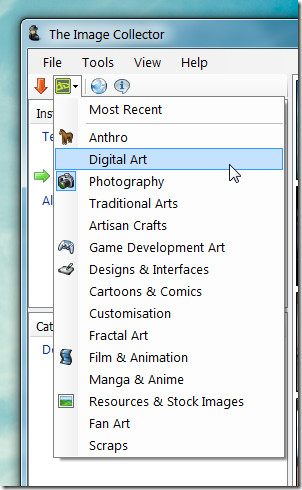
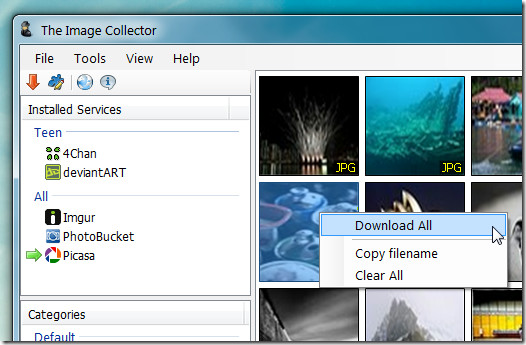
To begin, select a service and genre to fetch the latest available images. The genre can be selected by clicking on the icon of the selected service from top toolbar. Selection by genre is only supported for deviantART, 4Chan and Imgur. For Picasa and PhotoBucket you are provided with the option to fetch random images according to a specified number (e.g. 100 images).
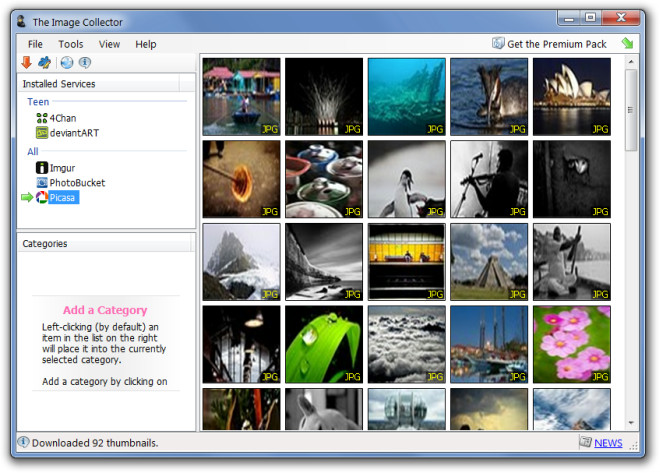
The images are displayed with a thumbnail preview and can be enlarged further by double clicking on them. The image thumbnail preview changes instantly if you click on a different service.
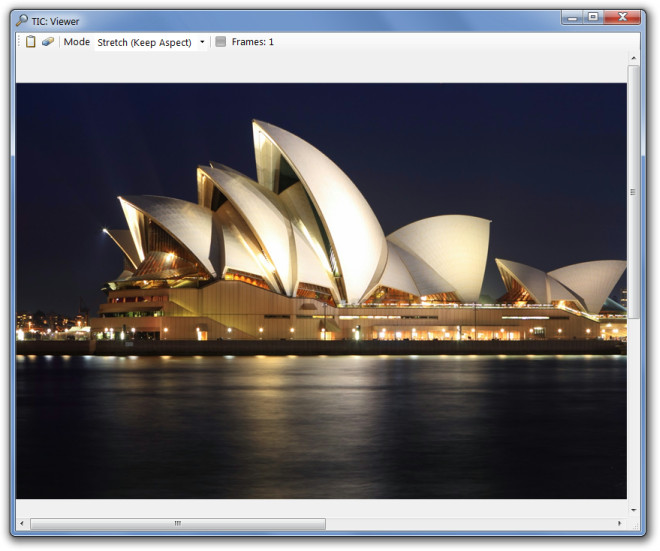
Double clicking on a picture opens it in the Image Collectors default image viewer and where you can stretch, center or keep the current aspect of the image from the Mode drop down menu. The image is suppose to be copied to clipboard when you click on the clipboard button, however, this does not seem to work.
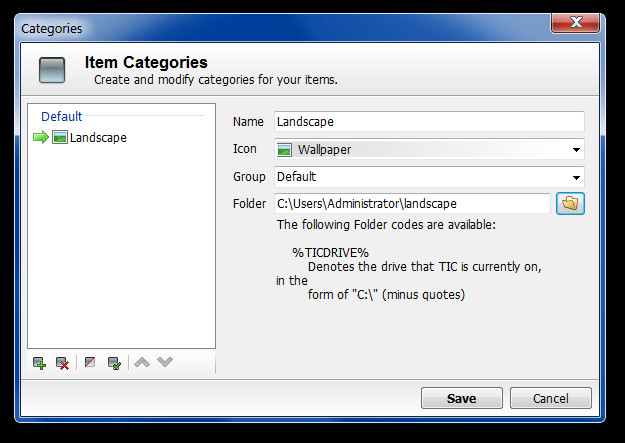
To create custom categories for downloading and saving images, go to Edit –> Categories. Here, you can add a name, select an icon and destination folder for the specific category.You can create multiple categories for better sorting of downloaded images.
To download images, select a category from left sidebar, right-click on a thumbnail image and select Download All. This will save all images to the selected category’s folder. What’s strange is that there is no available option to download individual images, moreover, there is also no search box to search for images. Which means the real purpose of the tool is to download photos in bulk.
There is also a plugin manager (accessible from Tools –> Plugin Manager) which only displays the existing plugins and the option to disable a web service. If you click Install New Plugins option, you are given the option to select a plugin while no new plugins seem to have been provided by the developer for now. This is perhaps because the developers website contains a link to purchase the premium version (worth £5 / €6 / $8). The premium version contains additional plugins for downloading images from more web services.
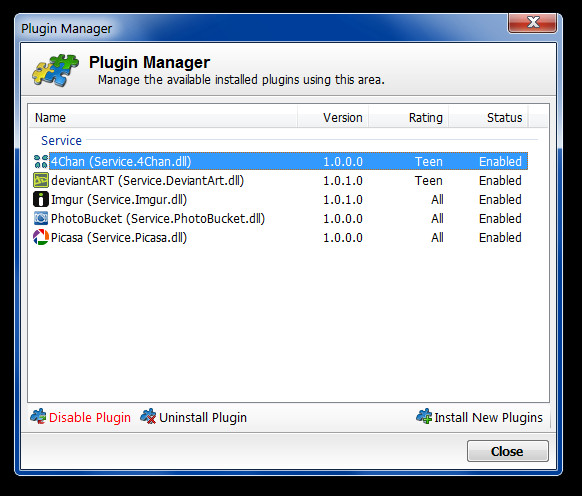
Image Collector works on Windows XP, Windows Vista and Windows 7.

This article is really old. These days just use WFDownloader App. Thank me later!
I’ve emailed the developer over concerns I have about copyright. I have many photographs on deviantart that I have deliberately chosen not to enable download for, to manage the distribution of my copyrighted artwork. My copyright statement on each such image on deviantart clearly says that unauthorised copying and use is forbidden. I have asked the developer if their software respects that no-download condition. I have not yet received a reply.
Bitch moan, you do realize that if i can view an image from the internet i HAVE already downloaded it to my PC it is only stored in a temporary folder. If you do not wish people to download your images then don’t place them on the internet which is built around the system of a server uploading and a client DOWNLOADING
I have used Bulk Image Downloader. The free shareware version allow up to 100 images to be downloaded per batch. It will follow the links to the next page from image gallery pages automatically.