Download Picasa Photo Albums
Developers tend to take advantage of Flickr’s popularity, this is why you will find many tools related to it, but now Picasa is growing at quite some fast pace too. Today we will review two opensource tools which allow users to download photo albums from Picasa.
Picasa Downloader
Picasa Downloader is a simple application that allow users to download public Picasa web albums. It is the most stripped down version of Picasa downloader. Just enter the Picasa username and hit the List button. Once all albums have been listed, select those which you need to download and hit Download.
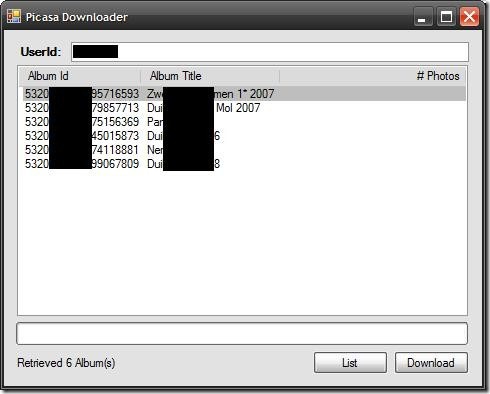
All photo albums are saved in PicasaDownloader folder under Pictures. There is no option to change the download directory. The advantage of this tool is that it doesn’t require Picasa to be installed.
Picasa Independent Album Exporter
This tool requires Picasa to be installed in your system. Unlike Picasa Downloader that can download public albums of any user, Picasa Independent Album Exporter can download both private and public photo albums in your account only.
Select the albums to export from, choose the output directory, naming convention, and resize settings. When done, hit the Export picture files button.
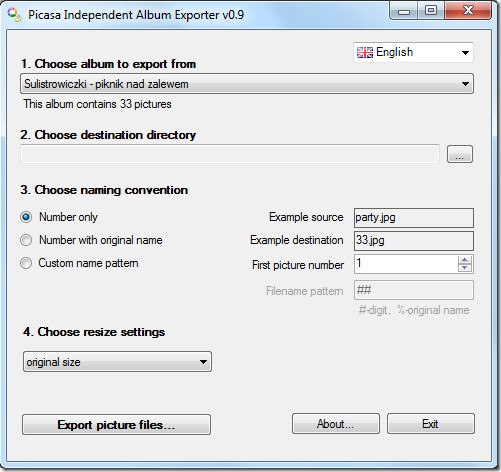
The advantage of this tool is that it can export all albums while preserving the desired pictures order.
Download Picasa Independent Album Exporter
