WinContig: Free Portable Disk Defragmentation Tool
WinContig, unlike most other defrag apps, has a straightforward interface which allows one to defrag any files and folders instead of the whole disk. We all know that the default Windows Disk Defragmenter is too slow since it would analyze and defrag the whole drive instead of a specific file or folder. We have reviewed plenty of other alternatives, such as, Defraggler, Auslogics Disk Defrag, and MyDefrag.
What makes WinContig stand out is the portability, fast efficient analysis, and defragmentation speed. According to the developers, it doesn’t create any installation directories or registry entries. Thus, making it an excellent tool for system administrators while on the go.
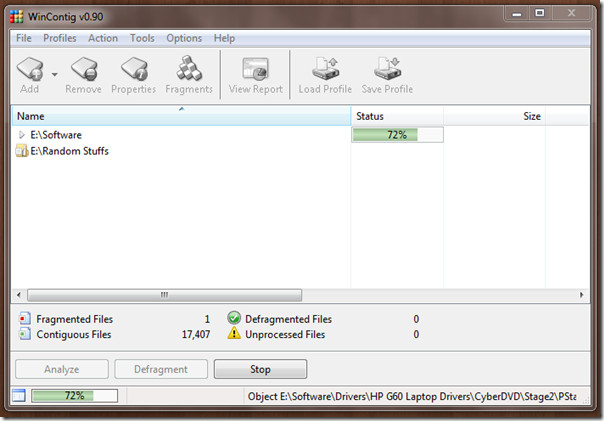
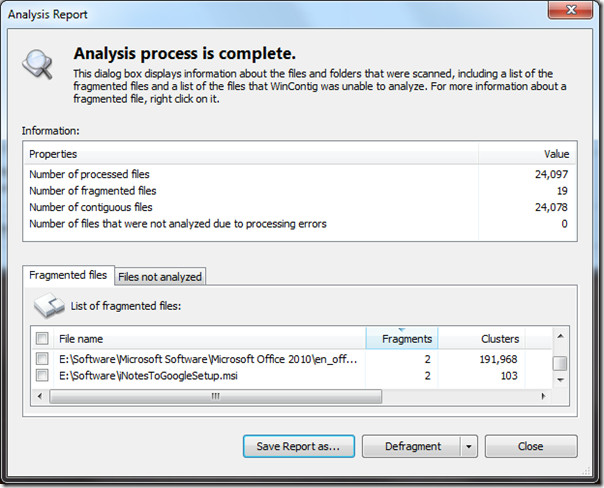
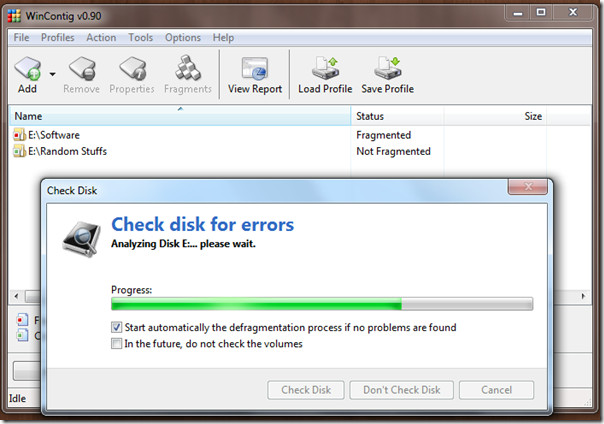
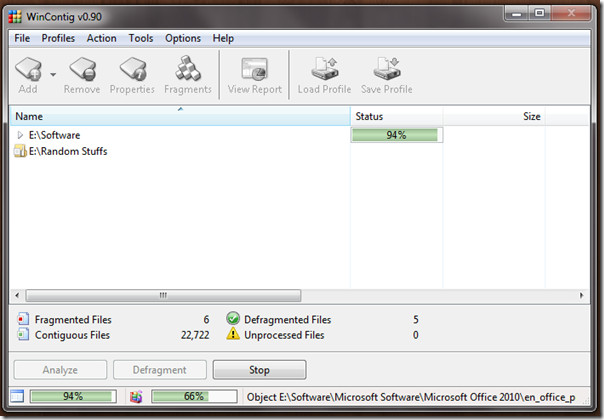
After analyzing all files, it asks to check the disk for error and clean all temp files before defragmentation. Below are few sets of screenshots you might want to go though before giving the app a shot.
The latest version improves the overall performance, adds the ability to pass a file/folder path in the command-line, and exclude items from the analysis and defragmentation operations by masks and sizes. Worked seamlessly on our Windows 7 32-bit OS system.
