Windows 7 Library Tool
Windows 7 Libraries is a great way to organize your data. But still there are some tasks which are most needed with respect to libraries, and cannot be easily performed by a non-technical user like backing up libraries, adding network locations to libraries and such other tasks.
The Windows 7 Library Tool is a small app which lets you perform such tasks with just a couple of clicks.
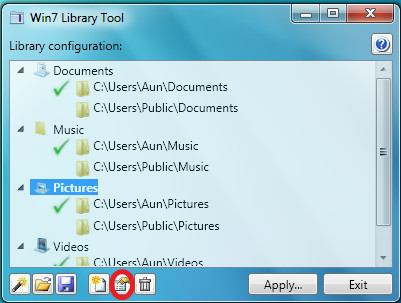
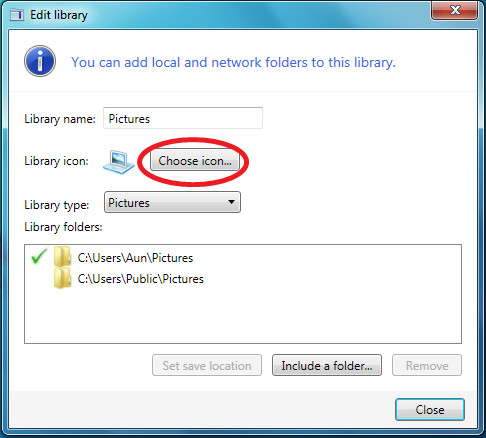
At the bottom you will find buttons to play with your library settings, you can create new library, modify any existing one, delete any particular library and make backups. The key features of this tool include that it lets you add non-indexed folders to the library, you can create libraries backup, and it lets you change library icons as well.
Select any particular library and hit the Edit button, you will find a dialogue box where you can play with the library’s properties.
Download Windows 7 Library Tool
It works on both 32-bit and 64-bit versions of Windows 7.

Does anyone have a working link?
The website is messed up.
The download link has been updated. You should now be able to download the app!
OH wow.. thanks man. I took a shot in the dark asking on such an old post like this – thx again!