How To Get Classic Scrollbar Back In Ubuntu 11.04 [Tip]
Along with the many changes which we saw in Ubuntu 11.04 Natty, the overlay scrollbar was perhaps one of the most distasteful ones. While some users might find it convenient to auto-hide the scrollbar, yet some of us just can’t seem to get used to it. Moreover, the overlay scrollbar also seems to be a bit buggy as it sometimes fails to show up at all. If for some reason you want to get the old scrollbar back in Ubuntu 11.04, here is a small tip that will come handy.
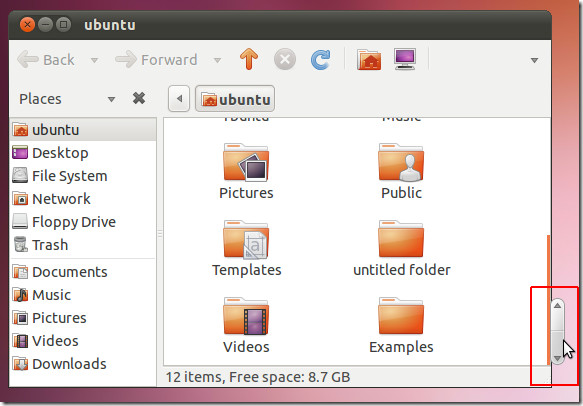
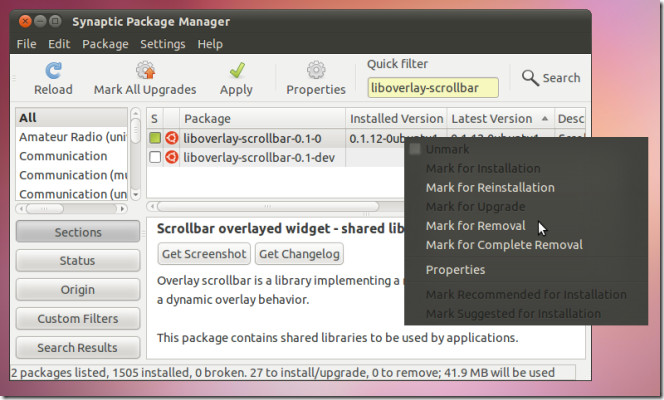
To get the classic scrollbar back, open Synaptic Package Manager and search for the package liboverlay-scrollbar. Once found, remove the package via right-click context menu. Restart your system for the changes to take effect.
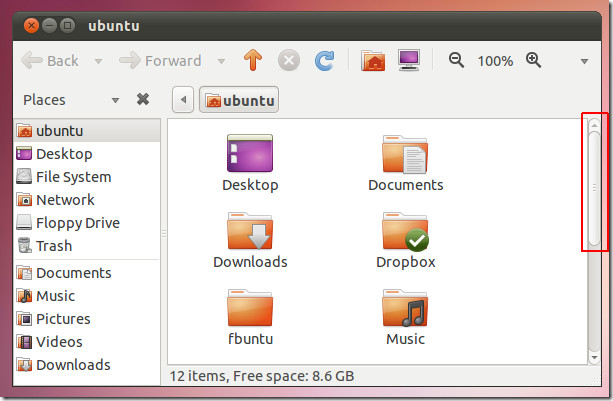
This will give you the classic scrollbar (as shown in the screenshot below).
Note: Make sure you backup your system or save the package details for re-installation purposes and to undo the changes (if required) to avoid any undesirable effects.
[via Ubuntu Sharing]

Thank you
Yes, this worked for me. Now my Ubuntu installation is becoming more user friendly, I removed the global menu as well.
Thanks!
I see that I’m not the only one who hated that thing!
This worked also for linux Mint 11 Katya
FYI: in 11.10 it’s apparently been renamed to overlay-scrollbar.
If that goddamned top menu appears on my system one more time i’m gonna ditch Ubuntu forever.
Thanks so much. I find this feature very annoying to use.
Thanx A Lot For This I Really Need This…..
Thank you…thank you…thank you. This has been driving me crazy.