20 Free Tools to Create, Burn, Edit, & Extract ISO Image Files
If you are looking for a free ISO software, but cannot decide which one to use? We have compiled a list of top 20 software in random order, each of them have some “pros” and cons”. All ISO software listed here are free and have different capabilities such as to Create, Mount, Burn, Edit(Manipulate the content), and Extract(Copy content to hard disk) an ISO image file. It’s for you to decide which one you want to go for 🙂
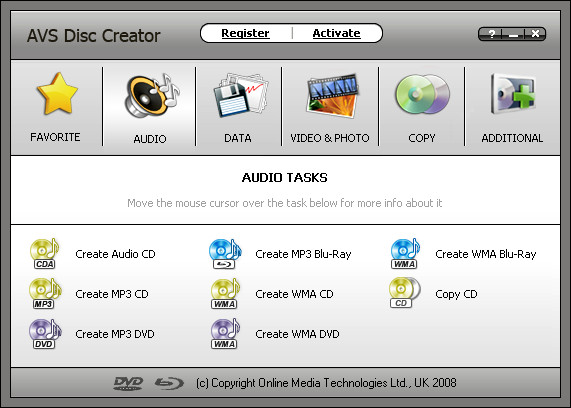
AVS Disc Creator (Create, Edit, and Burn)
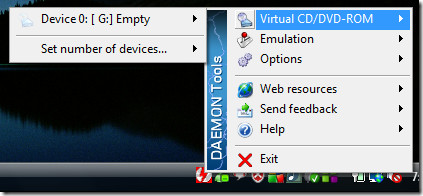
Daemon Tools Lite (Mount)
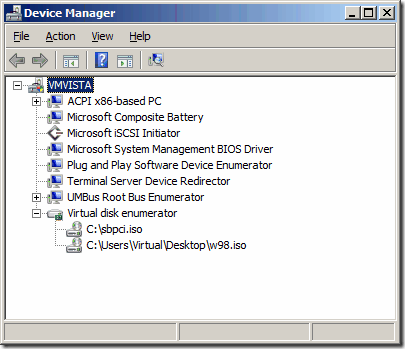
WinCDEmu (Mount) (OpenSource Software)
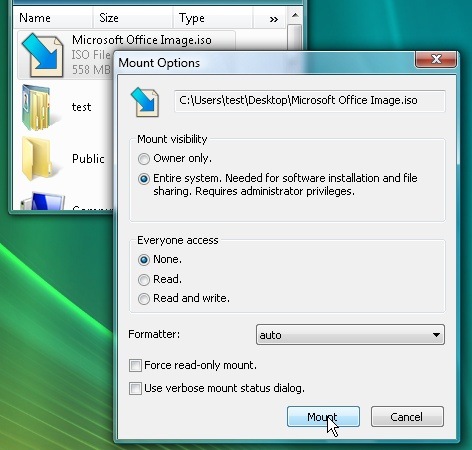
Pismo File Mount (Mount)
StarBurn (Burn)
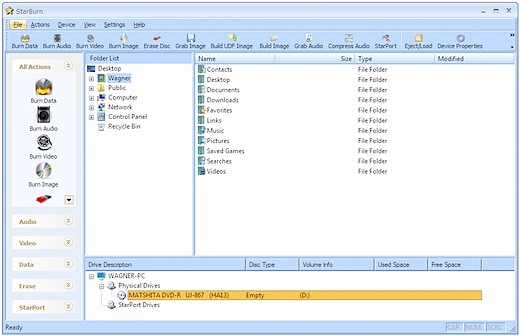
VirtualCloneDrive (Mount)
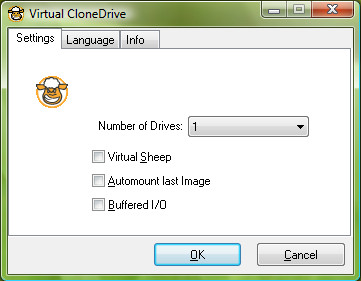
Phantom CD (Mount)
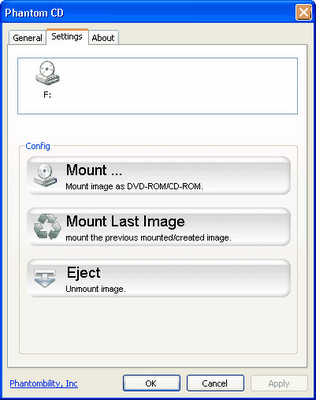
MagicDisc (Create and Mount)
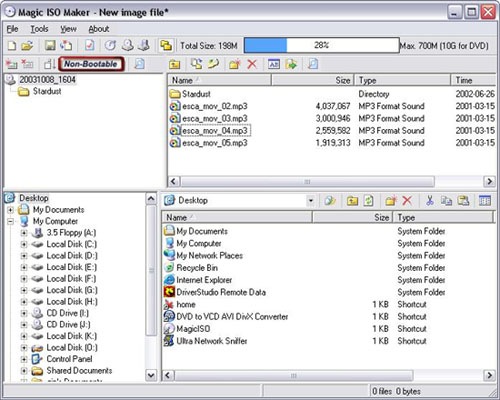
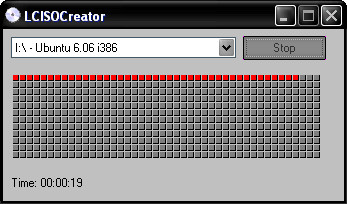
LC ISO Creator (Create)
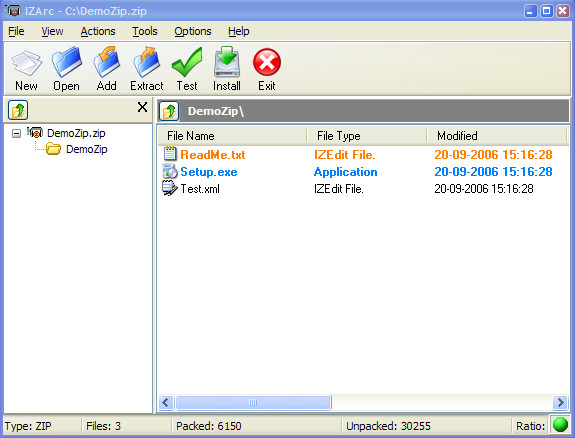
IZArc (Extract)
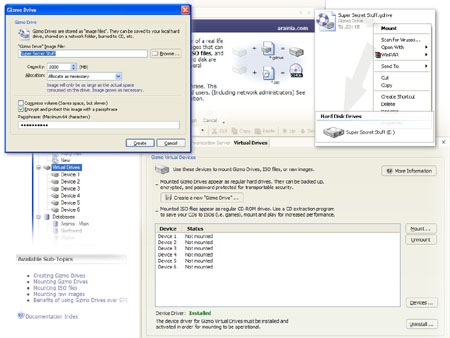
Gizmo Drive (Create and Mount)
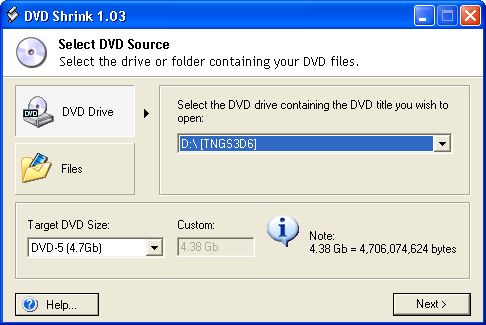
DVD Shrink (Create)
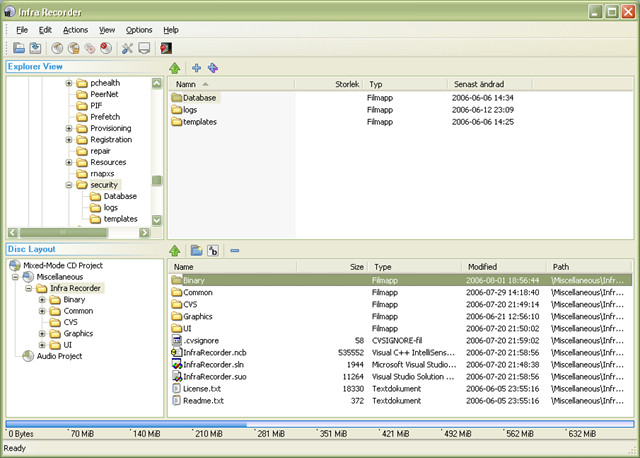
(https://downloads.sourceforge.net/infrarecorder/ir045_unicode.exe?download) InfraRecorder (Burn)

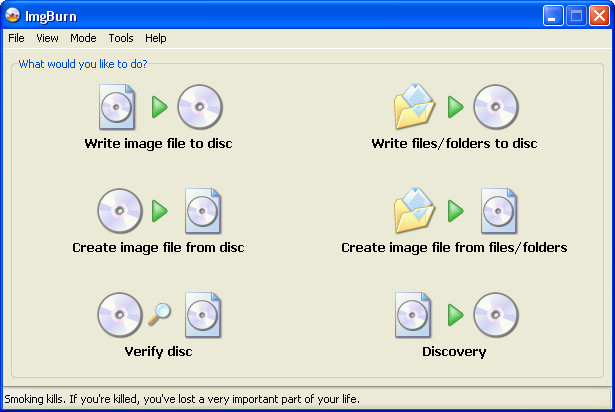
ImgBurn (Burn)
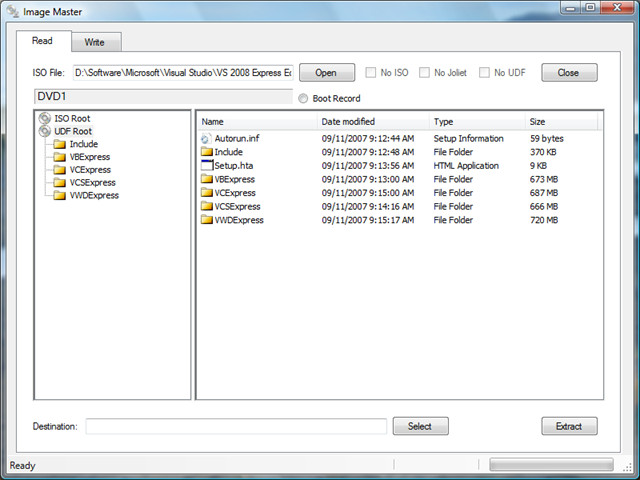
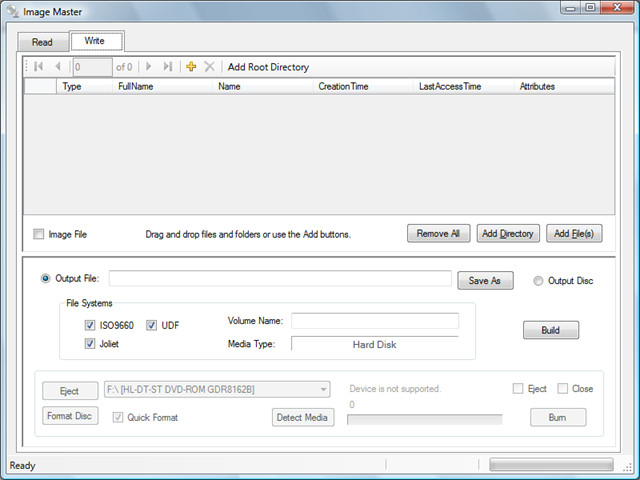
ImageMaster (Create, Read, Extract, and Burn)
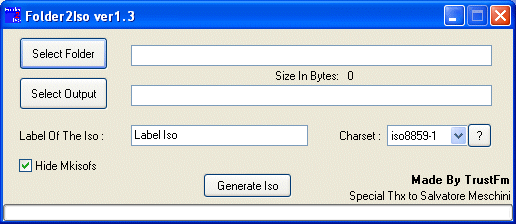
Folder2Iso (Create)
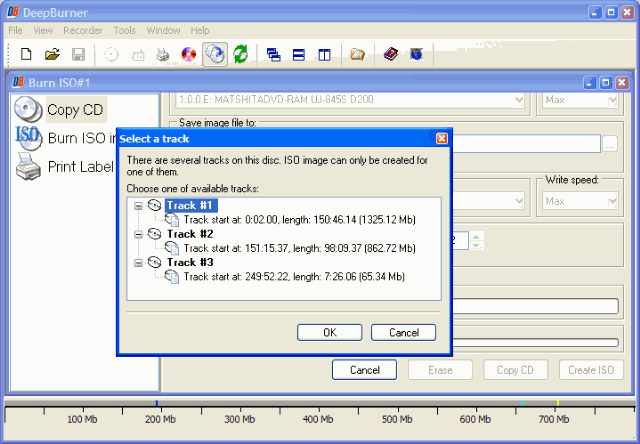
Deep Burner (Create, Burn, and Edit)
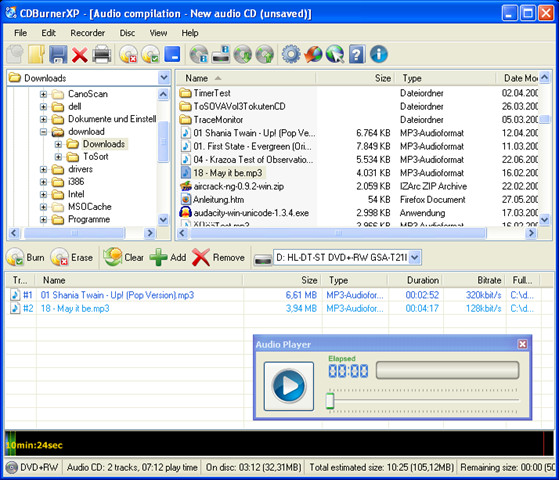
CDBurnerXP (Burn)
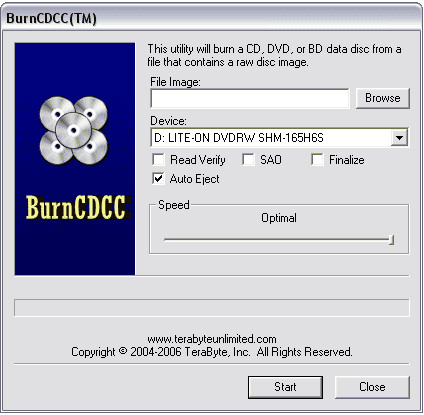
BurnCDCC (Burn)
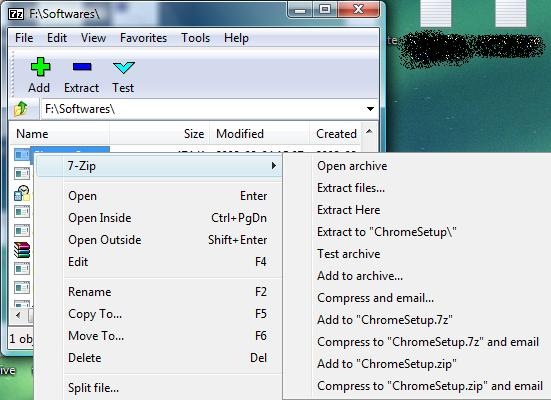
7-Zip (Extract) (OpenSource)
If you want to learn the simplest way to Create, Burn and Mount an ISO Image file, you should check this post.
If you think some software are missing from the list, let us know in the comments. But please don’t talk about Alcohol 52%, it has very limited set of features, this is why it is not included in the list.

I got a tutorial of mounting iso from wonderfox. On Windows 10/8.1/8, Windows has the built-in ability to mount both ISO and image files. You have three options for windows mount ISO. You can: – Double-click an ISO file to mount it, but if your ISO file is already associated with other software, try another two options. – Right-click an ISO file and select the “Mount” option. – Select the file in File Explorer and click the “Mount” button under the “Disk Image Tools” tab on the ribbon.
I got a tutorial of mounting iso from wonderfox. On Windows 10/8.1/8, Windows has the built-in ability to mount both ISO and image files. You have three options for windows mount ISO. You can:
– Double-click an ISO file to mount it, but if your ISO file is already associated with other software, try another two options.
– Right-click an ISO file and select the “Mount” option.
– Select the file in File Explorer and click the “Mount” button under the “Disk Image Tools” tab on the ribbon.
Share with you, I copied its words.
Any2ISO ???
great pgrms
avs is not free
Yes AVS Disc Creator is not free but trial!…
ISO Recorder is a nice and simple well…..ISO recorder http://isorecorder.alexfeinman.com/isorecorder.htm
I love this tool. very simple no bloat. Simple shell extensions for creating image from disc and burning image to disc.
I use DAEMONTOOLS aswell and it does a great job on iso’s.
Nice software list…I really like your softwares..
Regards
MobileCubix
I really like IMGBURN software..It’s very effective for computers..Excellent tools
where is Alcohol 52% ??? Its Also free and the best Image Create and CD/DVD Mounting Software! Shame on you that you didn’t write on top of everything.. 😐
It’s only 6 years later but you deserve it: YOU ARE AN IDIOT !!!
This is for magic iso, NO THANKS THE FREE VERSION WON’T BURN ANYTHING OVER 300m
I really like IMGBURN software. Thanks for sharing list.
great list. can anyone recommend some tool to create iso files. i wont try any of these.
http://hubpages.com/hub/cyclic-redundancy-check-errorThat Guide tells you how to fix the Cyclic Redundancy Check if your coping DvDs from DvD Shrink or another product.
http://hubpages.com/hub/cyclic-redundancy-check-errorThat Guide tells you how to fix the Cyclic Redundancy Check if your coping DvDs from DvD Shrink or another product.
http://hubpages.com/hub/cyclic-redundancy-check-errorThat Guide tells you how to fix the Cyclic Redundancy Check if your coping DvDs from DvD Shrink or another product.
Google CdXp that is all
For Mac user :
If you want to get ISO from your DVD Movies, just follow this guide,
How to Copy DVD to ISO on Mac OS X (including Snow Leopard)
Nice list of software. I have used just about everyone of these and find them all useful.
Does anybody know of any free software that i could use to copy or burn a mini camcorder DVD, so that i can be put onto a normal DVD. It was filmed on a sony camcorder that uses these mini dvds, and the only place i have discovered so far is a camera shop that will do it… for a price. As I have more than one to convert I would love to get hold of the software myself. Any suggestions gratefully received. Cheers.
cdburnerxp got an unbeatable reputation for this.
i’ll vote for this one.
Why would we need to bookmark this. Who needs 20 of them? Just tell us about the best one.
obviously if you have a choice you can choose what most suites your particular aims and usage.
infra recorder+ poweriso 4 life!
If you want to copy dvd to iso image file or create iso image from dvd on mac,i share you below resource:
http://www.xihalife.com/blogs/entries/17715.htm