Access Google Calendar, Docs, News, iGoogle, & Gmail From Desktop
Earlier today I reviewed a desktop app for Google Tasks. The developer basically took the Google Mobile API and implemented the task feature up and front. There are a few links given at top and while testing I came across an interesting conclusion – It can be used to access Google Calendar, News, Docs, iGoogle, and Gmail too.
But since the developer has implemented the Google Mobile API, you can view Google Calendar, Docs, iGoogle, and Gmail in mobile format only. Enough talking, below are some screenshots(lots of them).
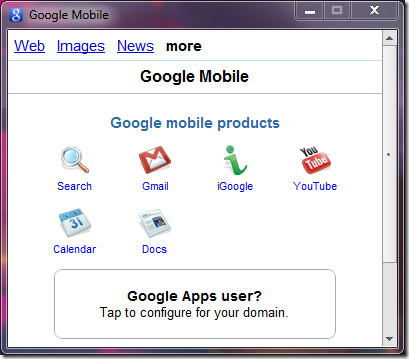
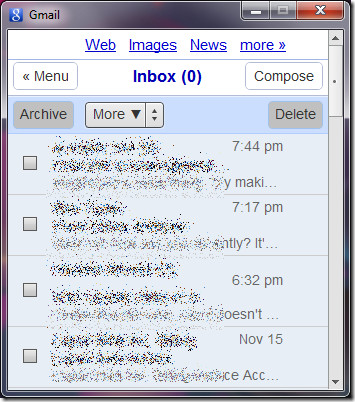
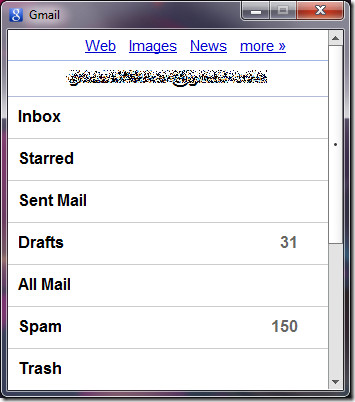
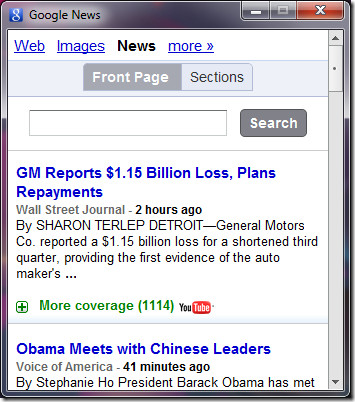
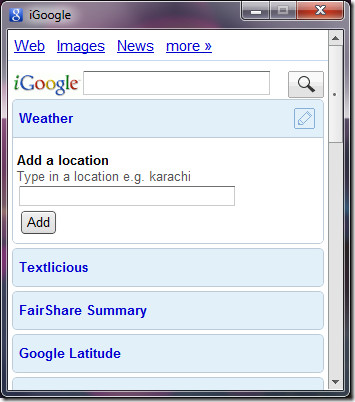
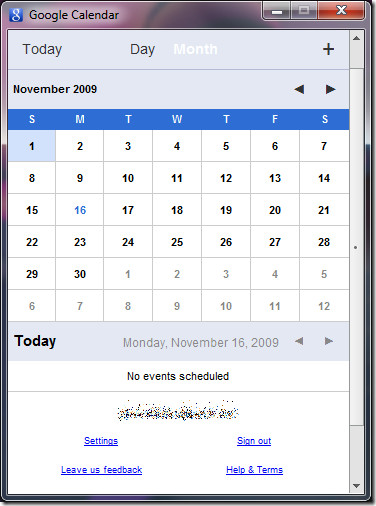
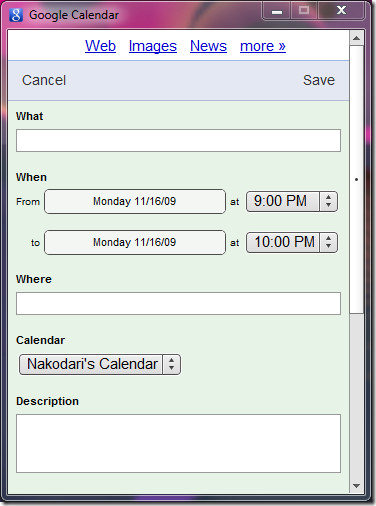
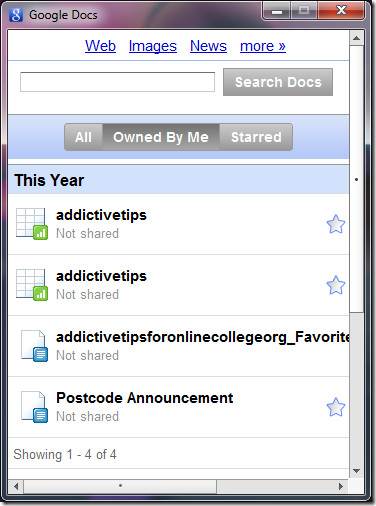
Here is how you can access them too, grab Google Tasks, sign in with your Google account, and hit the small More link at top. The rest you will be able to figure out yourself. 😉
Google Tasks Desktop App (It can do much more than just managing tasks)
Enjoy!
