How To Change Windows 7 Logon Branding
We previously reviewed Windows 7 Logon Editor which allows changing the Windows logon screen image.However, it did not have the option to change the Windows 7 branding logo. Windows 7 Logon Branding Changer is an easy to use portable tool that can replace default logon screen branding logo with any specified PNG image.
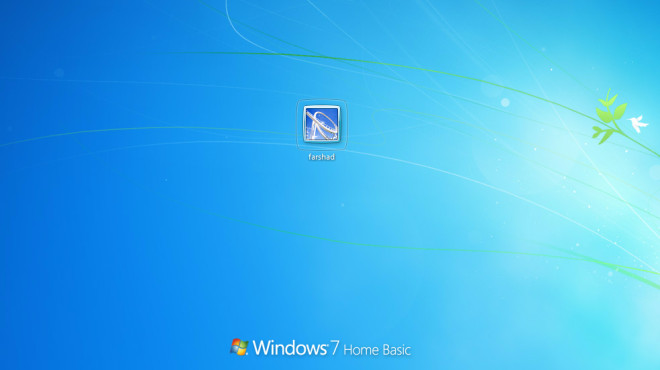
Just run this portable tool and click on Load Picture to add a PNG image to replace the default Windows 7 Logo. After that, click Apply to replace the branding logo. It must be noted that the provided image should be roughly 361 x 58 in size, in order to avoid getting a stretched and de-shaped look for the branding logo.
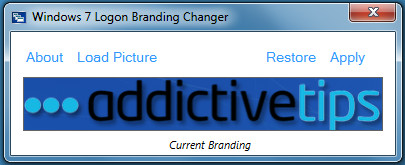
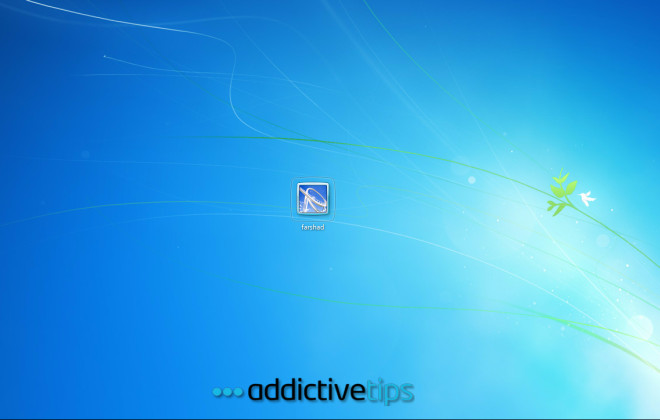
This will replace the Windows 7 branding logo on your logon screen. In case you would like to revert to the default logo, launch Windows 7 Logon Branding Changer and click Restore.
It only works on Windows 7. Don’t try to attempt this on Vista.
Download Windows 7 Logon Branding Changer

definitively not working on my windows 7 pro X64
is there one for vista need one desperately!
This doesn’t work to this!!!!!!!!!!!!
I was wondering if someone could help me out. This tool really works well. I replaced my branding logo but does not look as good as I thought it would. My logon background is white more or less in the area where the branding logo is placed so my default Windows 7 Enterprise logo is not cleary visible.
I did some time ago see diff windows branding logo on a site with black font which will work well for what I need. Does anyone know where to find different windows branding logos with a black or dark font I can have a look at please. Thanks.
@Drakman
“361 x 58 in size” – in is not only an abbreviation for inches, but also an english word. Since there is no period after it, we can assume that it’s not an abbreviation. The picture needs to be 361 by 58 in size, it makes sense.
“361 x 58 in size”
…looks like “361 X 58 in. [inches] size”
That’s a big logo.
AMAZING!!!!!!
thank you so much