Kill Or Close All Running Programs Quickly In Windows
When you install certain application or software, they ask us to close all running programs first. Closing all programs one by one can be a difficult task specially if you have more than 10 programs running at the same time.
This is where SmartClose comes in, it makes closing all programs a piece of cake. It not only closes all programs, but you can even restore all your programs too. You can take a snapshot before closing all programs, and later restore them by using this software.

So instead of closing all programs one by one and then later opening them again, you can now use this software to close all programs and later restore them all with a single click. It surely makes productivity easier.
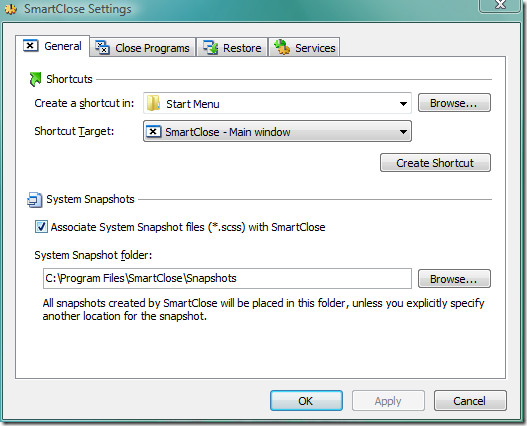
It has a number of options, which can be easily changed, you can also select the destination where you would like to save the system snapshots among many other preferences. If you are looking for a tool to kill all running programs and later restore them, look no further than SmartClose. Enjoy!
