Merge & Encrypt PDF Files From Windows Context-Menu
PDF is arguably one of the most used formats for viewing and sharing documents. A large number of websites features a wide range of documents in PDF format, including Brochures, Instructions manuals to other guides. Adobe Reader is undoubtedly one of the best, and most used, PDF file viewers out there (Adobe is the company behind the format, after all). Its used by the masses to work with PDF files everyday. However, if you are looking for a lightweight application that allows you to edit PDF documents, read on. Quick PDF Tools is an all-in-one PDF utility that lets you perform numerous operations over PDF files such as edit PDF meta information ( Title, Author, Subject etc), remove passwords, view security document restrictions, merge selected PDF files, convert PDF to images and vice versa, extract text from PDF, remove bookmarks, all from Windows right-click context menu. The application comes without any interface or configuration console to tweak the settings. Once installed, right-click the PDF file, head over Quick PDF Tools menu, and then select the task you want to perform over the selected document.
The Quick PDF Tools menu includes PDF Preview, Document Properties, Convert, Edit, Extract, Security and Merge options available for selected files.
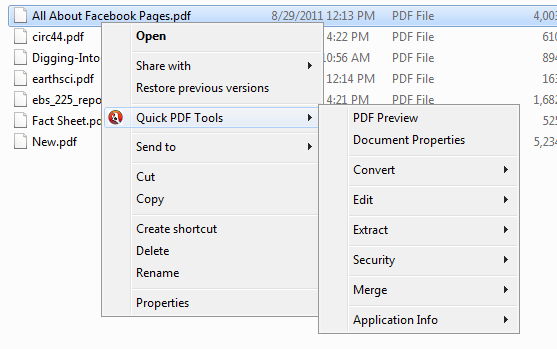
The application allows you to Convert PDF documents to image and text format, Edit bookmarks and document properties, Extract text and images from PDF files and Merge PDFs by selecting multiple files.
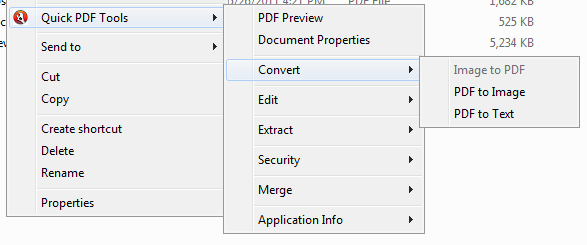
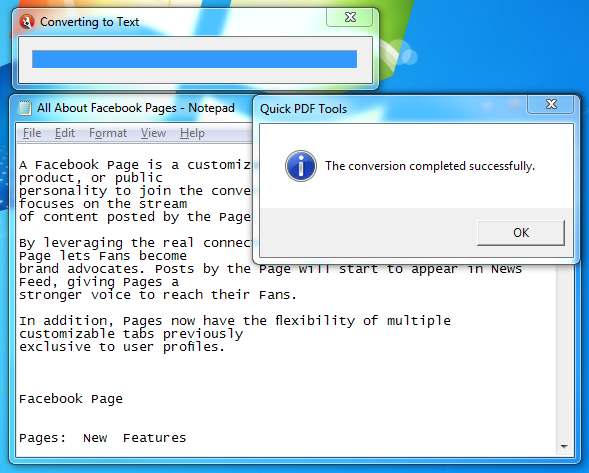
When extracting text or images from PDF files, the application will automatically create a TXT file and save the extracted text at specified location.
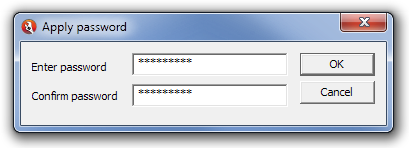
The application lets you set passwords to secure your PDF documents from external unauthorized usage.
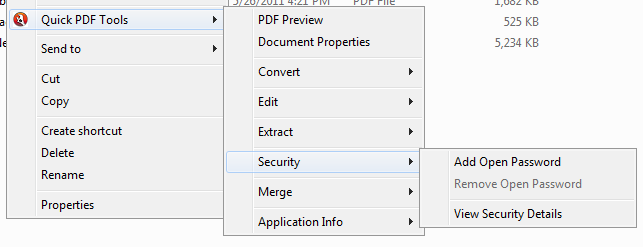
To password-protect a PDF file, select Add Open Password from Security from right-click menu, Enter Password and then click OK.
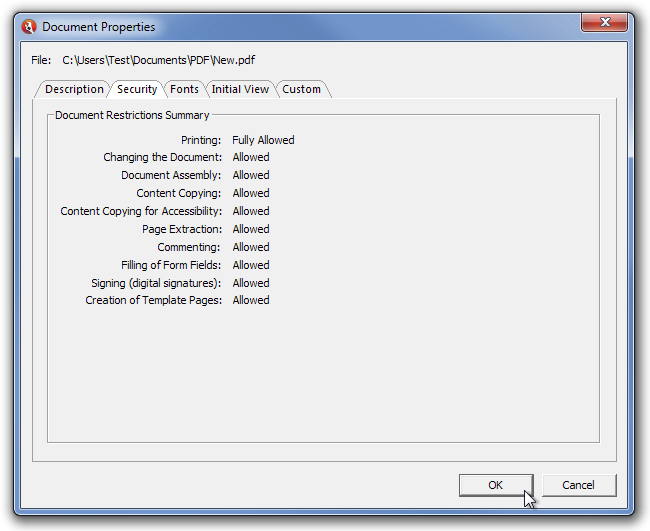
The Document Properties window lets you view and edit properties related to Description, Security, Fonts, Initial View and Custom Properties.
The application also has a paid version. Other than the features mentioned above, the paid version includes extended functions such as Split PDF files, Add,Edit and Remove JavaScript from PDF files, Extract CSV formatted text etc. If you need to perform additional tasks like how to sign a PDF, you may want to explore other specialized tools. The complete comparison can be found on the product page. Quick PDF Tools works on both 32-bit and 64-bit versions of Windows XP, Windows Vista and Windows 7.
