PenyuLocker: Quick Folder Protection For Windows
Windows 7 comes with a build-in encryption tool called Bitlocker which can encrypt and password protect your entire drive, but what if you want to quickly prevent access to a specific folder without having to encrypt it’s data (which is a slow and tiresome process).
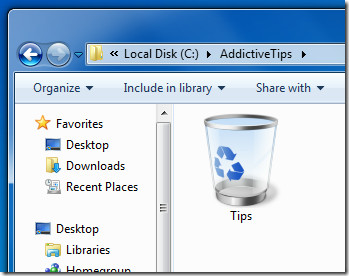
PenyuLocker is a small tool to quickly secure any folder with a password. Once secured, the folder turns into a working recycle bin. Open the recycle bin and you will see all the items that are moved for removal. To unlock a folder, simply select the folder and enter the correct password. That’s it!
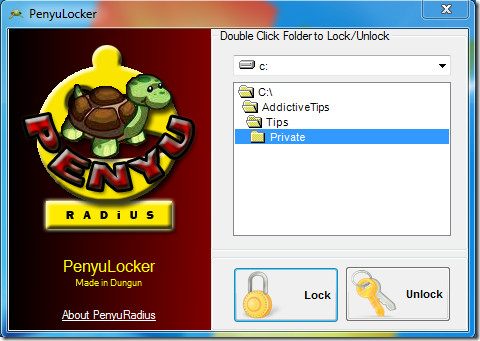
At AddictiveTips, we prefer using tool that comes with context menu support for quickly securing a folder and sadly this tool lacks the support, which can be considered a big downside. It works on all versions of Windows after XP. We tested it on Windows 7 32-bit system.
For more, you can also check out Cryptor, which can secure both files and folders and supports encryption.

can’t access my folder being locked in penyulocker..My pc was reformat and I re-installed penyulocker again after formatting but unfortunately my password can no longer be recognized…
dude,why i cant download this aplication?
i think it is nice..
Malaysian product! 😀
1Malaysia 🙂