Prevent Others From Viewing Your Screen to Protect Sensitive Data
If you work in an office environment sitting close to your co-workers, how will you protect your privacy? In cases where you have to read and reply to important or personal emails, how will you prevent others from viewing your screen? One of the most common way is to move the monitor a little further from your co-worker, which can be rather awkward and embarrassing sometimes.
CE Desktop is a free portable data protection tool for Windows that covers most area of your computer screen. Simply move the box to the area where you are working and don’t worry about prying eyes anymore.
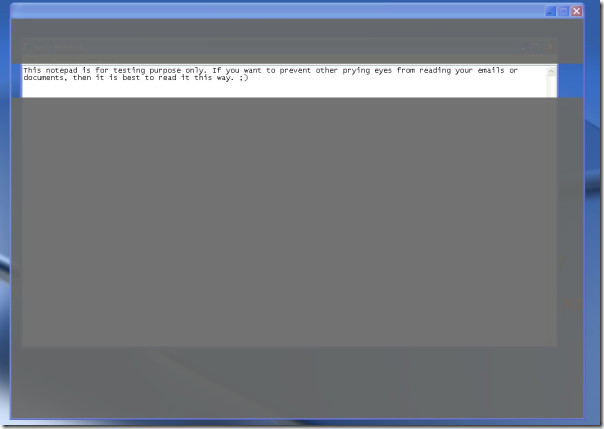
You can use the following keyboard shortcut keys to move the visible area.
PgUp = Move the visible area up
PgDn = Move the visible area down
Home = Move the visible area to the top
End = Move the visible area to the bottom
When you move the mouse pointer over the main window, it can directly pass through it. Which means that you can directly click the file through the box. This can come handy when you want to edit something.
Overall, it is a great light-weight tool that solves a huge problem in a very unique way. The developer calms that this tool will never cause memory leak since it takes very little CPU and Memory resources. It requires .NET Framework 2.0 to run. Originally, it was developed for Windows XP, but can work on Windows 2000, 2003, and Vista too. It is compatible with both 32-bit and 64-bit Operating Systems. Enjoy!

yes, this is great if you have to write a personal email in crowded office 🙂
Two things I’d love to see in this.
1. Always on top feature
2. resize the view-box feature