Schedule Export Of Evernote Notes With Evernote Exporter
Tired of manually backing up your data from Evernote every day? Evernote Exporter is an open source tool that can schedule the export of Evernote notes on a periodic basis. Using Evernote Exporter, you can avoid exporting your notes manually from time to time and rather schedule for automatically saving a backup of your notes in ENEX (Evernote) format.
Once Evernote Exporter is launched, select a directory where you want to save the notes, followed by a schedule for automatically exporting notes; hourly, daily, weekly, or monthly. When selecting a time frame you can also add a repeat time; repeat hourly or repeat after x number of days, weeks, and months. When configured, click Save. You can also export the current notes immediately using the Export Now button.
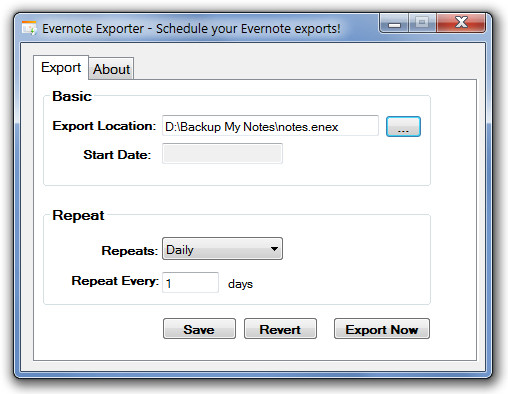
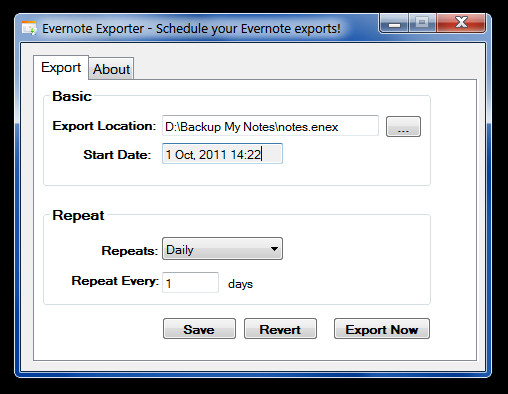
When clicked on Save, a date will appear in the Start date text box, displaying the date & time on which your notes will be exported automatically. If you enter an incorrect schedule, click Revert and set a new time frame.
Evernote Exporter works on Windows XP, Windows Vista and Windows 7.

I am looking for a Mac version. Does anyone know where to find one?