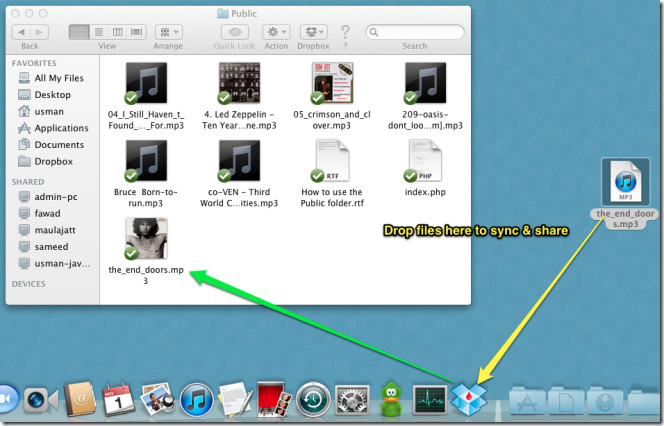
Bloodrop For Dropbox: Drag File Onto Mac Dock To Get Its Public Link
One major downside of Dropbox desktop application is that it doesn’t provide a convenient way to get a shareable link for files present in Dropbox public folders and sub-folders. This compels users to open Dropbox Public folder, right-click the file(s) and then select Copy Public Link from Dropbox menu to get public link. Wouldn’t it be better if you could get shareable links for files that you move to Dropbox Public folder via drag & drop? Bloodrop has been developed to provide you with just that. It’s a small system dock application for Mac OS X, which copies public file source link to clipboard when you drag the file over its icon. The application requires nothing except your Dropbox ID and public folder/sub-folder path to copy source links of public files.
Read More