Dmailer: Kick-Ass Backup Tool With 2GB Free Online Storage
When it comes to backup, Mozy, Dropbox, and SugerSync are few popular services which provide 2GB of free space for online backup. France based Dmailer has been quietly working on their latest version of backup software. Dmailer Backup provides one simple-to-use interface to backup and restore important files and folders(keeping the directory structure intact), making it a must-have tool for users looking forward to protect their data and those who are re-installing their operating system.
Dmailer Backup works by backing up all your files to an external hard drive / USB Flash drive. It has a default interface that makes sure all files from the Desktop, Documents, My Music, My Pictures, and My Videos folders are copied exactly like the way they are. Making restoring easier in case of data loss or corruption of operating system.
Please note that Dmailer Backup installs itself to the external drive or USB drive(yes, it is portable), which means that to restore the data, you need to run the executable from the external drive.
The backup by default is not password protected, nor is it encrypted. You can enable this option when creating a new backup. Dmialer Backup is build keeping important data in mind, so the default files it backs up are Text Documents, Spreadsheets, Presentations, Photos, Music, and Videos. You can define almost every other format or choose to backup all files in selected drives and folders.
Go through the screenshots below before giving it a shot. And yes, they provides 2GB of free online storage as well. Files can be backed up online directly from this app.
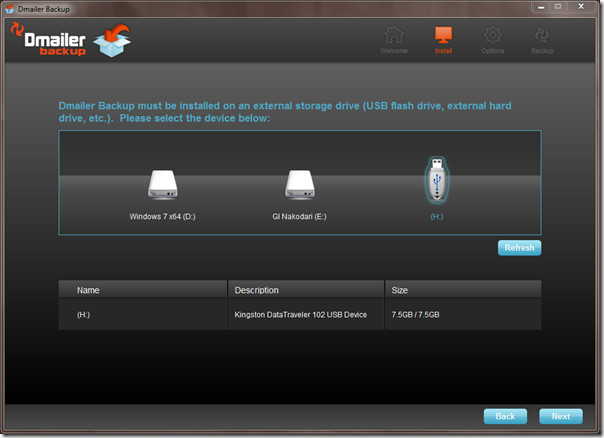
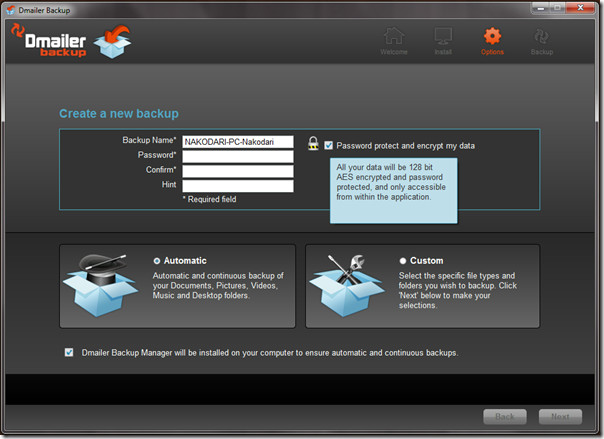
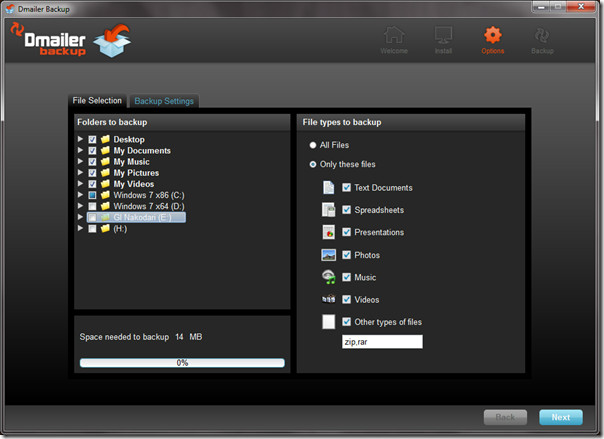
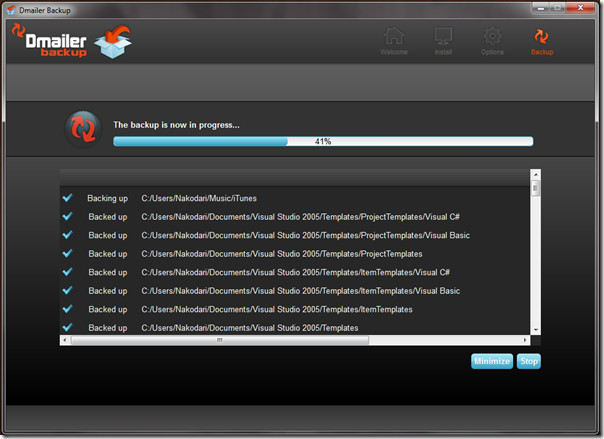
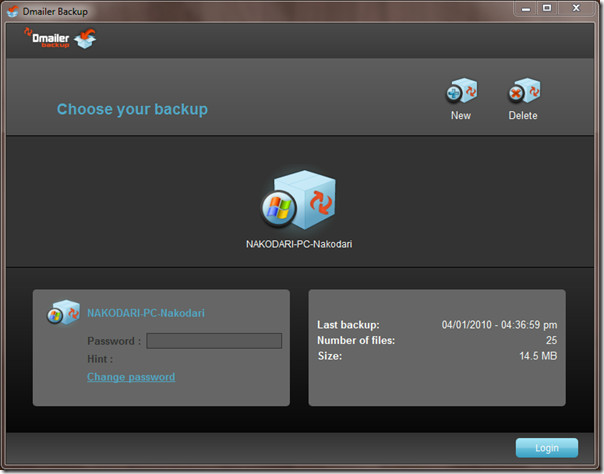
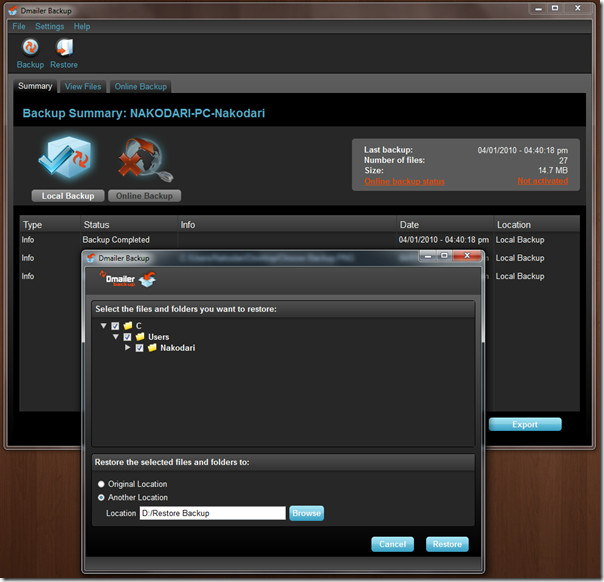
Once you run the app from the external drive, it will scan for all new files in the folders that were backed up the last time. If new files are detected, they will automatically get backed up.
It is available for both Windows and Mac. We tested it on Windows 7 32-bit OS.

TechSexy, DMailer offers a Linux version but only for OEMs. Check the DMailer backup video they have.
Nice post. So long I usually Dropbox, one of the best solution right now. I will try Dmailler soon, but the difficulty is that I am a Ubuntu fan. It does not support Linux environment!