How To Find A Registry Key In Windows Registry Quickly
If you are tech geek you would probably have modified, tweaked, or removed a bunch of registry keys manually. Every time you go to Windows Registry Editor to find some key, it is too difficult to find one, you have to keep pressing F3 to jump to the next key and so on until you finally find the key you are looking for.
RegScanner is a free program, that helps you search through the Windows Registry quickly and efficiently, it performs just like Windows Search which searches for files and folders in your drives.
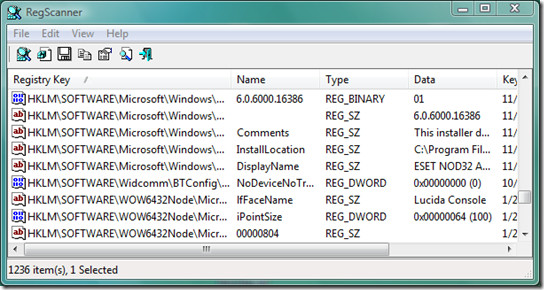
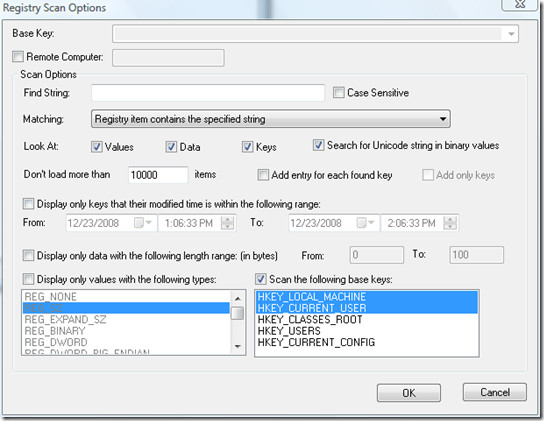
This program is surprisingly fast, it scanned 2 base keys for the specific key in less than 15 seconds!

Great little program. Thanks for the tip!