10 Best Torrent Sites of 2026
If you want to torrent, you need a good place to find the movies, shows and games you want. We’ve picked the 10 best torrent sites where you can find almost everything you’re looking for, from the latest releases to older TV shows you want to binge just one more time.
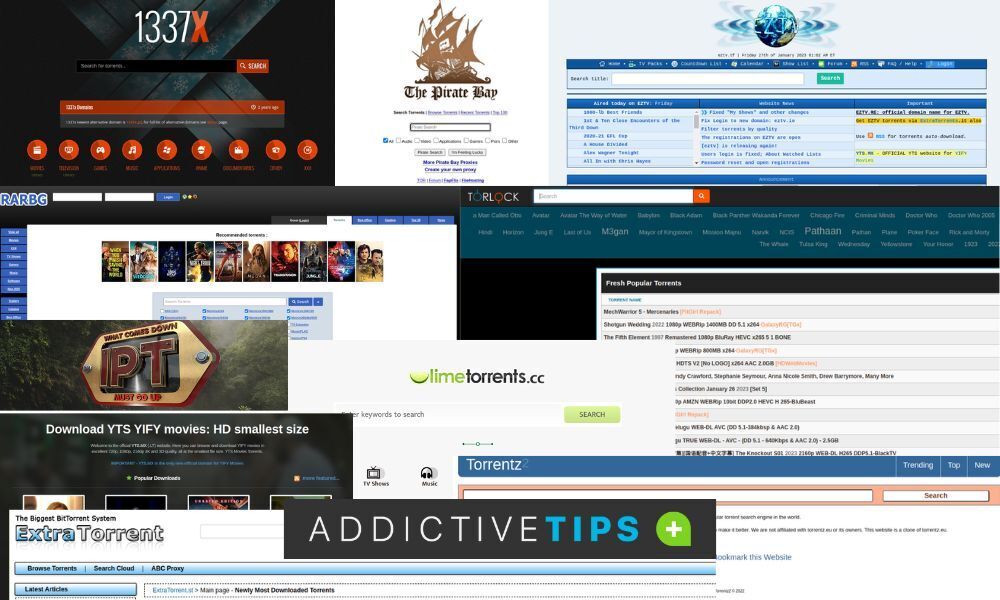
In our list you’ll find some old stalwarts like The Pirate Bay as well as some interesting KickAss Torrents alternatives like RARBG or 1337X. We also included some more niche torrent sites that offer less well-known content, like Chinese series and Bollywood movies.
Of course, before you visit any of the best torrent sites below, you need to make sure you’re safely connected through a VPN or run the risk of massive fines. We’ve made a selection of the best VPNs for torrenting for you to pick from. Leading the pack is NordVPN, check out our full NordVPN review to see why we like it so much for file sharers like yourself.
Editor's Pick September 2026

Our Top 10 Best Torrent Sites
We’ve gone through the many torrent sites out there and picked our 10 favourites. Whatever you’re looking for, you should be able to find it on one of these great sites. Each of the best torrent sites on this list has been chosen for its reliability, content variety, and ease of use.
1. The Pirate Bay
The Pirate Bay is the grandaddy of torrenting sites. Probably the first major site to gain mainstream attention, it’s been the target of media attention as well as that of copyright watchdogs looking to shut it down. The Pirate Bay is like a weed, though: every time it’s shut down it just springs up back somewhere else. Of all the best torrent sites, The Pirate Bay has the largest, most eclectic collection of warez, offering a little bit of everything in a pleasant interface.

Major torrent categories: Movies, series, games, Windows apps, Mac apps
The Pirate Bay Cons: Search function occasionally throws a fit, lots of dead torrents.
Mirrors: thepiratebay.org; thepiratebay.zone; www.tpbproxypirate.com; mirrorbay.top
2. 1337X
However, The Pirate Bay doesn’t have everything, which is where other sites come in. 1337x is a great alternative among the best torrent sites, offering a bit of everything while letting you specify your search a lot better. Like The Pirate Bay, it has a huge library, probably owing to the fact that it has been around since “1337” was common internet slang.
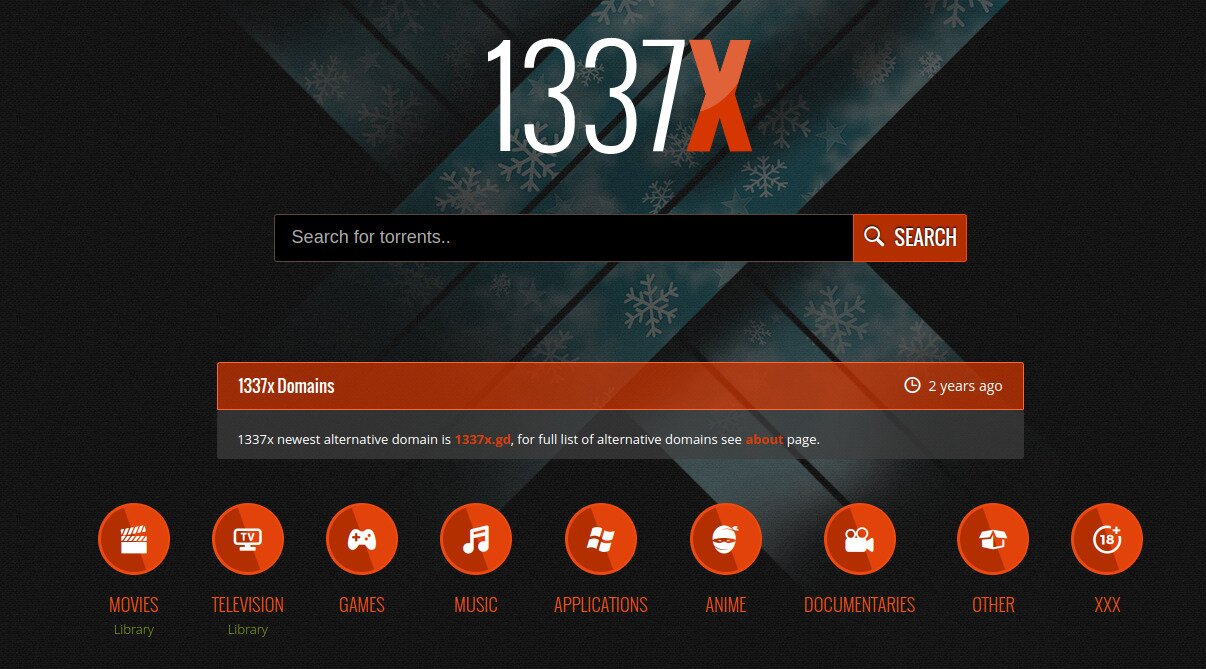
Major torrent categories: music, anime, documentaries, XXX
1337x Cons: Search results can be a bit confusing, not always the latest episodes available.
Mirrors: 1337x.to; 1337x.unblockit.ink; 1337x.unbl0ck.cfd
3. RARBG
RARBG is another generalist site that offers a little bit of everything. Whether you’re looking for shows, movies, games or more general software, RARBG has you covered. Though it’s hard to say whether it has a bigger catalogue than The Pirate Bay, the search function at least works a lot better. RARBG also offers more adult content than other sites, making it one of the more versatile best torrent sites available.
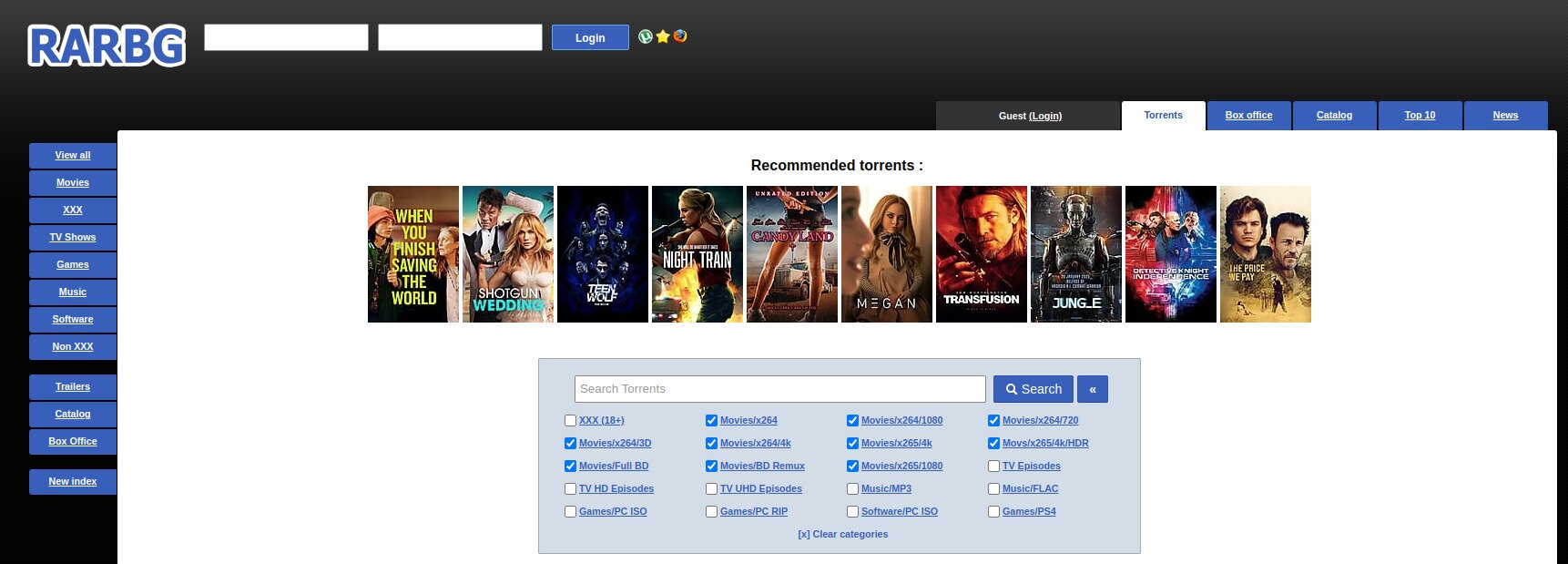
Major torrent categories: Movies, series, games, Windows apps, Mac apps, XXX
RARBG Cons: Many duplicated torrents, interface is a bit confusing.
Mirrors: rarbgenter.org; rarbg.torrentsbay.org; rarbg.unblockninja.com
4. EZTV
Away from the generalist sites and on to more specific ones: if you’re looking for TV shows, no matter how obscure, EZTV is a great place to start looking. Like the name suggests, it focuses on offering TV series and has tons of them. You’d be surprised at the stuff you can find on there.
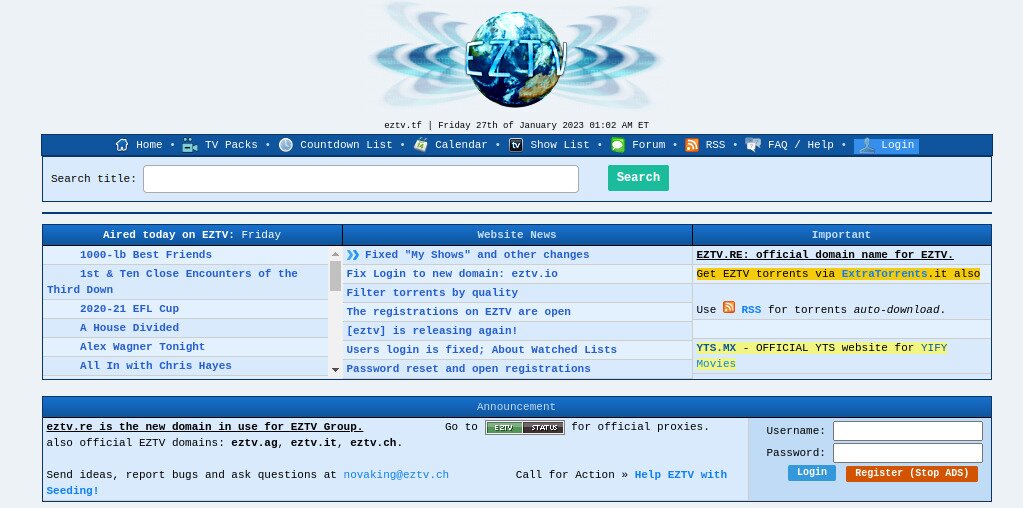
Major torrent categories: TV shows
EZTV Cons: Old-school interface, really only offers TV shows
Mirrors: eztv.tf; eztv.re; eztv.unblockninja.com
5. YTS
What EZTV is for TV shows and serials, YTS is for movies and films. Run by the uploading group YIFY, who also regularly post on other boards, it seems this site’s goal is to offer every single film ever made. Even some very obscure films can be found on this site, and the quality is always good. For movie lovers, YTS stands out as one of the best torrent sites dedicated entirely to cinema.
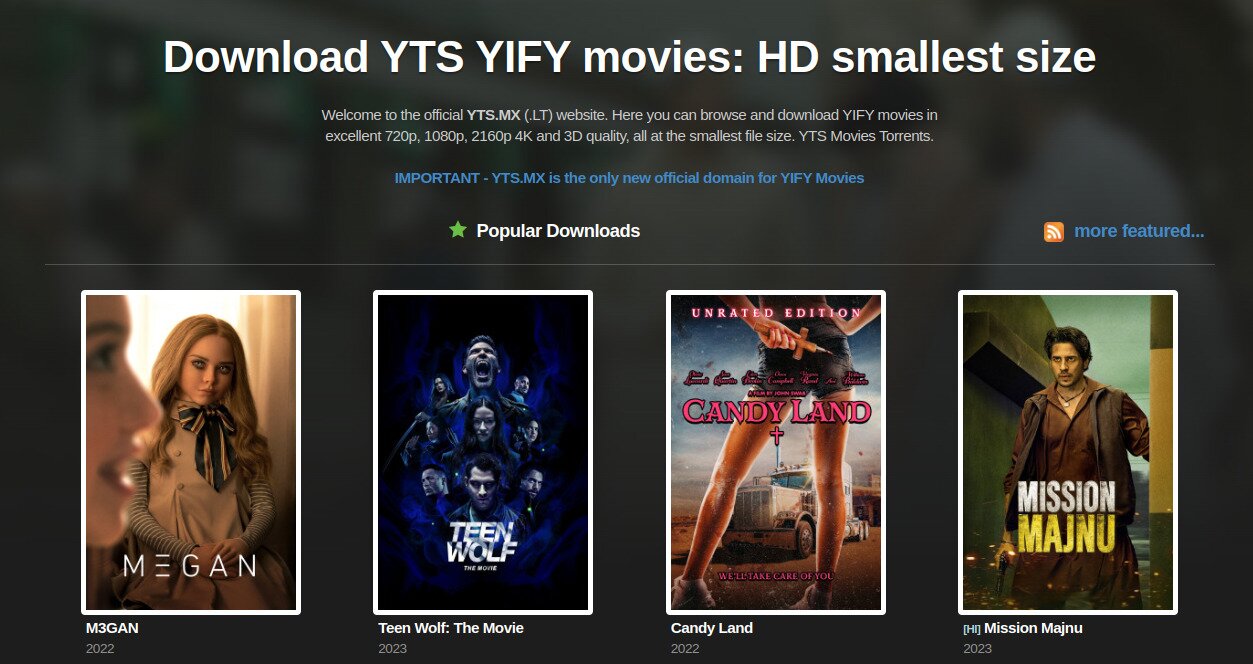
Major torrent categories: Movies
YTS Cons: Almost exclusively offers films; subtitles are often a bit iffy.
Mirrors: yts.mx; yts.rs; yts.io
6. LimeTorrents
LimeTorrents is another generalist site, though it doesn’t seem to have the same kind of catalogue as our top picks. That said, it has some stuff you don’t come across often on other sites. For example, we found plenty of obscure JRPGs, classical western music and niche TV shows. It seems that if you can’t find it on other best torrent sites, LimeTorrents will have it. When looking for games specifically, it’s worth checking if is Steam Unlocked safe to download from before using torrent sites, as there may be safer alternatives available.

Major torrent categories: Music (classical), games (JRPGs), off-beat TV shows
LimeTorrents Cons: Not a very wide selection of warez, some duplicated torrents.
Mirrors: limetorrents.so; limetorrents.lol; limetorrent.ws
7. ExtraTorrent — Best Torrent Sites for Asian Content
Another torrent site that offers a bit of everything is ExtraTorrent. However, what sets it apart is that it seems to have a lot of uploaders that are into Indian music and cinema, as well as a few that really like anime and other Japanese entertainment. If you’re into any of these categories, ExtraTorrent seems like a good bet.
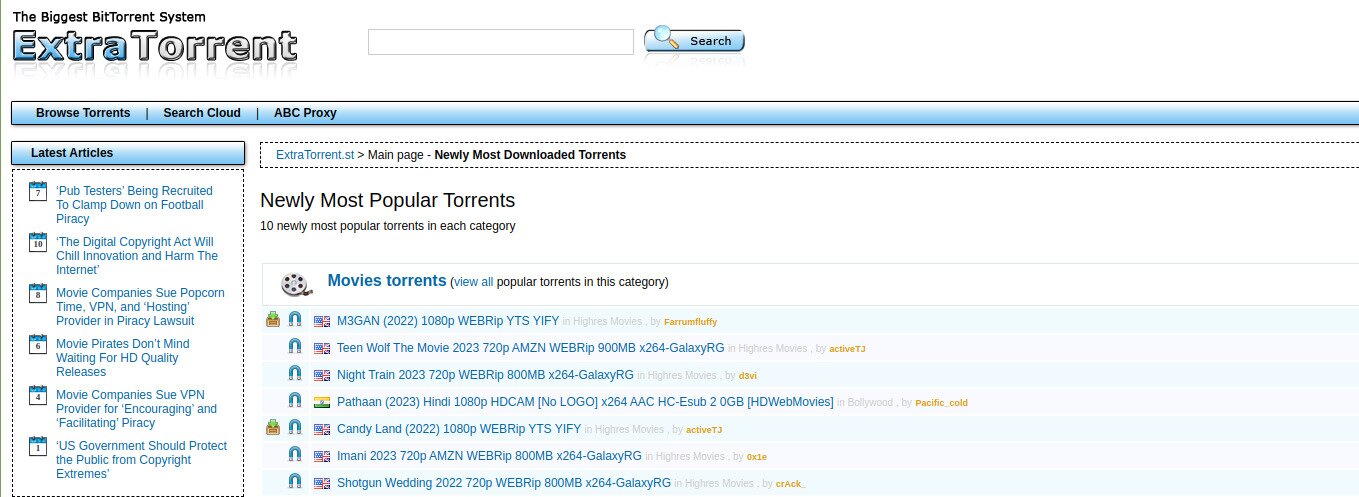
Major torrent categories: Indian films, Indian music, anime
ExtraTorrent Cons: Old-school interface, some mirrors are iffy.
Mirrors: extratorrent.st: extratorrents.ch
8. Torlock
Another site that may be interesting for people that like content from Asia is Torlock. It’s one of the few best torrent sites we’ve seen that has Chinese content, for example, while also offering a large library of South Asian movies and shows. That said, there seem to be some security issues with the site and its mirrors especially seem a bit dodgy. Handle with care.
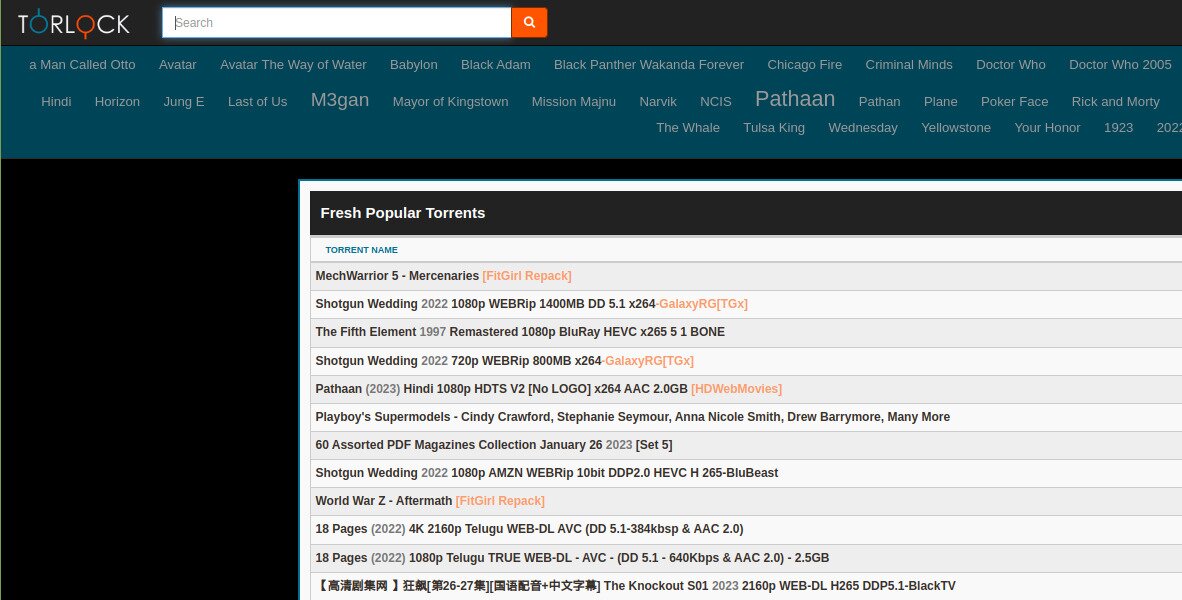
Major torrent categories: Chinese content, Indian content.
Cons: Slow search function, possible security issues.
Mirrors: www.torlock.com
9. IPTorrents
The last torrenting site in our list — the final entry is a search engine — is IPTorrents, a members-only site that has everything you may ever want to torrent. However, to join, you need an invite and to pony up $20, or at least that’s what our sources tell us. Once in, though, you’ll be in one of the most active torrenting communities on the web. For serious users, it ranks among the best torrent sites for sheer content depth and community engagement.

Major torrent categories: Everything.
IPTorrents Cons: Members only, and membership comes with seeding obligations.
Mirrors: iptorrents.com; iptorrents.me
10. Torrentz2
Torrentz2 is the successor to Torrentz, a fantastic torrent search engine that was forced to shut down in 2016. This version is a clone that isn’t as good as its predecessor, but is still a decent Torrentz alternative; whatever you’re looking for, you’ll likely find it using this search tool. It seems all its searches link to SolidTorrents, an aggregate site that finds torrents from around the web.
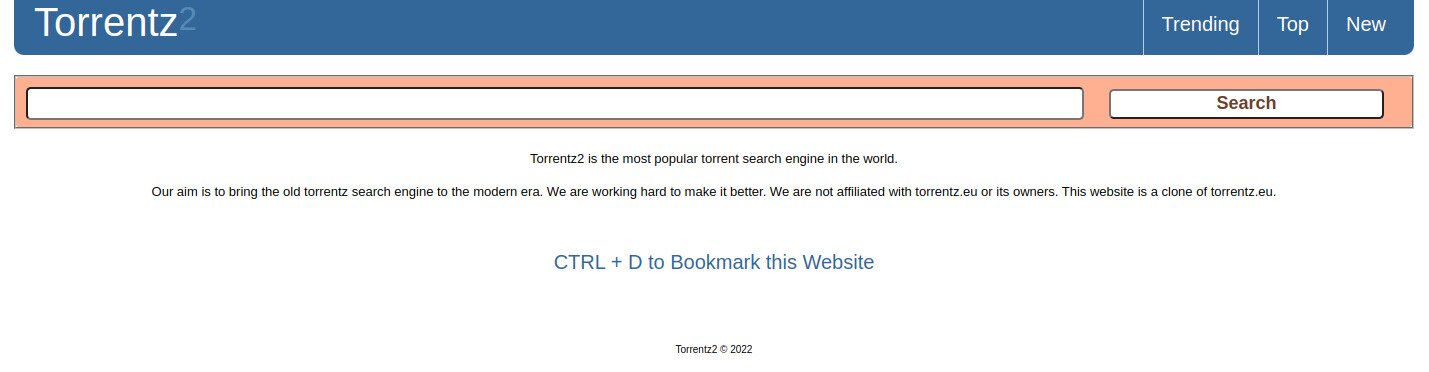
Major torrent categories: Everything
Torrentz2 Cons: Only a search engine, you’re redirected to another site for download.
Mirrors: torrentz2.nz; torrentz2.eu; torrentz2.in
Which of these best torrent sites do you think is the top pick? Or is there a different torrent source which we didn’t mention but you love like a good private torrent site? Also, what do you think is the best VPN to use when you download torrents? Let us know in the comments below!
If you need a VPN for a short while when traveling for example, you can get our top ranked VPN free of charge. NordVPN includes a 30-day money-back guarantee. You will need to pay for the subscription, that’s a fact, but it allows full access for 30 days and then you cancel for a full refund. Their no-questions-asked cancellation policy lives up to its name.

