The Best Video Players For iPhone, iPad & iPod touch

There can be no denying the fact that thanks to their high resolution Retina screens, Apple devices can hold their own against any smartphone in terms of display. The screen resolutions and other display aspects just keep getting better and better with each new iDevice release, but what’s the use of having such extraordinary hardware if you can’t play even the most popular video formats on your iPhone? While this could have been a real problem if users had to rely solely on the stock Videos app, thankfully there are a lot of quality video players available on App Store as well as Cydia. Many iOS users might not even be aware that their iPhone can play just about any video file, thanks to some awesomely feature-rich apps. It’s all about finding the right app for your device, and that’s what we are going to help you with. In what follows, we will take a look at some of the best video players available for iPhone, iPad and iPod touch. Read More

JuceVLC Media Center-Style Video Player Based On VLC

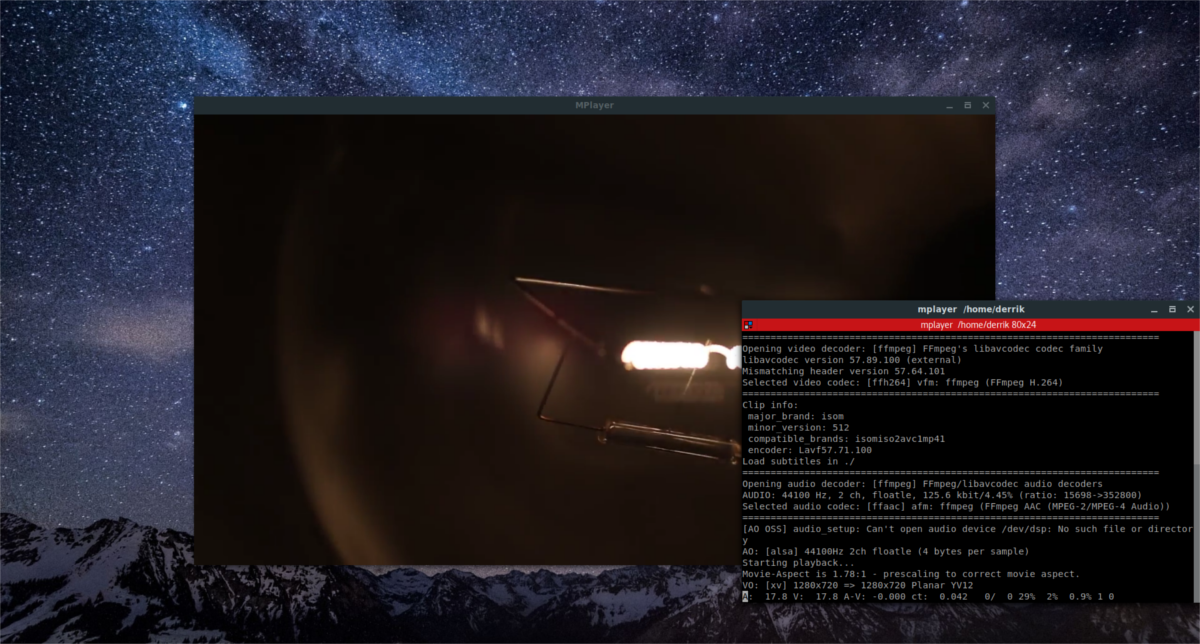
VLC Player is apparently one of the most renowned open-source media player applications out there with support for every format you can throw at it. What simply started as an academic project has now become the default choice of many for all kind of audio and video playback. Even though there are contenders like the KMPlayer constantly pushing boundaries of innovation and functionality, VLC still remains an utmost choice for many, not only because of its ease of use, but also because of its open-source nature that encourages users to tweak and develop their own versions of the program while still keeping the powerful libraries and plugins that it offers. One such example is JuceVLC, which, as the name implies, is based on VLC. What sets it apart from it however, is its media center-style on-screen navigation, which can come handy if you have a large display and like controlling playback a few feet away from the screen. Read More

Quickfire Is A Unique Mac Video Player For Reviewing & Annotating Videos

Most video players are built just to let you watch movies, offering features to help you adjust sound and video playback settings, load chapters or episodes, create playlists, and manage the size of the video frame. Quickfire on the other hand, is a different kind of video player built with a focus on reviewing videos, rather than merely watching them. Available for free in the Mac App Store, Quickfire sports the normal functions of an ordinary video player and adds several reviewing features on top of that to let you manage the color grades for a video and apply it to other videos in the same playlist, adjust where a movie begins playback i.e. add video handles, take snapshots of a frame anytime during playback, flag videos, mask the player, mirror the image, export a video’s audio, link an audio file to a movie, add notes, and draw over a frame with a freehand drawing tool. The changes are all saved in Quickfire’s own format (QFS). Read More

Light Alloy Is A Portable Video Player With Borderless Viewing & Advanced Scheduler

Audio and video players come in all shapes and sizes. While some people like to stick with the native Windows Media Player, many choose to go for third-party alternatives that offer a lot more features and options. I personally like to use KMPlayer as my default application for watching videos, as it plays back any format you can throw at it, provides easy navigation and volume controls, and offers a plethora of options related to every aspect of audio and video playback including subtitle and audio syncing, and a lot more. Other video players boast their own specific features, such as QuickPlay that has support for playing videos of up to 4K resolution, and the world-famous open-source VLC Player that packs with a large number of widely known as well as little-known features. Light Alloy is yet another media player for Windows that comes with simple playback controls, borderless viewing, switchable skins and multi-language support for English, German, Japanese, Romanian, Chinese and more. The navigation bar displays a timeline so you can see exactly how much playing time has passed, and the player supports Blu-Ray playback as well. More on Light Alloy after the jump. Read More

Free Version Of Archos Video Player For Android Released To Play Store

Sporting a visually-attractive UI loaded with a plethora of video playing and streaming capabilities, Archos Video Player for Android was released in the Play Store back in December as a $4.99 app (currently priced at $5.21). If the app’s relatively hefty price tag kept you from giving it a try, here’s some great news for you: the company has just launched an ad-supported free version of Archos Video Player that grants you access to all the features offered in the paid equivalent. Besides being a quality video player, the app impresses with its option to automatically fetch movie & TV show information from the internet for your local and network media files, complete with relevant posters and backdrops. In addition, it boasts several other nifty features including universal media file format support, folder & library-based content browsing, built-in subtitle downloader, SMB & UPnP support, complete tablet-optimization, on-the-fly video content bookmarking, info-rich hierarchical view of TV shows, automatic video playback resuming, and lots more. Read More

Path Player For Android Offers PiP, Floating Video Playback, WiFi Streaming & DLNA

Compared to most other mobile platforms, Android users have the luxury of choosing form a broad range of free, power-packed video players. Whether you’re looking for a player with a floating window to enjoy your videos atop your favorite app, or want one capable of playing almost all renowned video formats without requiring any additional plugins, rest assured that Google Play Store will have at least one quality option to cater to each use case scenario. Amidst such fierce competition, it can prove tough for a new entrant to impress a wide audience, especially if it has nothing new on the menu. Luckily, that’s not the case with Path Player – the latest addition to the huge list of feature-rich Android video players. Beside supporting MX Player-style universal file format support and gesture-based playback, brightness & volume controls, Path Player happens to be one of the few video streaming and playing apps supporting picture-in-picture video playback. The app can also be used as a floating video player. In addition, it has several other attractive features on offer, including dynamic walls, DLNA support, video bookmarking, content sharing over Wi-Fi, video screenshots and a plethora of customizations. Read More

TinPlayer Is A Nifty iOS Media Player With Built-In File Management

If you've been using iOS for a while now, it's likely the hassle of waiting for iTunes to convert unsupported media files has forced you to look for an alternative to the stock Music and Video apps. There are tons of media players out there that'll let you play a host of formats, but few of them sport as flexible a built-in file manager as does TinPlayer. In addition to basic management features, it allows password protection for individual media files and lets you edit their metadata. The player combines files from your iTunes library and its own storage, has lyrics and subtitles support, easy playlist management and nifty alternative playback controls optimized for one-handed usage. Read More

Watch YouTube Videos In A Resizable, Floating Frame On Android

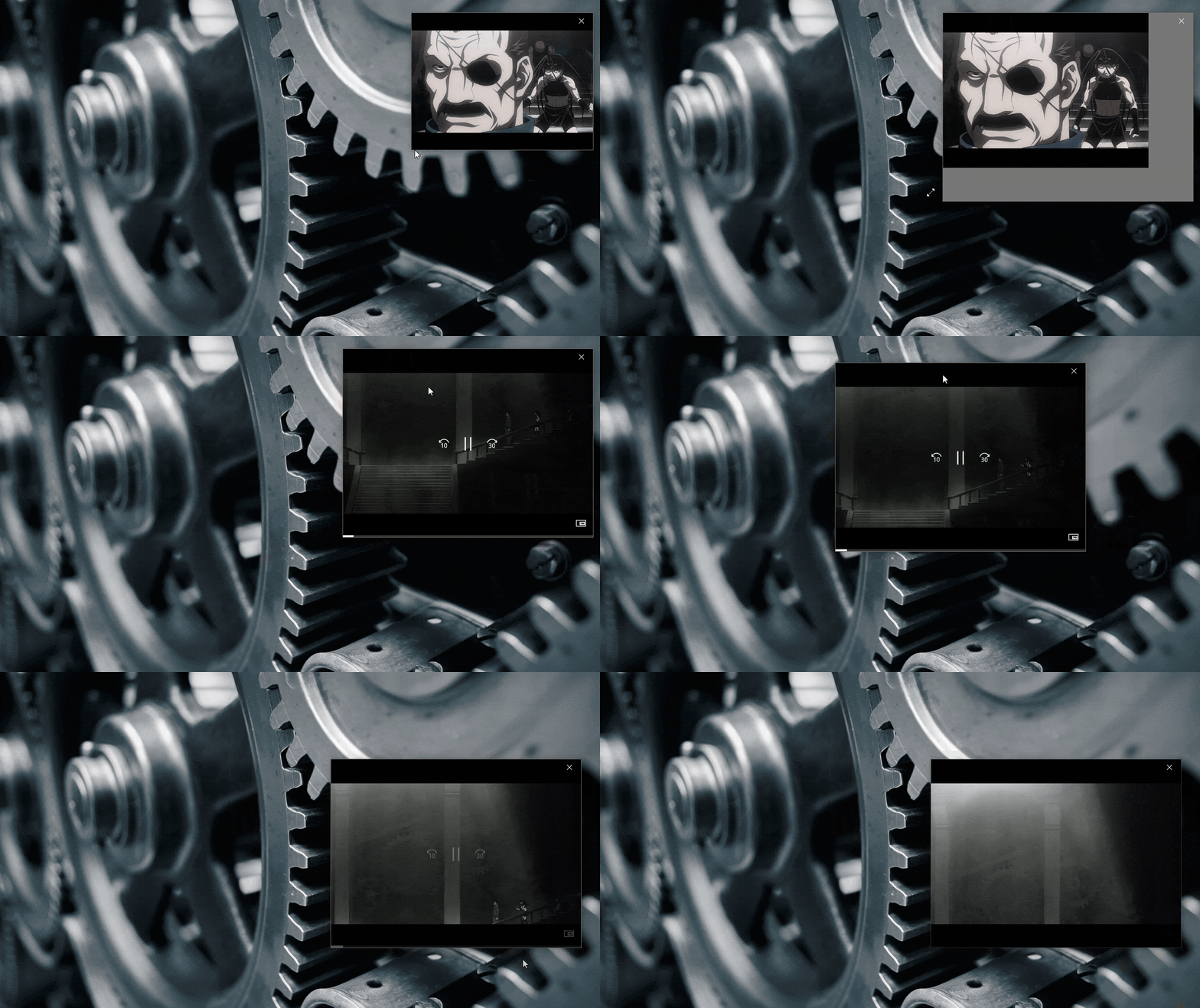
Floating apps are a great way to take extra advantage of your screen space. In addition to looking good, they are a great aid for multitasking and making use of the large screen real estate you get with an Android tablet. Previously, we have come across some very useful floating apps, such as Floating Audio, that lets you play audio and control the playback on top of any screen that you are working on and Floating Browser Flux!, a feature-rich Android browser that allows you to work with 10 tabs at any given time. Based on the same concept, Floating YouTube Popup Video is another similar app that provides you with the freedom to play YouTube videos outside the YouTube app and in a floating window accessible from anywhere in the OS. It lets you resize the floating window and position it anywhere on the screen, enabling you to watch videos while you reply to messages and emails or perform other tasks. More on the app after the jump. Read More

MPC-BE Is Media Player Classic With Better UI & More Options

Media Player Classic probably needs no introduction. The feature-laden open-source audio and video player has earned quite a reputation  and is considered as one of the best media player available for Windows, among the likes of KMPlayer, GOM Player and VLC etc. The only downside however, is the player’s UI that's reminiscent of Windows Media Player from Windows 95 and 98, that might not likely please everyone. Being open-source software, it allows anyone to custom-tailor it to their needs. If you want the features of MPC with some added eye candy that brings its UI out of the 90s, give MPC-BE a shot. It’s a revamped version of Media Player Classic that - according to its developer - not only looks better than MPC, but also performs faster. Furthermore, MPC-BE isn't merely about new looks; the developer has also thrown a bunch of extra features into the mix. Let's find out more about the player after the jump. Read More

RockPlayer2 Comes To Android; Offers A Sleek UI, WiFi Media Sharing & Online Streaming

It’s been quite a while since RockPlayer2 was made available to iOS users, and now it’s time for Android fans to enjoy the revamped version of one of the most feature-rich cross-platform media playing and streaming apps for smartphones and tablets. RockPlayer2 has just been released to the Play Store with a completely redesigned UI and a whole bunch of powerful features including universal media format support, wireless media sharing across devices via RockShare, the reinvented seek bar (aka FreeSeek), native UPnP client, improved media file management, subtitles support, HDMI mirroring, fully customizable control bar, and various gesture to control media playback on your device with minimal effort. All in all, it’s a massive update considering the significant changes in terms of the revamped UI as well as the new features. Read More

The Best Video Players For Android

I remember the days when the coolest cellphone was the smallest and most compact one and in the course of a few more years, out came PDAs; some with phone functionality and some as a personal assistant. The screens on those things were huge but they made for some very good multimedia players, something that carried into what we now term as Smartphones. Phones were again headed for an increase in screen size and a larger screen soon became sought after. Phones were soon judged by their screen quality and the ability to play videos. Today however, most smartphones have decent screens in terms of both side and resolution and furthermore, their CPU, GPU and RAM specs are also adequate enough for the job. So now the question isn't which phone plays videos better but rather which app is able to play videos better than the other. Of course, a countless other questions arise, like, 'which player will support 1080p playback?' or 'does this player support subtitles?' or if you’re more aesthetically conscious, 'which player has the best UI?'. In what follows, we will try and answer these questions and a few more, as we list down some of the best Android video player apps out there today. Read More

MX Player For Android Gets Background Playback & New Hardware Decoder

MX Player, the out-and-out favorite video player of most Android users that plays almost all renowned file formats, has just received a massive update in the Google Play Store. Currently standing at version 1.7, the powerful video playing and streaming app by J2Interactive has been updated with a brand new logo, Vietnamese language translation, a new & more powerful hardware decoder called H/W+, added support for Tegra 3 devices, x86 CPU, FFmpeg build, enhanced audio/video sync (with software decoder), improved seeking speed, and plenty of bug fixing. However, the most significant feature addition in the entire update remains background playback, meaning that the app is now capable of persistently running videos in the background, too, allowing users to enjoy just the audio part of it. To avail the background playback feature of MX Player, all you need to do is hit Menu > Play > enable the Background play option while playing videos in full-screen. Please note that the aforementioned hardware acceleration might not be supported on all Android devices. Instead, if your device supports hardware acceleration, you’ll be prompted by the app upon first launch whether you want to set it your default hardware decoder or not. More details on the update past the break. Read More

Popcorn Player: Free Holo-Themed Floating Video Player For Android

With the conception of the very first floating Android app, one thing was for sure: the idea is bound to become an instant hit among users. As expected, ever since then, Google Play Store has regularly been bombarded with numerous apps based on the concept of popup/floating/resizable window(s). In terms of free and most feature-rich video playing & streaming apps belonging to said genre, Super Video Floating & Popup and MoboPlayer by Mobo Team are the two that deserve a mention. If you’re still undecided over selection between both said candidates, we’re going to make the task even more difficult for you, as a new ‘player’ has just appeared on the horizon; it’s called Popcorn Player, and has simplicity and intuitiveness written all over it. Like both aforementioned apps, Popcorn Player supports playing and streaming high quality videos through an omnipresent resizable, movable and floating window, as well as in full-screen mode. Designed to run specifically on Honeycomb or higher Android devices, this Holo-themed app lets you simultaneously enjoy a couple of different videos, whether local or those fetched directly from YouTube. It supports playing/streaming videos in MP4 and WebM formats, lets you minimize player window to easily navigate to your required app/homescreen, keeps track of the last played position of each video, and on top of all that, doesn’t annoy you with on-screen ads. Read More

Daum PotPlayer: A Worthy Alternative To VLC, KMPlayer & Media Player Classic

Judging and reviewing a media player is often a challenging task, as different features have separate levels of priority in each user’s mind. One might rank the loading speed higher than a stylish user interface, while another may downplay such points as immaterial in contrast to format support. With this consideration in mind, we have found the new PotPlayer fairly attractive for multimedia users, worldwide. An attractive interface coupled with advanced features, comprehensive format support, quality control and a minimum impact on your computer’s performance, has brought great respect to this apparently-nascent software. Unfortunately, unlike its peers (like VLC Player or Media Player Classic) etc, PotPlayer currently only supports Windows. Read More

GPlayer: Easily Transfer & Play Any Video Or Audio Format On Your iPhone & iPad

Android supports Flash while iOS doesn’t, and this is a point that comes up in a lot of smartphone comparisons. Fortunately, the App Store is full to the brim with tools and utilities that cover many of the shortcomings that plague the iPhone. That’s what makes GPlayer a must-have for all iOS fans who like to use their device for watching a lot of videos. This awesome media player can play just about any video format and all popular audio formats, making it an excellent alternative to the now-Cydia-exclusive VLC Media Player for iOS. Not only that, the app supports loop playback and continuous play. Copying video files to the app is extremely easy as well; it can be done both over WiFi and via iTunes. Read past the jump for details. Read More

Super Video Is A Free, Resizable Floating Video Player For Android

The concept of ‘floating apps’ is fast transforming into a pretty handy way of helping Android users extract the maximum performance out of their immensely powerful devices, while at the same time, letting them enjoy the true essence of multitasking on a mobile device. Previously reviewed calculator app, AirCalc, is a very fine example of a neatly-designed and simple floating app, which remains persistently visible on any Android screen that you navigate to. Over a period of time, the concept of floating apps has been employed on far more diverse app categories, and Android users these days find themselves surrounded by a healthy number of floating video players in the Google Play Store. However, the catch with most of these ‘floating players’ is that they come tied with a hefty price tag, which is not the case with Super Video, Floating & Popup – a comprehensive video streaming and playing Android app that lets you simultaneously play multiple local and YouTube videos through various resizable and movable floating windows. Read More

Downloader Elite: Perhaps The Best, Most Feature-Rich Download Manager For iPhone & iPad

Downloader Elite is the sort of app you can’t really consign to just a single category. Most people will call it a simple download manager or a web browser for iPhone and iPad, but it is actually much more than that. The app includes a decent audio player, can handle a vast variety of video formats (including FLV and HTML5), has a PDF reader, and comes complete with a nice text editor. With support for so many file formats, the app makes everything convenient for users by providing them with a neat download manager. The app is Downloader Elite has AirPlay support, lets you play videos in the background and can be used to open ZIP or Office files. The list of offered features goes on and on, past the break. Read More

FreeVimager: View, Edit & Convert Images, Audio & Video, All In One Place

Not stylish but certainly usable to a good degree; these words just about sum up FreeVimager. FreeVimager is a 3-in-1 application that can display, edit and convert images, videos and audio files. It’s basically a viewer and editor geared towards camera related applications. It supports BMP, JPG, PNG, GIF (both still and animated), TIFF, PCX and EMF image extensions; for audio it supports AIF, WAV, MP3, WMA, AU, MID and CDA file extensions, and AVI files for video as well as ZIP files for archiving.

Read More

Wondershare Player Might Be The Best Android Video Player, Discovery & Streaming App Yet

MX Video Player is dubbed by many as the best video player for Android, courtesy of the app’s ability to flawlessly play almost any known video format. This, coupled with its great controls, and all the various additional features that it brings to the table, makes MX Video Player the first choice of most Android users when it comes to free video players. Ever since we reviewed the app, not many alternatives have been able to impress a great deal. However, this perception seems to be taking a pleasant turn with the release of Wondershare Player – a good-looking, comprehensive video player for Android that, apart from borrowing most of its features from MX Video Player, supports the additional ability of exploring and streaming high quality videos from top video-hosting web services, including YouTube, Hulu, Vevo, Dailymotion and many more. The app combines high quality video streaming with seamless playback of locally stored media, presenting you with what is arguably one of the most feature-rich Android video players available today. Read More

SPlayer: A Feature-Rich Media Player With GPU Acceleration

SPlayer is an open source media player that claims to be (in a lot of ways) better than other popular free media players such as Storm player, QQ Player, Realplayer and KMPlayer. The application supports many file formats and also calls itself to be the lightest of all. Some of the key features of this player include auto-matching subtitles, GPU usage optimization, startup speed, optimized CPU utilization, ease of use and a simple yet elegant interface. The player uses various optimization engines to present fascinating picture and sound quality, such as ShaderEngine, LiveColor and SmartAmplify technologies. The application is available as both installable amd portable versions for on-the-go usability. Does it live up to all the hoopla its creating? Let’s find out. Read More