Transform Windows 7 Into iOS 5 With iOS Skin Pack
Apple’s much anticipated event ‘Let’s Talk iPhone’ concluded with mixed reactions from Apple fans. The disappoint came regarding the announcement of iPhone 4S release rather than iPhone 5 and excitement spurred at the confirmation of iOS 5 final version release announcement. Check our roundup to get an overview of what’s new in iOS 5. Now, to celebrate the release of the final version of iOS 5 we have something special for iOS fans – the iOS Skin Pack for Windows 7.
This iOS 5 transformation pack has been developed by Hamed who had previously released the Windows 8, Mac OS X, Ubuntu and Android skin packs.
Note: Please bear in mind that such transformation packs are difficult to uninstall and often a system restore point will not revert the changes. Before installing the iOS Pack, make sure that you backup your computer to revert the changes (if required). Moreover, make sure that UAC (User Account Control) is disabled.
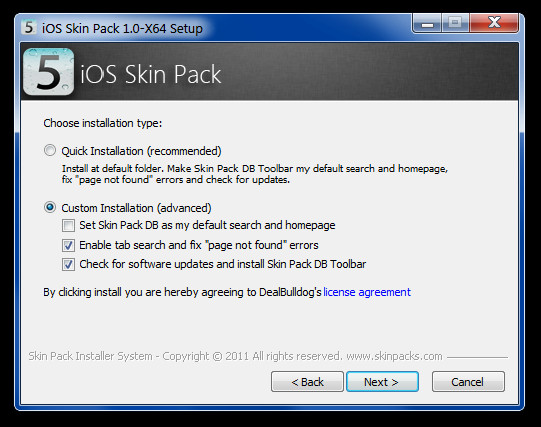
To get started, launch the EXE file and accept the terms and conditions. You can either go for the quick installation process or choose Custom Install option to uncheck unwanted items. The option to set the skin pack page as your default home page is already enabled. You can uncheck this option from the Custom installations section. Click Next to continue.
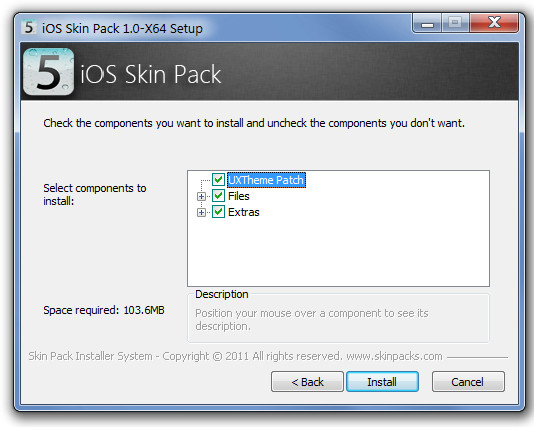
When installing this transformation pack, you will be presented with the option to install the UXTheme Patch, DLL files and other extra items (e.g. wallpaper, visual styles, etc). You may select all or some of these options to continue. For example, you may not be interested in installing a screensaver, wallpaper, etc from the pack. To uncheck these items, expand the File and Extras options to deselect items. When done, click Install to begin the installation process.
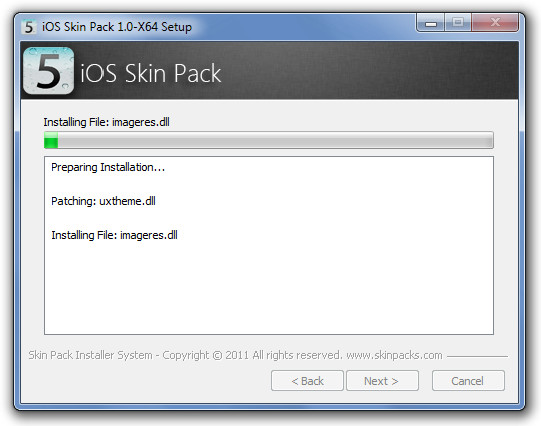
This will install all required components of the skin pack. Once installation is complete, reboot the system to get the iOS style look for your Windows 7 desktop.
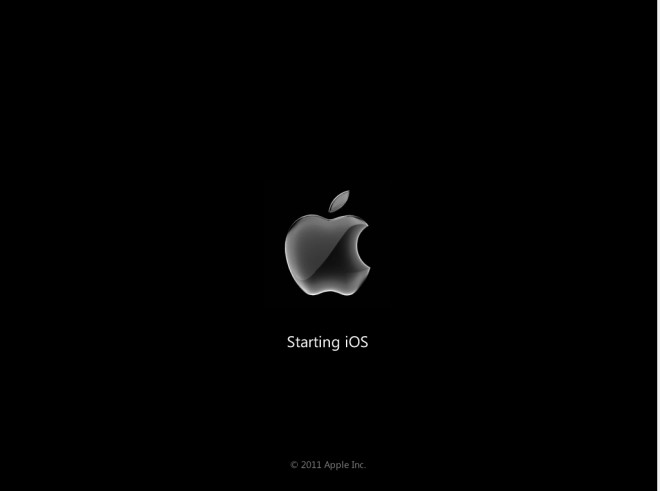
The following screenshots display some major UI elements of iOS Skin Pack.
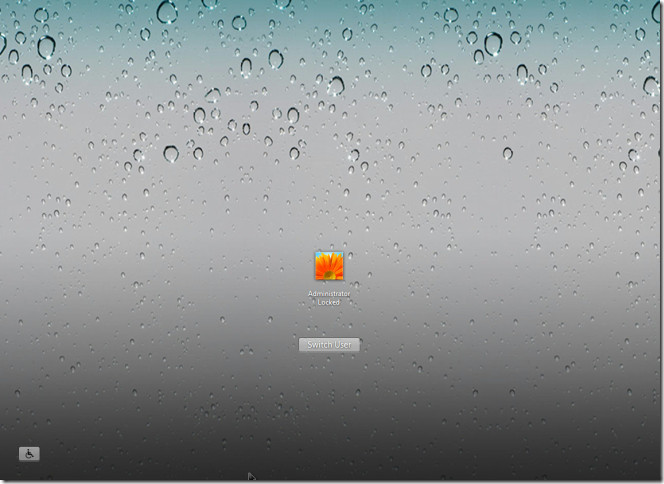
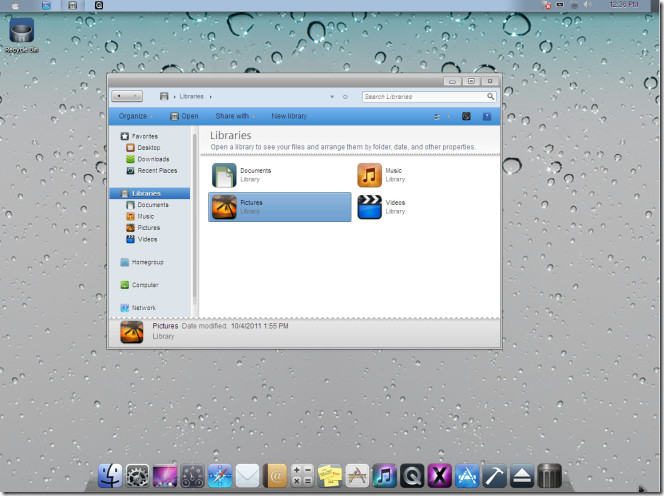
Download iOS Skin Pack (64-bit version)
Download iOS Skin Pack (32-bit version)

does this actually work let me know
i did uninstall this skin but the toolbars and others but it didnt remove the themes..
Great work…. I did install ios version to window 7 it works great… Only one thing i couldn’t figure it out is LauchPad how do we use that any solution or suggestion. please let me know at sachuraut@gmail.com
Thank you very much.
how to uninstall the skin
If anybody get’s answer then please send that to rohitmaharana@gmail.com
it’s better to get rainmeter, and an ios skin for rainmeter and install it….
to uninstall just have to turnoff rainmeter….no risk!
Help needed , the dock did not appear at the bottom of my screen . Was this not part of the skin’s package ?
hey good people, believe me when i say you really shouldn’t try this trsns. it’ll fuck up your computer system
IT works nice on x86 not on x64 and might be problem of the bellow people is that, they might choose the x86 patcher for x64 OS. just check your patched and compare with your OS. and replay me on zubi.shaikh2121@gmail.com
Been using this transformation for about 8 months… Haven’t had any problems.. great theme pack 🙂 – Windows 7 SP1 x86
i agree!!!! G R E A T
bakwaassssssssss boring pack
win 7 was nice than this
not at all true!! it’s really well-done and practice!! congratulation to the developper
shag developer in the rear
it corrupted my system’s bootmgr
hi, after i’ve installed it on my Win7 64bit it works perfectly and it’s really very nice; the problem is that my audio doesn’t work anymore…I’ve tried to uninstall it and sounds work, but after re-installing iOS Pack, again the same problem: audio does not work; is there anybody outhere ready to help me…? thank you
what should i do now??????>…..please dont try this application
Same problem here… anyone ever get a resolution to this prob? DO NOT USE THIS !!!!
same problem, but my windows cd cannot boot. what’s left to do???
i think u should formate the computer so that your opearating system and all other things like skin package get wash
and u can install windows again and there will be no problem
Hey, bloody maan i got my whole OS corrupted it says “BOOTMGR image is corrupted. The system cannot boot…
I don’t like this. Bad skin.