Best OLED Gaming Monitors of 2026
“`html
If you’re looking for the best OLED gaming monitor, we’ve got you covered. OLED stands for organic light-emitting diode. Because it uses this technology instead of LCD (liquid crystal display), it doesn’t need backlighting. Each pixel is individually lit, giving greater contrast, brightness control, color vibrancy, and a wider viewing angle. OLED monitors are very responsive and thin, with next-level graphics gamers adore. If you’re looking to enhance your gaming experience, we have your top choices narrowed down.
ASUS ROG Swift OLED DSC Gaming Monitor
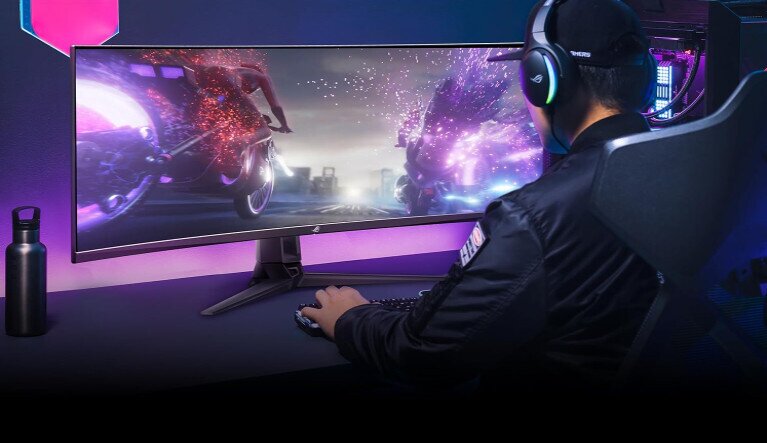
Price: $899 – $1499
Dimensions: 27, 42, 48, and 49-inch versions
Refresh Rate: 144HZ
Resolution: 5120 x 1440 Pixels
Pros
- Variety of sizes, from a small OLED monitor to a whopping 49-inch size
- Custom heatsink
- Thermal pad
- Graphene film
- Curved and ultra-wide
- Improved airflow for heat management
- 1000 nits peak brightness for high perception
- DCI-P3 gamut
- Built-in ROG smart KVM, which automatically switches a mouse and single keyboard between two devices
- 3-month free Adobe Creative Cloud trial
- AMD FreeSync Premium Pro technology
- NVIDIA G-SYNC compatible
- 3-year warranty
- OLED 144 Hz monitor means it’s fast
Cons
- A small subset of users say it developed grid lines and needed to replace it
- Occasionally has the defect of a dead pixel/pixels and must be replaced under warranty
- Some users have experienced a faulty 90W power adapter
Loved by thousands of gamers, the ASUS OLED monitor has been praised for its high-speed response time and crystal clear graphics. Because it comes in a variety of sizes, there is a wide range of price points that correspond to fit your needs. One of the best features is the 3-year warranty. There have been reports of defects here and there, upon testing the monitor. Luckily, the warranty is highly effective so you can swap it out quickly and replace it with ease. Overall, these defects are uncommon, but if you do run across one you have a fix ready.
Alienware 34 Curved QD-OLED Gaming Monitor – AW3423DW
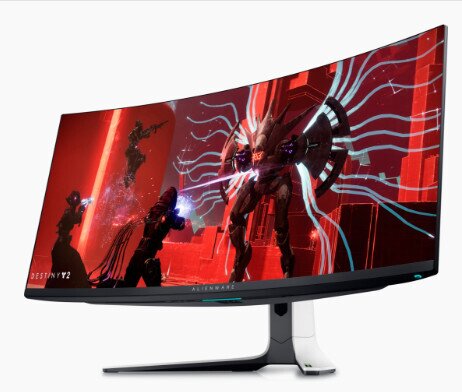
Price: $899.99
Dimensions: 34 inches
Refresh Rate: 175HZ
Resolution: 3440 x 1440 Pixels
Pros
- Lightning-fast refresh rate
- Curved monitor improves field of vision
- 0.1ms gray-to-gray response time eliminates motion blur
- Lunar light
- Efficient power consumption of 200 watts max
- Designed to avoid burn-in screen
- Low-blue light emissions protect your eyes
- Cable management storage/features to hide unsightly cables
- Quantum Dot display gives a greater color gamut range and higher luminance
- NVIDIA G-SYNC Ultimate support eliminates screen tearing
Cons
- No internal speakers or 3.5mm audio jack so you have to use Bluetooth or USB ports for speaker connection
- Some users report bright pixel defects or dead pixels
- Though it has a 3-year warranty, it is limited. Returns must be within a 30-day window
- Users claim that Dell’s policy is to allow up to 5 broken pixels without replacing
- Many users claim they are sent previously used monitors, with pet hair, hand prints, etc.
When it comes to products these days, one of the biggest complaints is a lack of customer service and quality assurance. All the monitors on this list have similar user gripes for that, and Alienware is no different. Barring that, users love the stunning visuals, super fast responsiveness (great for PvP), easy connectivity, and tailored customization settings. The quality is clearly revered. Just be sure to thoroughly test the monitor upon receiving it, look into the warranty, and check for defects upon arrival. Otherwise, this is a strong contender for the best OLED gaming monitor.
Special Mention: If you’re looking for the best 4k OLED gaming monitor, Alienware has a similar option, the Alienware 32 4K QD-OLED Gaming Monitor – AW3225QF. It’s equally loved by users, but it’s a great deal more expensive.
AOC Agon PRO AG276QZD 27″ OLED Tournament Gaming Monitor
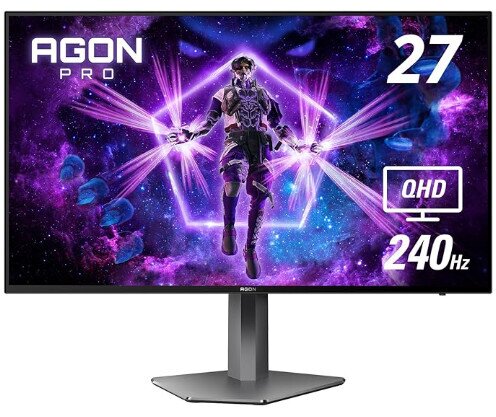
Price: $643.39
Dimensions: 27 inches
Refresh Rate: 240 Hz
Resolution: 2560 x 1440 Pixels
Pros
- At 240HZ refresh rate, it has far more speed than many on this list
- Lighting options for the back of the monitor in various colors
- 2K Quad HD resolution
- Frame rate of up to 120HZ
- Wide variety of connectivity options, including 3.5mm audio, HDMI, USB, etc.
- Pivoting monitor stand
- Stellar 4-year warranty, including zero-bright dot guarantees and 1-year accidental damage coverage
- Fluid graphics with AMD FreeSync Premium
- Low input lag
- Frameless design means you can customize and synchronize with other Agon monitors for a massive gaming visual field
- Significantly lower priced
Cons
- Contrast visuals aren’t as sharp as other monitor brands
- Lack of fine-tuned settings other brands have
- Some users report minor backlight bleed on the screen
- Warranty customer service has long wait times/difficult to get a hold of
- Minor ghosting issues, though many claim issues can be improved by adjusting settings
The Agon Pro’s biggest win is in the price. You get fast responsiveness, a smooth picture, and a great warranty for hundreds less than other brands. That said, it won’t be quite as sharp or vibrant as others. The graphics are still considered great, you just need to adjust settings to get it where you like. This is good for a more casual gamer who wants great visuals at a lower cost.
As always, quality control and customer service are the biggest horrors here. The difference is, that when you do get a hold of someone, they have a much more lenient return/refund policy. Note: If you plan to return through Amazon, keep the original packaging or it may be denied.
KTC 27 Inch OLED Gaming Monitor
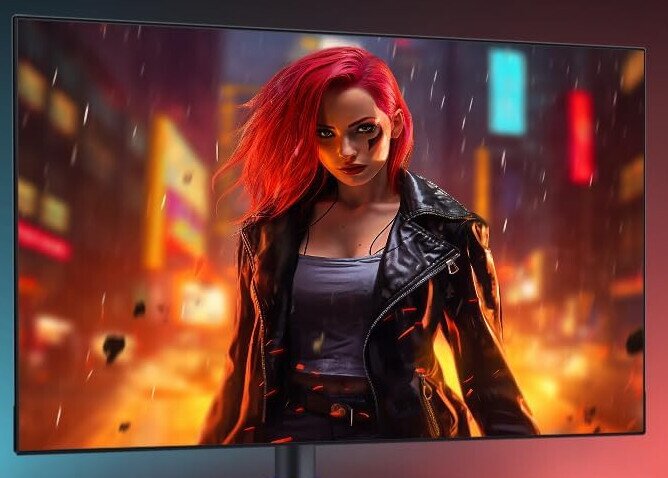
Price: $899.99
Dimensions: 26.5 inches
Refresh Rate: 240HZ
Resolution: 2560 x 1440 Pixels
Pros
- Anti-burn-in technology
- Fast 240HZ refresh rate
- .03ms Response time
- FreeSync supported and G-Sync compatible
- Blue light protection
- 10Bit display color
- Supports KVM and 100×100 mm VESA mount
- Built-in speakers
- Remote control
- Nano-texture glass screen
- 136% sRGB color Gamut
- Lower priced
Cons
- Settings aren’t intuitive and must be adjusted to get the best picture
- Has occasionally been reported to die after a year or so, though replacements through the warranty are successful. However, it can take up to a month to replace
- Speaker sound isn’t quality
- Cheap monitor stand
- Can be fussy to get to work with next-gen consoles, like PS5
KTC’s OLED monitor is widely praised for picture quality and price. Hundreds less than many other versions, many find this a happy medium between a quality monitor and not breaking the bank. The biggest complaint is the need to make a lot of fine-tuned adjustments to get the right picture you want. How good it looks will depend on how much you’re willing to tweak it. That means it’s not beginner friendly, but those with more experience love it. The anti-burn-in tech is especially important for frequent gamers who want to avoid permanent screen damage.
KOORUI 27 inch OLED Gaming Monitor
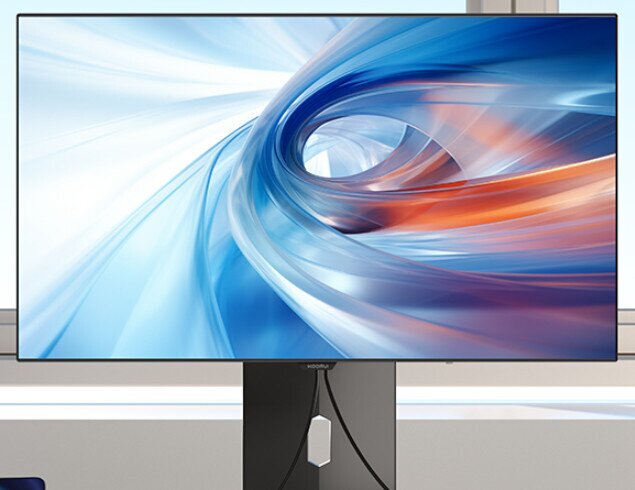
Price: $799.99
Dimensions: 27 inches
Refresh Rate: 240 HZ
Resolution: 2560 x 1440 Pixels
Pros
- 16:9 cinematic aspect ratio
- High-speed refresh rate
- AdaptiveSync technology
- 90W Type-C reverse charge between compatible devices
- .03ms GtG response time
- 3-year paid warranty
- LED light on the back
- VESA mount support
- Built-in speakers
- Lower priced
Cons
- Difficult to contact customer support
- Some complaints about longevity
- Tricky to activate the speakers
- Speaker quality isn’t great
Like other monitors, the biggest complaints are with product longevity, though most users have good luck with it. They love the sharpness of the graphics and the reasonable price. While there is agreement that the speaker quality isn’t the best, it has plenty of ports to use external speakers, which is what most buyers do. This is a great lower-cost monitor that gives you gorgeous screen quality, crazy low response time, and a generous warranty if something does go wrong. The LED-lit back provides the perfect mood for gamers who want to make their set-up snazzy.
What to Look for in a Gaming Monitor
Breaking down the best OLED gaming monitor means understanding its features. Here’s a rundown.
Resolution
Display resolution is the number of pixels used to make up an image on your monitor. The higher the number, the sharper the quality. Here are common resolutions from baseline to advanced:
- 1920 x 1080 pixels (1080p) Your baseline full HD
- 2560 x 1440 pixels (1440p) is QHD (quad HD)
- 3840 x 2160 pixels (4K UHD) UHD is ultra high definition
Much of modern content is available in 4K, and gamers who use PS5 or Xbox Series X will appreciate these stunning graphics. PC gamers, however, often like QHD as it balances great graphics without bogging down computer performance. If you’re looking to pair your new monitor with a portable setup, check out our guide to the best gaming notebooks for high-performance options.
Aspect Ratio
This is the ratio between an image’s