How to Hide IP Address and Stay Anonymous Online
Editor's Pick October 2026

If you value online privacy, learning how to hide your IP address is the essential first step — and a VPN is the most reliable tool for the job. IP addresses allow computers to exchange information. With an IP attached to each piece of data, it’s easy to locate the source and destination of information. That same marker can trace requests back to their origin, turning data transmissions into homing beacons for users. We’ll walk you through how to hide your IP address, stay private, and cover recommended providers that you can trust.
Hide any trace of your IP and activity online with these secure VPNs:
- NordVPN – Best for IP Spoofing – When it comes to virtual IP addresses, NordVPN is the king. Their massive server network is constantly growing and updating, faking your IP then locking it down with unbreakable encryption.
- Surfshark – NSA-grade encryption, advanced tunneling, obfuscation, static IPs, and more.
- ExpressVPN – Dynamic rotating IP addresses, split tunneling, and some of the fastest network speeds anywhere.
- PureVPN – The broadest selection in terms of countries you can spoof, impressive censorship-busting capabilities.
- IPVanish – One of the most trusted methods of completely hiding your activity online; loved by torrenters.
- VyprVPN – Self-owned server network for total oversight, unique Chameleon protocol for beating censorship and surveillance.
- Private Internet Access – An inexpensive, widely-used VPN provider with plenty of servers.
What are IP addresses?
An IP address, (internet protocol address), is a number assigned to devices when they connect to a network. Every device that logs onto the internet is given an IP address, from computers to tablets, phones, gaming consoles, even smart TVs. That includes phone IP addresses, which can reveal just as much about your connection as any desktop device. IPs mark devices for data delivery similar to putting an address on a package and shipping it through the mail.
The most recognizable type of IP address is a public IP address, a series of numbers separated by decimals (e.g. 203.0.113.24). The older IPv4 format uses four sets of numbers like this, while the newer IPv6 format uses a longer string of alphanumeric characters — and IPv6 addresses are increasingly relevant because an unmasked IPv6 address can leak your identity even when you think you’ve managed to hide your IP address. These are assigned by internet service providers (ISPs) which act as a middleman between you and the internet. Here’s how it works:
- You request a website from your browser
- Your computer sends that request through your ISP
- ISP pulls the information from the web and sends it back to you
- Every request is stamped with your public IP so the ISP knows where to deliver the information
Your public IP address improves various services. For example, once you log into a website like Netflix, you don’t have to re-enter your information every single time. Sites keep you logged in primarily through cookies or authentication tokens stored in your browser, with your IP sometimes used only as a secondary security signal — not as the main identifier.
IPs have some disadvantages. When a website sees your public IP, it can infer your approximate geographic location and your Internet Service Provider — but not your precise street address or operating system. Importantly, your MAC address (a hardware identifier assigned to your network adapter) is never exposed across the public internet; it stays within your local network.
IP addresses and tracking
In addition to helping identify your physical location, an IP address can compromise your online identity and keep tabs on your online activities. Many websites track and store your IP to see what you do online. If a travel website sees you checking out a ticket over and over again, they might hike prices up to pressure you into making a purchase. Services, like Facebook, might check your IP to show you ads and content that keeps you on their website (or persuades you to buy from a third party). Over time, a business can learn all about your habits. Your data can also be collected or sold to third parties without your permission, which is why it’s worth understanding IP tracking laws. This is one of the key reasons many users choose to hide their IP address.
How can an IP address be abused?
Some examples of IP address abuse:
- Doxxing (finding your personal information/location)
- Websites/service providers storing your internet history
- Data legally being sold to third parties without your permission
Advantages of hiding your IP address
Other benefits when you hide your IP address:
- Bypass censored content – Many governments and businesses censor content from users, making it impossible to access websites they deem inappropriate or illegal. When you hide your IP address, you circumvent these restrictions.
- Reduce tracking and surveillance – ISPs, websites, and eavesdropping hackers can easily gain access to your browsing history and track your location. Hiding your IP address masks your network location from sites and services, making it significantly harder to profile you by IP alone.
- Access streaming videos blocked in your country – IP addresses are used to geo-locate devices connected to the internet. If Netflix blocks particular content in your country, you won’t be able to stream those videos. By choosing to hide your IP address, you fool these websites into thinking your location is elsewhere, allowing you to watch region-locked content.
What hiding your IP does not do — important limits to understand:
- It doesn’t make you anonymous if you’re signed in. Websites still know exactly who you are the moment you log into an account. A hidden IP only masks your network location, not your identity.
- Your ISP can still see you’re using a VPN. Even though your ISP can’t read the contents of your encrypted traffic, it can see that you’re connected to a VPN server. It simply can’t see what you’re doing inside that tunnel.
- It doesn’t stop malware, phishing, or unsafe downloads. A hidden IP provides no protection against malicious software or deceptive websites. You still need up-to-date security software and careful browsing habits.
- Cookies, browser fingerprinting, and device identifiers can still track you. Sites and advertisers use a range of techniques beyond IP addresses — including browser fingerprinting and tracking pixels — that are unaffected by a VPN alone. True privacy requires combining IP hiding with tracker blocking, private browsing habits, and leak prevention.
Best Ways to Hide Your IP Address
1. Use a VPN to Hide Your IP Address
The most effective way to hide your IP address is to use a virtual private network. VPNs work like a tunnel between your device and the internet. Every byte of traffic is encrypted before it leaves your computer, turning data into unreadable packets of information. These travel through your ISP and straight to the VPN provider. The VPN then assigns the data a new IP address, not associated with your location or identity, and in some cases you can even use a single-use VPN IP for extra privacy.
VPNs protect your IP by:
- Giving you a borrowed IP address so your online activities are attributed to that IP
- Providing extra features. For example, a DNS leak test makes sure that your Internet Service Provider isn’t tracking your online activities. All VPNs encrypt your data, which gives you extra security and anonymity.
Using a VPN is one of the most reliable ways to hide your IP address and reduce your exposure online, ensuring your real IP address and network location remain hidden from sites and services — though keep in mind that full privacy requires combining a VPN with tracker blocking and careful browsing habits.
Here are the criteria we used to find the best VPNs:
- Server distribution – VPNs operate wide networks of servers around the world. The more servers available, the more options and better chance of having a fast connection
- Device connectability – Many VPN services restrict the number of devices that can access their network at once. We chose providers that allow at least three simultaneous devices.
- Unlimited server switching – Some VPNs limit the number of times you can switch servers per day, meaning you could be stuck with a slow connection or an unfit IP address. All our suggested VPNs have unlimited server switching.
- Kill switches and DNS leak protection – During the few moments when your VPN software is reconnecting, your standard connection could reactivate, sending your real IP across the network. To prevent this, good VPN providers lock down the network to ensure your identity is never leaked. It’s also important to protect against WebRTC and DNS leaks that can expose your real IP address even when connected to a VPN.
- Logging policy –. All of your data passes through a VPN’s servers and can be stored. If government agencies demand the VPN turn over data, they often have to comply. No logs kept means there’s no data to be shared.
2. Proxy Services
Anonymous proxy services are similar to a VPN because they let you choose which country your anonymous IP address will be associated with. The proxy requests web information on your behalf and relays it to you without divulging your location, which can be useful if you specifically need a Turkmenistan IP address. Proxies can help you hide your IP address in a pinch, though they come with notable limitations that are worth understanding before you rely on them, especially when it comes to torrent IP exposure.
Key differences between proxies, VPNs, and Tor:
- Browser proxies only cover browser traffic. Most proxy browser extensions route only your browser’s traffic through the proxy server — other apps on your device, such as email clients or torrent software, continue using your real IP address.
- HTTP and SOCKS proxies typically lack full-tunnel encryption. Unlike a VPN, most proxies do not encrypt your traffic end-to-end. This means your data is still readable to your ISP and anyone else monitoring the connection between you and the proxy server.
- DNS, IPv6, and WebRTC leaks remain a real risk. Because proxies don’t handle your device’s DNS queries or IPv6 traffic by default, your real IP address can still be exposed through these channels even when the proxy is active.
- Free proxy services carry additional risk. Free proxies can log your traffic, inject ads, or expose your data to third parties. Use them with caution, especially on public Wi-Fi or for anything sensitive.
When to use each option: Choose a proxy for quick, low-stakes location switching or basic geo-unblocking where privacy isn’t a priority. Use a VPN for everyday privacy, security on public Wi-Fi, and full-device protection. Turn to Tor when you need stronger anonymity, and are willing to accept significantly slower speeds in exchange.
3. Tor
The Tor network/Tor browser work by using onion routing to encapsulate your data packets in layers of encryption before passing it through a series of nodes. Each part of the network peels back a layer of encryption, revealing the next destination for the packet. When the final layer is decrypted the data will reach its location, leaving no trace of the data’s origin or the randomized path it took through the Tor network.
Tor does an amazing job helping you hide your IP address from websites and surveillance. Unfortunately, speeds are quite slow, so things like streaming Netflix or torrenting are impractical. For everyday privacy needs, a VPN remains the more balanced choice, especially if you’re looking for hidden IP streaming VPNs.
4. Switching Networks
IPs don’t follow devices around, so to get a different IP you just connect through a different hotspot. Any public Wi-Fi network will do, including the local library, coffee shop, or even a friend’s house. Once you log in you’ll be given a unique IP address that isn’t tied to you, though without a VPN your IP is still visible. Be sure to read up on the security risks of public networks before heading down to your local coffee joint.
How to Check if Your IP Address is Really Hidden
Connecting to a VPN or proxy doesn’t automatically guarantee your real IP is invisible. DNS leaks, IPv6 leaks, and WebRTC vulnerabilities can expose your true identity even when you think you’ve successfully managed to hide your IP address. Here’s how to verify that everything is working correctly, on both desktop and mobile:
- Connect to your VPN or proxy and make sure the app confirms an active connection before you test anything.
- Visit an IP test site such as ipleak.net in your browser. The page will immediately display the IP address and country that websites currently see.
- Confirm the visible IP and country match your chosen VPN server. If you connected to a server in the Netherlands, the test should show a Netherlands IP — not your home country.
- Run the DNS leak test on the same page. Check that none of the DNS servers listed belong to your ISP. If your ISP’s DNS servers appear, your VPN has a DNS leak and your provider can still see which websites you’re visiting.
- Check for IPv6 leaks. If your home IPv6 address appears in the results, your VPN does not fully support IPv6. Either enable IPv6 leak protection in the VPN app’s settings, or switch to a provider with full IPv6 support.
- Check for WebRTC leaks in your browser. WebRTC is a browser feature that can reveal your real IP even when a VPN is active. Tools like ipleak.net include a WebRTC check. If your real IP appears here, disable WebRTC in your browser settings or install a WebRTC-blocking extension.
- If anything leaks, take action. Enable your VPN’s built-in leak protection settings, disable WebRTC at the browser level, or switch to a VPN that offers full IPv6 and DNS leak prevention by default.
Make a habit of repeating this check after switching VPN servers, reinstalling the VPN app, or updating your operating system or browser — any of these events can reset settings in ways that silently reintroduce leaks.
How to Hide Your IP Address on Your Mobile Device
Here are our tips for using VPNs on smart devices and how to hide your IP address on the go. If you’re looking for carrier-specific recommendations, this T-Mobile privacy VPN list is a useful place to start.
Using A VPN App on an Android
The app you use to connect to your VPN depends on the VPN provider that you choose. However, the general principles of these apps are all the same. Android VPN apps make it straightforward to hide your IP address with just a few taps.
When you open a VPN app for Android, you will not yet be connected to the VPN. First you need to find the list of servers available in the VPN. Often this is a separate tab in the form of a list or server map.
Once you choose the server that best meets your needs, click on the name of the server. You should see a message that you’re connected and an indicator the VPN is running, usually a green light or icon. You will also see a key symbol in your Android status bar.
Using A VPN App on an iPhone and iOS
It’s easy to hide your IP address on an iPhone or iOS device:
- Choose a VPN and start a subscription
- Download the VPN app. Most services provide links to the iTunes App Store
- Launch the VPN on your iPhone and enter your login details
- Choose the VPN’s quick connect option to connect to a recommended server
- Open a web browser on your device and go to ipleak.net
- Run an IP address lookup
- If the box beneath “Your IP address” shows a country other than the one you’re in, the VPN is working correctly and you have successfully managed to hide your IP address
Best VPNs to Hide Your IP Address
1. NordVPN
Pros
- Super-fast, stable connections
- Up to 10 simultaneous connections
- Double data protection
- Money back guarantee
Cons
- Sometimes certain servers are unreliable
- Apps can be cumbersome
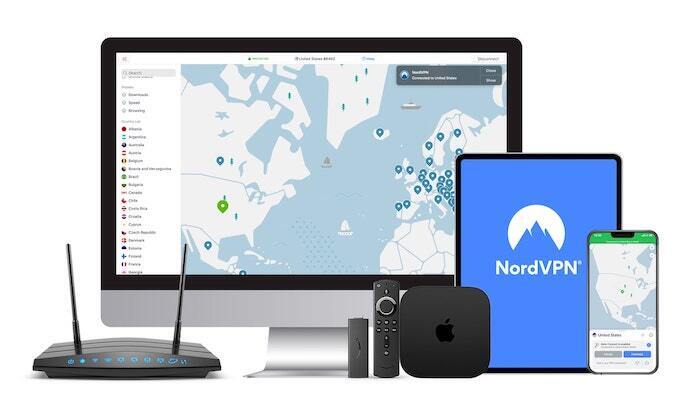
NordVPN delivers one of the world’s most robust server networks. With 6400+ servers in 110 countries, you’re spoiled for choices when you want to hide your IP address. NordVPN shrouds your connection with unbreakable 256-bit AES encryption. Their apps come standard with a kill switch and DNS leak protection. Panamanian jurisdiction ensures their strict no-logging policy, free from government pressure. They also offer a CyberSec toggle for enabling ad blocking and anti-malware.
2. Surfshark
- Robust servers blast through geo-blocks
- 3200+ servers worldwide
- P2P-friendly, with private DNS and obfuscation
- Simple app interface
- VPN home jurisdiction in British Virgin Islands is ideal for privacy
- 24/7 live chat
Cons
- Still maturing their server network compared to other providers
- Can have confusing pricing models
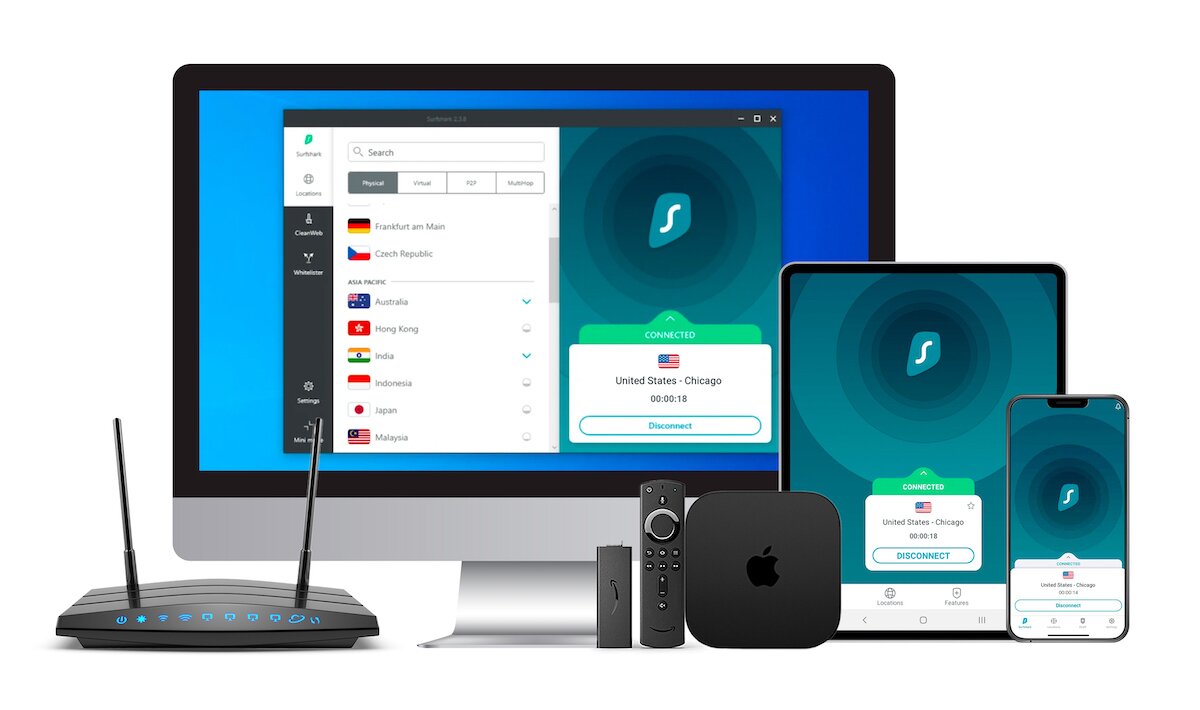
Surfshark launched in 2019, but it’s one of the most respected providers on the market for users who want to hide their IP address. Their privacy provisions include 256-AES-GCM encryption and OpenVPN, IKEv2/IPSec, WireGuard tunneling protocols. Their RAM-only server network prevents retention of user metadata. Connections hide your VPN traffic and there are static IP and multi-hop connections available. Surfshark has one of the industry’s best no-logging policies, and never limits the number of simultaneous connections.
3. ExpressVPN
Pros
- Unblocks US Netflix and other streaming services
- Fast servers with minimal speed loss
- OpenVPN, IPSec & IKEv2 Encryption
- Strict no-logs policy
- 24/7 Chat Support
- Up to 8 simultaneous connections
Cons
- Slightly more expensive than some other options
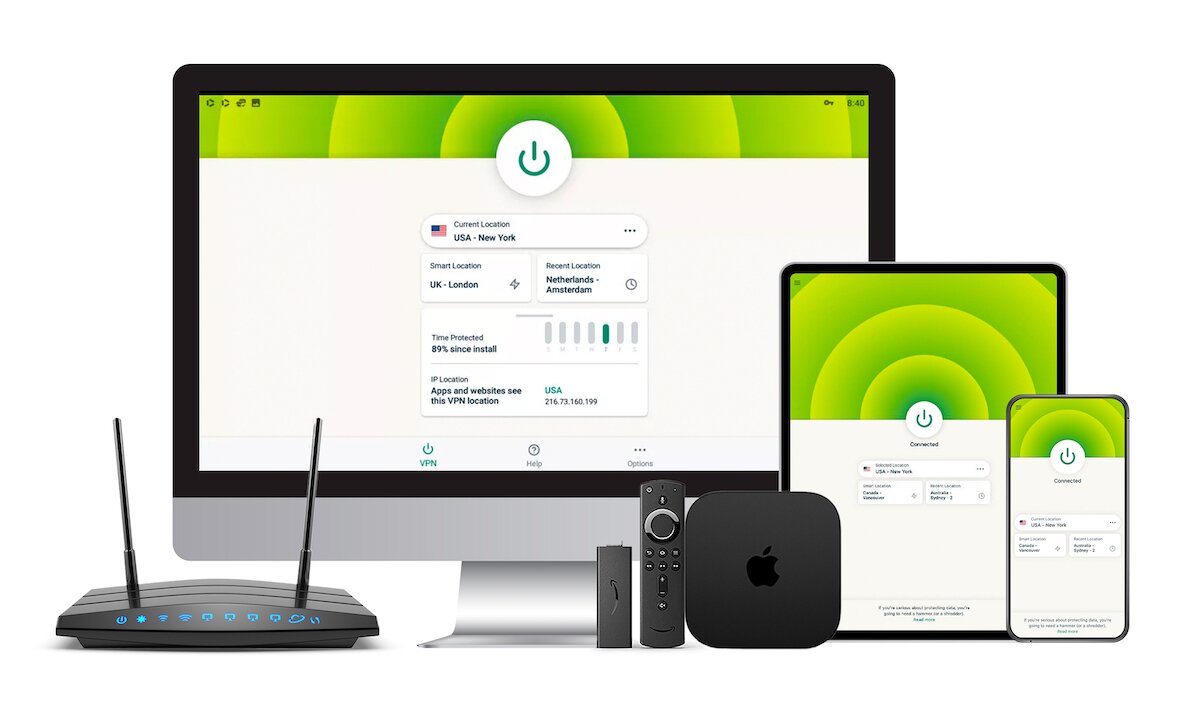
ExpressVPN consistently ranks as one of the fastest and most secure VPN providers for those who want to hide their IP address. They deploy a network of over 3,000 servers in 105 different countries. You can switch servers as often as you like and connect up to eight devices at a time, including smartphones, tablets, and gaming consoles.
Privacy features include DNS leak protection, a kill switch, and no logs. Coupled with unlimited bandwidth and no restrictions on traffic types, you’ve got a great VPN service that can even provide regular access from countries like China and Turkey.
4. PureVPN
Pros
- Up to 10 simultaneous connections
- Can add on password manager feature
- Can select specific apps to use with the VPN
- Compatible on any device
- Supports torrenting
- Competitively priced
Cons
- Pricing can be confusing
- Not as many additional features as other VPNs
- Can have lower speeds
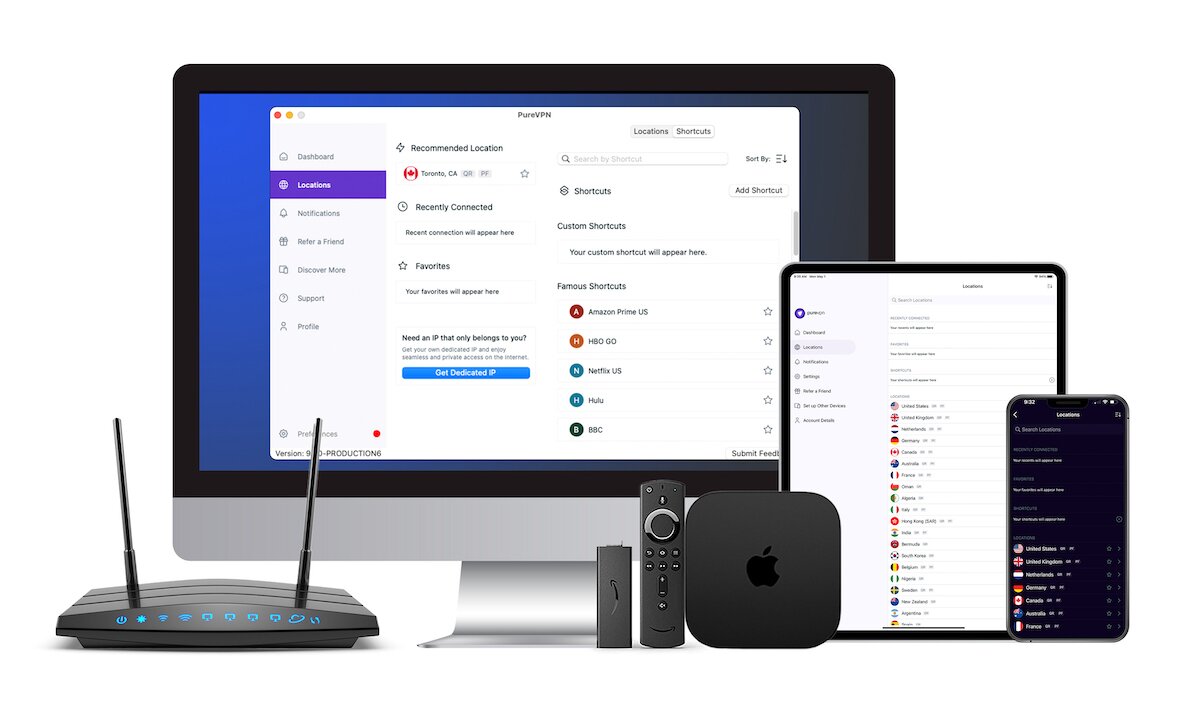
PureVPN is great for anyone looking to hide their IP address effectively. It has 6000+ servers in 80+ locations world-wide. Unlimited server switching is also available, along with a zero-logging policy, unlimited bandwidth, DNS leak protection, and a quick kill switch.
One of their best features is the “Virtual Router” software. This turns your computer into a virtual hotspot, allowing you to connect up to ten devices at once.
5. IPVanish
Pros
- Privacy policies are transparent
- Good server selection
- Threat protection add-ons
- A range of connection protocols
- Competitive speeds
- SOCKS5 proxy
Cons
- Can be more expensive
- Based in the U.S. so subject to U.S. privacy laws
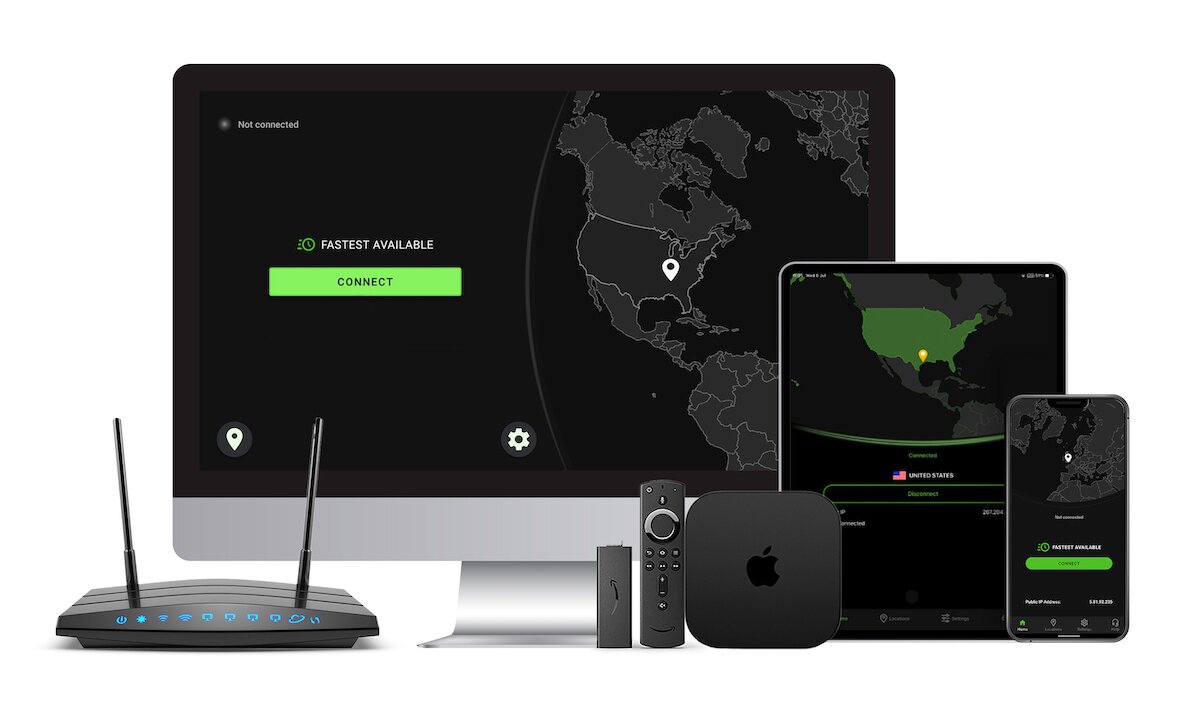
IPVanish is a reliable option for users who want to hide their IP address and keep their online activity completely private. With a transparent no-logs policy, a wide server selection, and strong encryption protocols, it’s a solid choice for both beginners and experienced VPN users alike.
If you need a VPN for a short while when traveling for example, you can get our top ranked VPN free of charge. NordVPN includes a 30-day money-back guarantee. You will need to pay for the subscription, that’s a fact, but it allows full access for 30 days and then you cancel for a full refund. Their no-questions-asked cancellation policy lives up to its name.

